Quick answer
Crop a chat screenshot to the smallest conversation segment that answers your question, and remove identity details before upload.
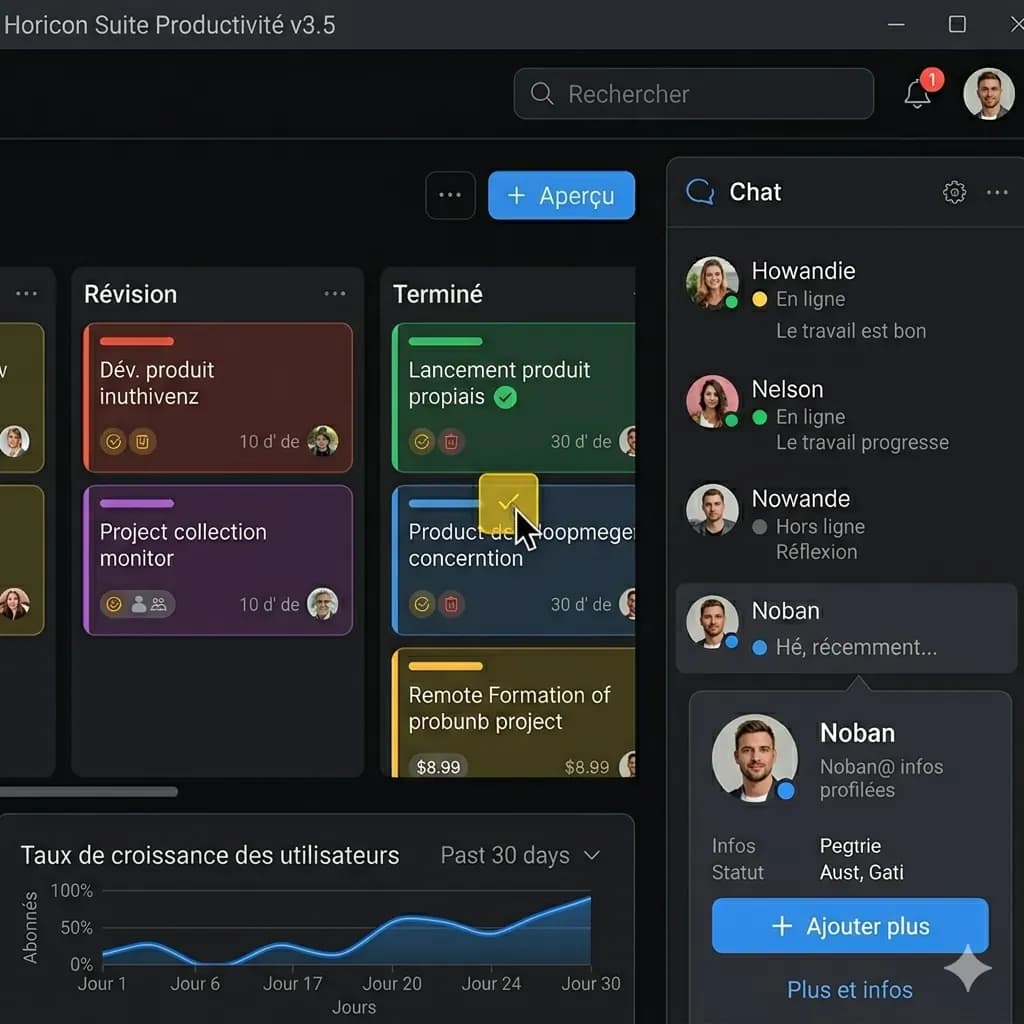
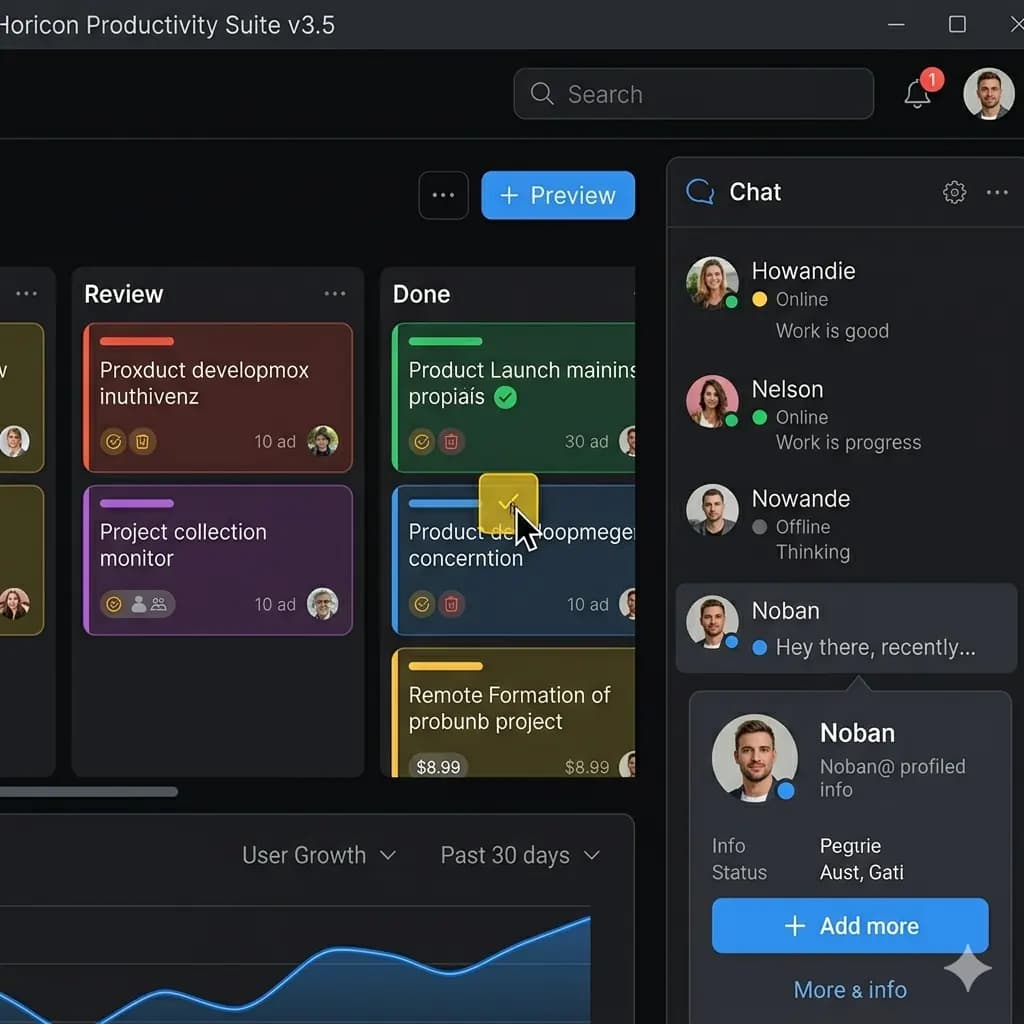
A screenshot is a user interface, conversation, or sequence of panels rather than a loose block of text. A useful English result keeps labels, buttons, bubbles, warnings, and content cards attached to the correct screen region.
- Create a redacted copy
- Check the crop for hidden notifications
- Translate the conversation segment
Ready to test this workflow on your own image?
Prepare the source before translation
Review the status bar, profile header, avatars, phone numbers, email addresses, order references, and quoted messages before processing.
Keep an untouched copy of the source beside every crop or page so the English result can always be checked against the original.
- Redact names and account identifiers
- Crop to the relevant message group
- Keep reply arrows and timestamps when they matter
Step-by-step translation workflow
Keep enough of each bubble and reply indicator to show who said what, but exclude unrelated history above and below the target exchange.
Open Translate Screenshot to English, upload the prepared source, translate it to English, and download each result only after the visual structure has been reviewed.
- Create a redacted copy
- Check the crop for hidden notifications
- Translate the conversation segment
- Verify speaker and message order
Quality review checklist
Review the English image beside the original. Accuracy includes text meaning, numbers, labels, and whether each translation still belongs to the correct visual region.
| Review area | What to check | Action if it is wrong |
|---|---|---|
| Speaker | Each bubble belongs to the right person | Compare bubble color and alignment |
| Sequence | Replies and timestamps remain in order | Review from top to bottom |
| Privacy | No unnecessary identity detail remains | Redact and re-upload if needed |
Limits and safety notes
A technically accurate translation can still be misleading when a reply marker, reaction, deleted message, or timestamp is separated from its bubble.
Screenshots can contain names, account details, order numbers, notifications, or private conversations. Crop or redact anything that is not needed before uploading. Images are processed temporarily and deleted after 24 hours.
- Names or phone numbers in the header
- Private notification previews
- Quoted replies without context
- Reactions mistaken for message text
Related tools
Translate Screenshot to English
Translate app, game, chat, mobile, and web screenshots while keeping the screen structure readable.
App Screenshot Translator
Translate app screens, settings, onboarding, and dialog boxes.
Game Screenshot Translator
Translate game menus, dialogue, quests, and item descriptions.
Layout-Preserved Image Translator
Keep labels and translated text near the visual region they describe.
Related guides
How to Translate a Game Screenshot and Keep the UI Readable
Use a layout-preserved workflow for RPG dialogue, visual novels, quest screens, item descriptions, menus, and foreign-language game settings.
How to Translate an App UI Screenshot to English
Translate mobile or desktop app screens without separating labels from buttons, tabs, dialogs, toggles, and navigation structure.
How to Translate a Long Screenshot Without Losing Context
A practical workflow for translating scrolling screenshots, long chat captures, product pages, and mobile screens without turning the result into an unreadable strip.
FAQ
Should I upload a private conversation?+
Only upload the minimum redacted segment you need. Do not process sensitive conversations if temporary server processing does not meet your privacy requirements.
Can I try this image translation workflow for free?+
Yes. Sign in to receive 20 free welcome credits once; standard image translation starts at 10 credits.
Will the English result preserve the original layout?+
The workflow is designed to render translated text back into the image while keeping it near the original visual region. Clear, well-cropped sources produce the most reviewable results.
Try it with your own image
Upload a real image and get an English result with the layout preserved where possible.