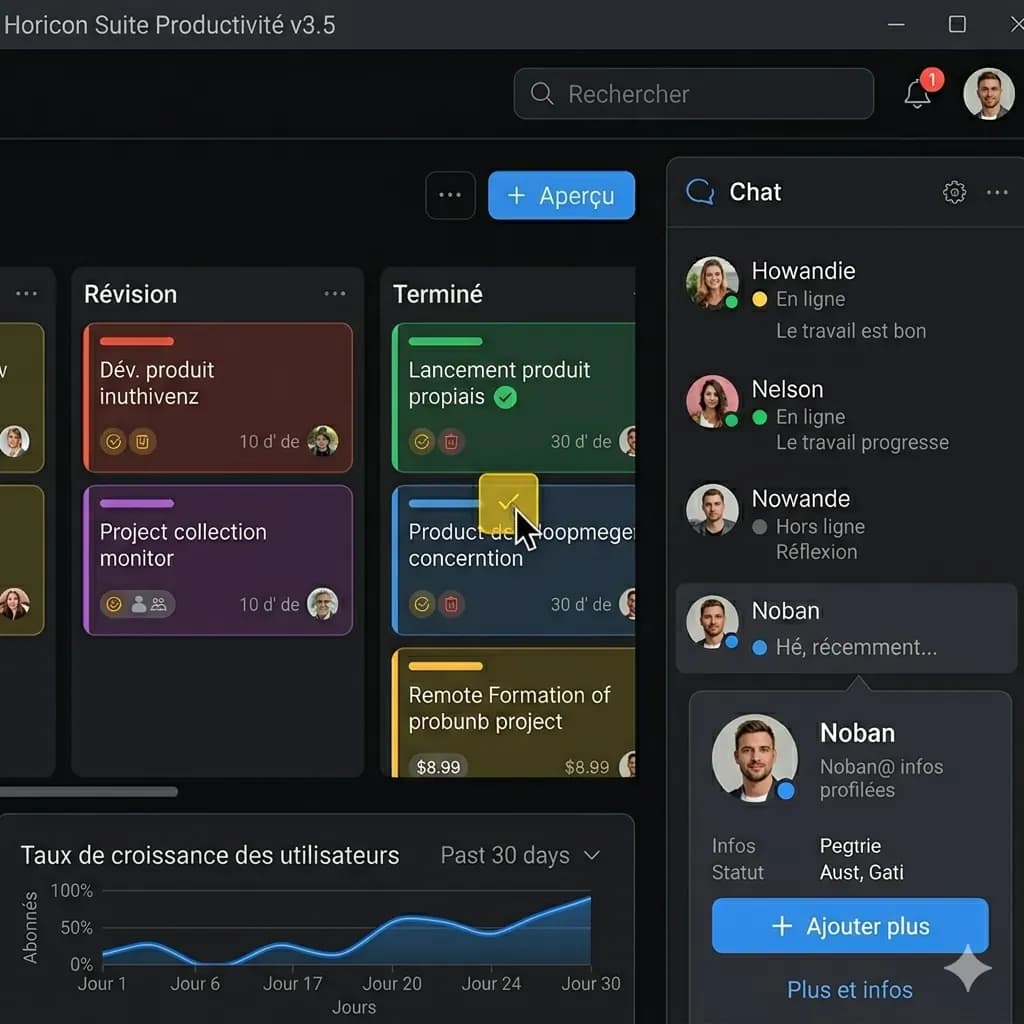
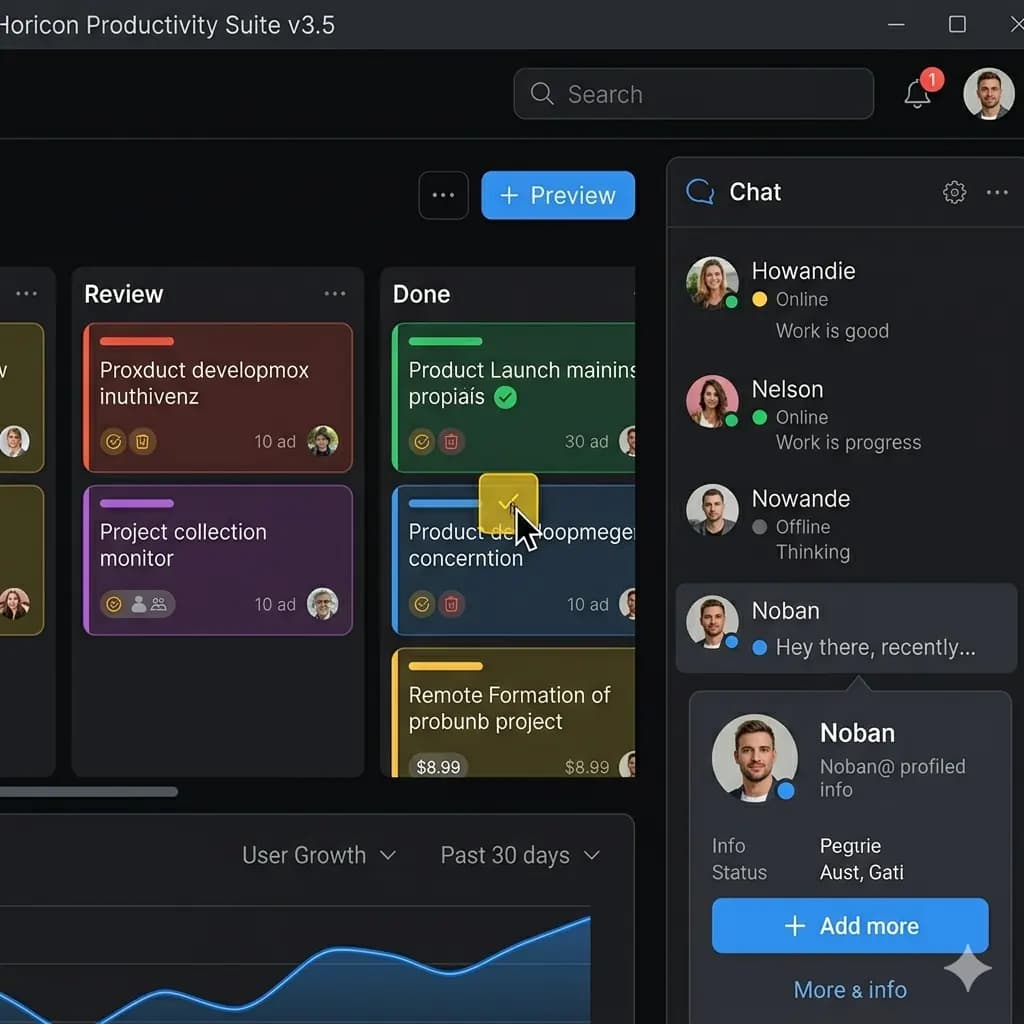
Screenshot translated to English
Translate app screens, game captures, chats, and web pages while keeping UI context readable.
Upload a game screenshot and translate menus, quests, dialogs, item text, and UI labels into English.
For game menus, dialogs, settings, quest text, item descriptions, gacha screens, and UI overlays.
JPG, PNG, WebP up to 10MB. Translate screenshots, manga pages, menus, and product images without losing layout.
This page is structured around screen regions: buttons, bubbles, panels, warnings, and compact mobile text. The goal is to keep translated text attached to the original UI.
Translate app screens, game captures, chats, and web pages while keeping UI context readable.
Game text usually belongs to buttons, quests, item panels, menus, or overlays. Layout-preserved translation keeps labels connected to the right UI element.
Translate character dialog, quest text, tutorials, and story prompts.
Understand settings, buttons, item screens, and system messages.
Translate stats, rewards, shop text, and inventory labels.
Translate phone screenshots without losing UI structure.
Use a clear app, phone, game, chat, or social screenshot with readable UI text.
The tool identifies labels, bubbles, buttons, panels, and message order before translation.
English text is placed close to the original UI element so the screen remains understandable.
Check important buttons, dialog text, and conversation order before saving the translated screenshot.
Game text usually belongs to buttons, quests, item panels, menus, or overlays. Layout-preserved translation keeps labels connected to the right UI element.
Use the original screenshot resolution when possible and avoid motion blur for better detection.
Images are processed temporarily and deleted after 24 hours.
Yes. Upload a clear game screenshot and translate visible text into English.
Yes. Mobile game screenshots are a strong use case when text is sharp.
Yes. Quests, item text, rewards, dialogs, and menu labels can be translated when readable.
The translated result keeps text close to the original UI placement where possible.
Static menus and dialog screens work better than blurred action scenes.
Translate app, game, chat, and web screenshots.
Open toolFocus on app UI, settings, onboarding, and mobile screens.
Open toolTranslate screenshots, manga, menus, signs, and product images.
Open toolUse a downloadable translated image workflow when layout matters.
Open tool