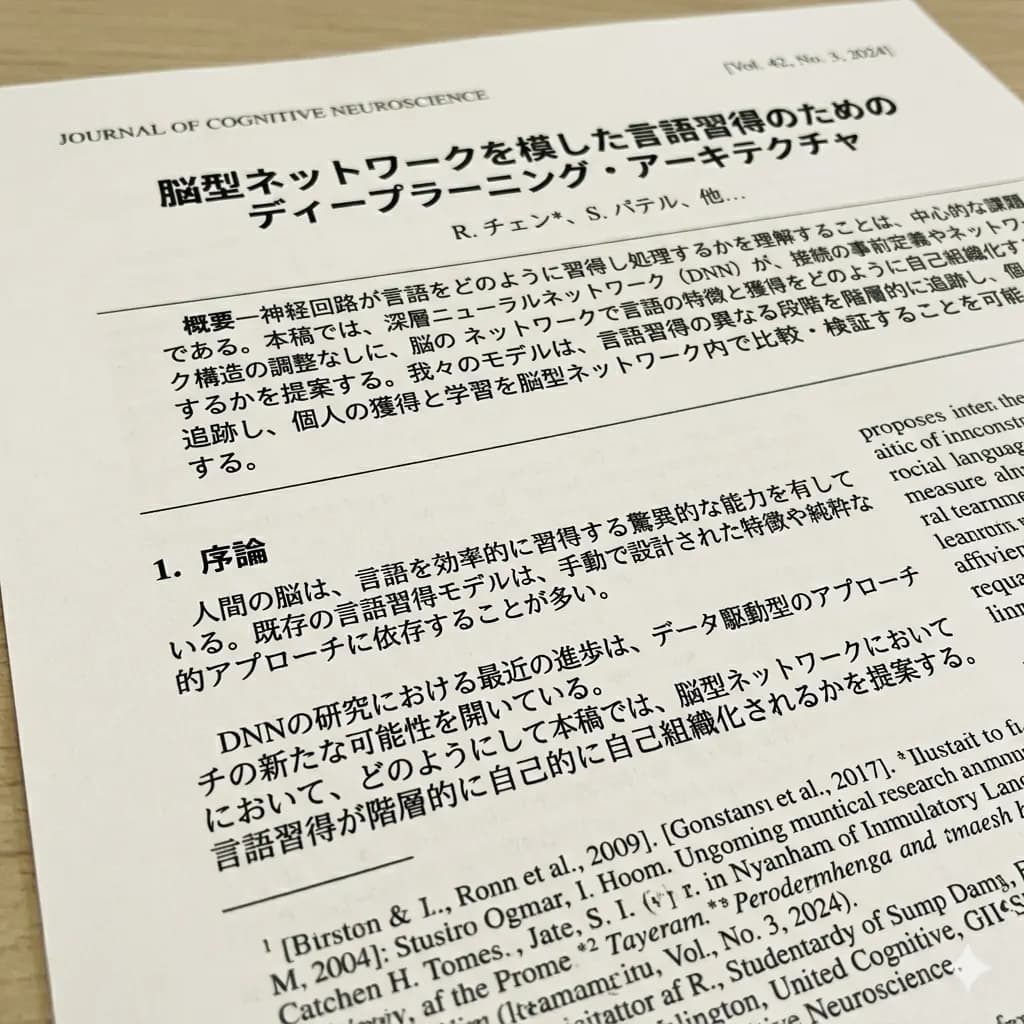
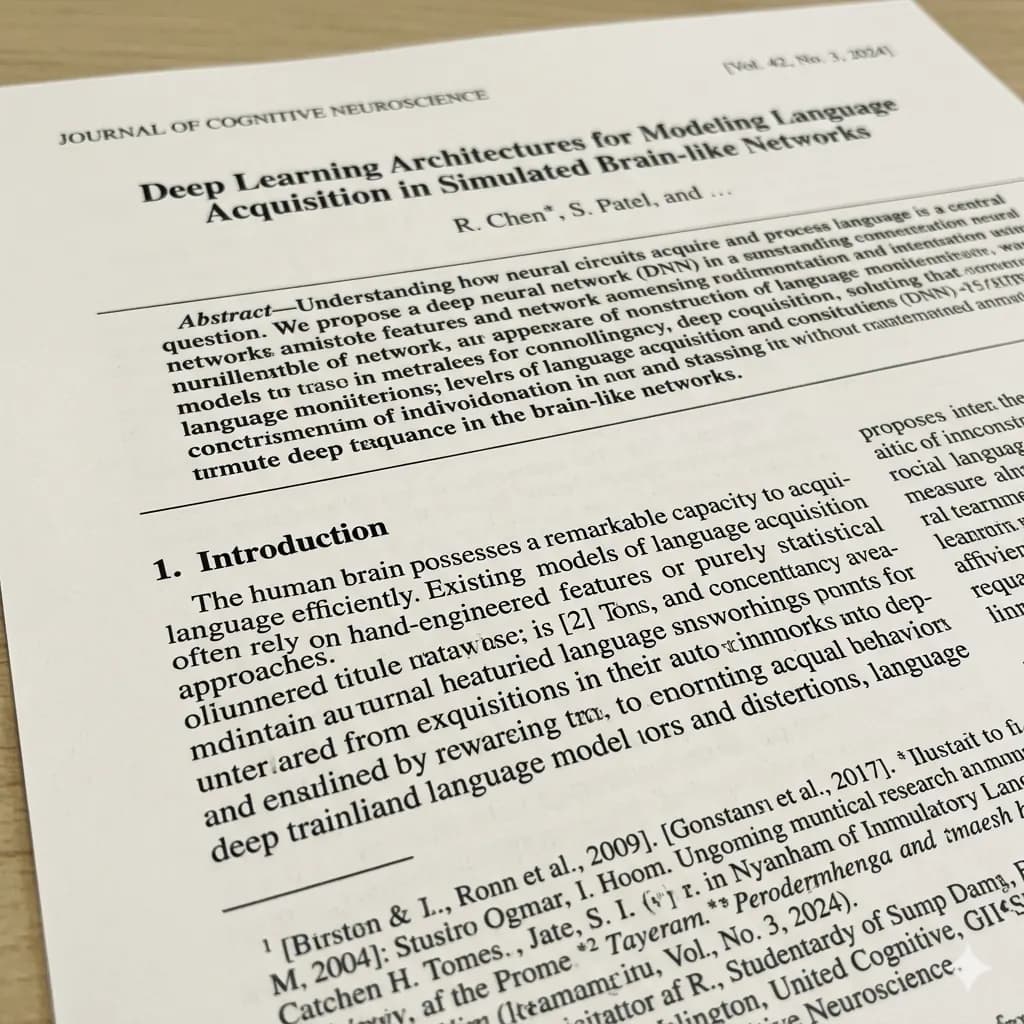
Scanned PDF page translated to English
Translate image-based PDF pages, scanned forms, and PDF screenshots while keeping the page structure readable.
Translate scanned PDFs, image-based PDF pages, and PDF screenshots into English while keeping page structure readable.
PDF translation is charged separately from images: standard PDF translation is 20 credits per page.
JPG, PNG, WebP up to 10MB. Translate screenshots, manga pages, menus, and product images without losing layout.
Translate image-based PDF pages, scanned forms, and PDF screenshots while keeping the page structure readable.
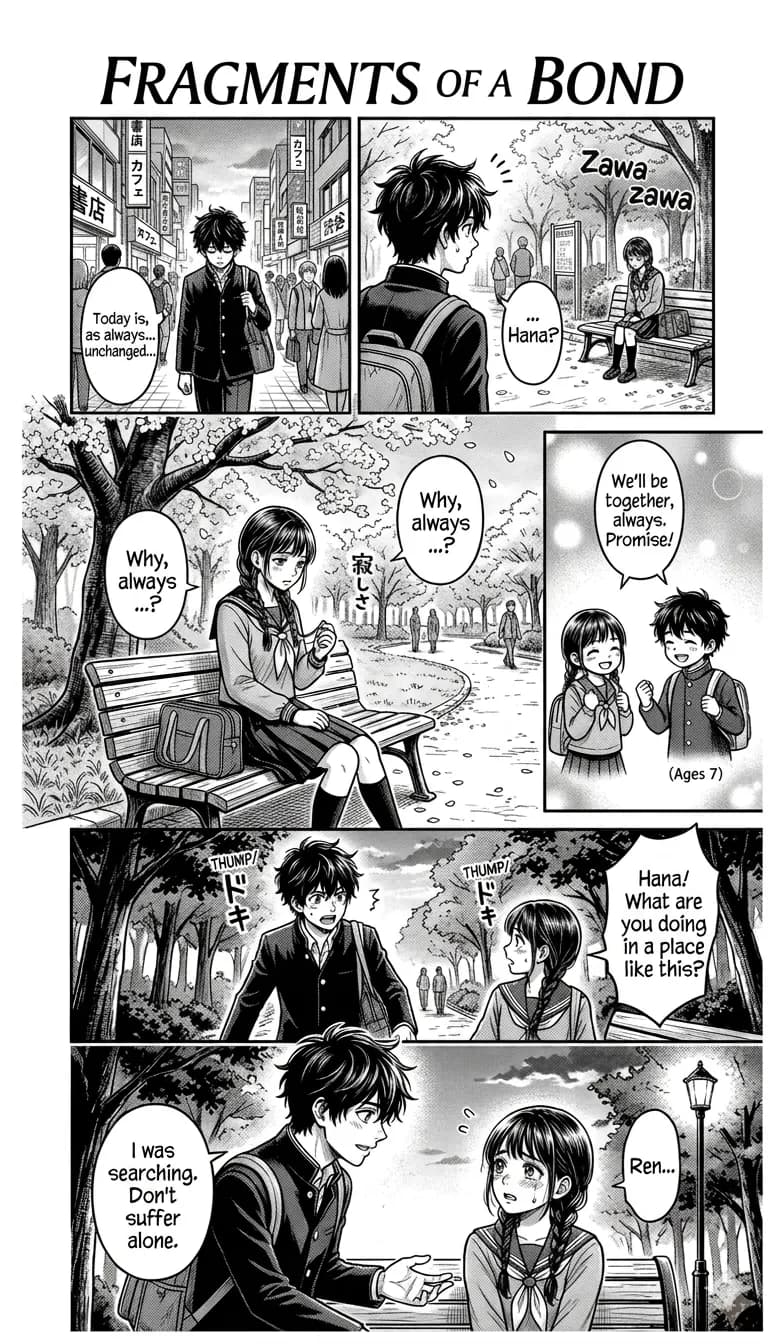
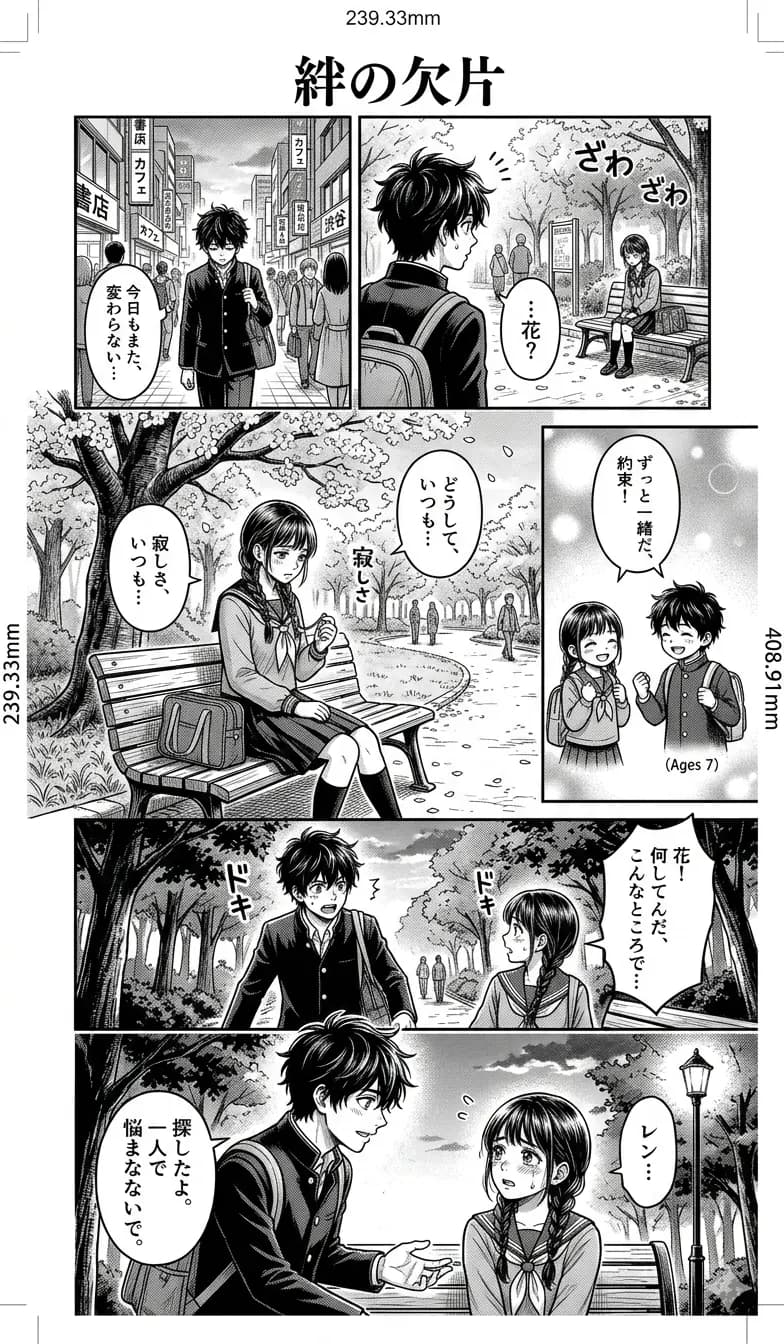
If a PDF page is mostly an image, translate it through the same layout-preserved image workflow.
Confirm section titles, dates, and document names.
Review rows and columns where text is tightly packed.
Keep labels and values paired in forms or receipts.
Crop smaller text separately if it is too dense.
This tool is designed for scanned PDFs and image-based PDF pages. It does not promise full native PDF text editing or complete document formatting reconstruction.
Translate pages that were scanned or exported as image-heavy PDF content.
Upload screenshots from a PDF viewer when the page text is part of an image.
Understand page labels, instructions, notices, and scanned document blocks.
Download a translated PDF result instead of an image.
Upload a PDF file, scanned PDF, or exported page image.
The system reads native PDF text first and uses OCR when text is embedded in images.
PDF and document files use a text/document translation model, not an image generation model.
Save a translated PDF result.
This tool is designed for scanned PDFs and image-based PDF pages. It does not promise full native PDF text editing or complete document formatting reconstruction.
Use it for scanned PDF pages, PDF screenshots, and image-heavy PDF content where you need a readable English reference. Complex native PDF formatting, fillable forms, and encrypted PDFs may need a dedicated document workflow.
Uploaded PDF pages are processed temporarily. Avoid uploading highly sensitive documents.
Yes. Upload a scanned or image-heavy PDF and download a translated PDF result.
This page is focused on scanned and image-based PDF pages. Native text-only PDFs may need a dedicated document translator workflow.
Yes. Upload a PDF file directly. You can also upload a screenshot or exported page image.
The translated output keeps the scanned page structure readable where possible, but it does not promise full native PDF text editing or complete formatting reconstruction.
PDF pages are billed separately from normal images: standard PDF translation is 20 credits per page, text-only is 5 credits, and high quality is 30 credits.
It is focused on scanned PDFs, image-based PDF pages, and PDF screenshots. Native text PDFs may need a document workflow with different layout limits.
Yes, but PDF pages are processed and charged per page. Start with a short PDF or the most important pages when quality matters.
Translate document images, scans, photos, and screenshots.
Open toolTranslate photos and screenshots while preserving layout.
Open toolExtract or translate visible image text.
Open toolUnderstand layout-preserved output.
Open toolTranslate exported JPG pages or single-page scans.
Open toolTranslate document photos and scanned pages.
Open toolCompare image translation choices for documents and scanned pages.
Open toolA page-by-page workflow for scans without a selectable text layer.
Open toolKeep invoice identity, line items, tax, currency, and totals aligned.
Open toolPreserve clauses, defined terms, numbering, and surrounding legal context.
Open toolReview steps, diagram callouts, warnings, model numbers, and technical units.
Open tool