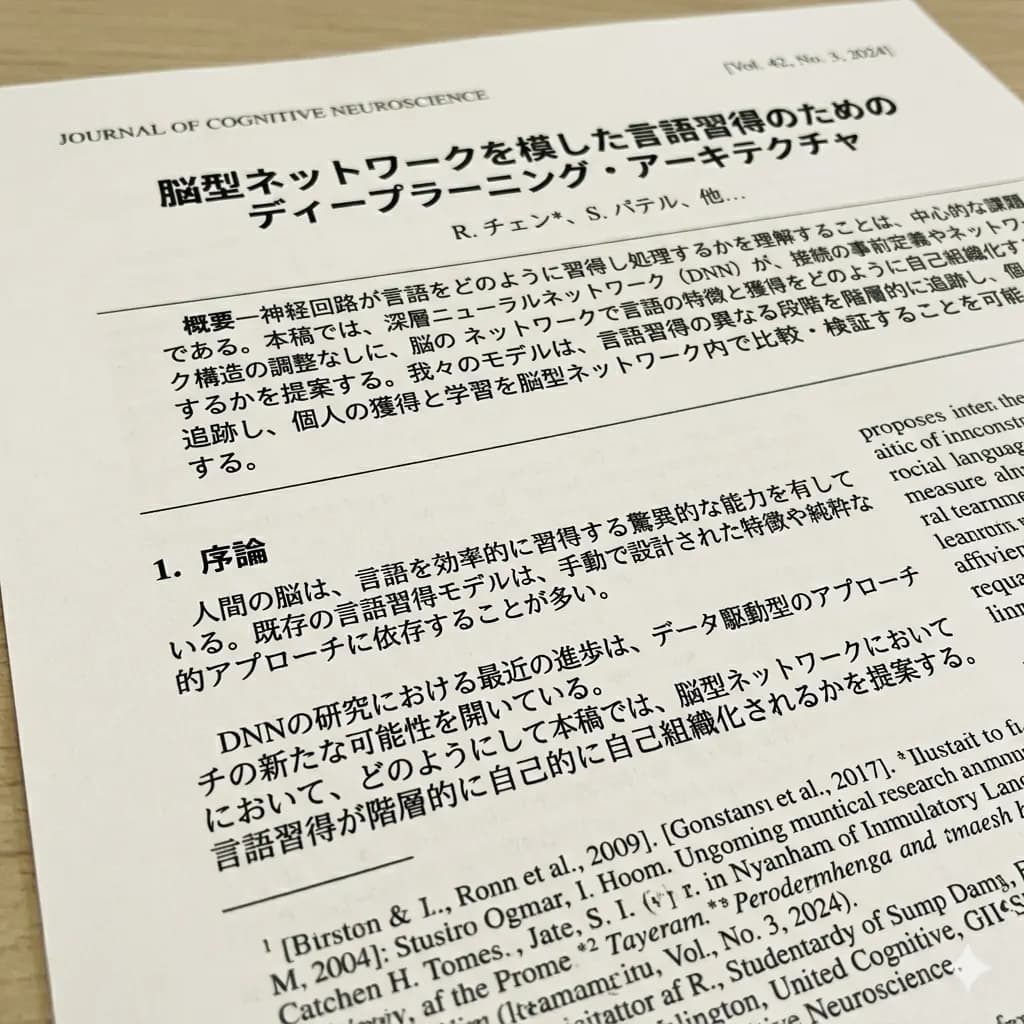

Quick answer
Invoice text must remain connected to its field or table column, especially invoice numbers, dates, quantities, taxes, and totals.
Scanned documents contain structure that plain text extraction can lose: headings, rows, columns, field labels, stamps, footnotes, diagrams, and page order. Translation should preserve enough of that structure for side-by-side review.
- Translate the invoice page
- Verify identity and dates
- Reconcile line items
Ready to test this workflow on your own image?
Prepare the source before translation
Capture the entire page at full resolution and make separate detail crops for dense tables, stamps, or fine-print payment terms.
Keep an untouched copy of the source beside every crop or page so the English result can always be checked against the original.
- Capture the whole invoice
- Keep header fields and table headings
- Redact unnecessary bank or personal data
Step-by-step translation workflow
Translate the page, compare header fields first, then reconcile every line-item row before reviewing the totals and payment section.
Open Document Image Translator, upload the prepared source, translate it to English, and download each result only after the visual structure has been reviewed.
- Translate the invoice page
- Verify identity and dates
- Reconcile line items
- Review totals and terms
Quality review checklist
Review the English image beside the original. Accuracy includes text meaning, numbers, labels, and whether each translation still belongs to the correct visual region.
| Review area | What to check | Action if it is wrong |
|---|---|---|
| Identity | Supplier and invoice number are exact | Copy from the source |
| Table | Quantity, unit price, and amount remain aligned | Trace each row |
| Payment | Currency, tax, due date, and total are distinct | Verify manually |
Limits and safety notes
Automated translation does not authenticate the invoice, validate bank details, confirm tax treatment, or detect fraud.
Do not upload identity documents, confidential contracts, medical records, or financial material unless temporary processing meets your requirements. The result is not a certified translation, legal advice, medical advice, or an official filing. Files are deleted after 24 hours.
- Sensitive payment details
- Dense line-item tables
- Ambiguous date formats
- Fraudulent or altered documents
Related tools
Document Image Translator
Translate photographed pages, scans, forms, receipts, certificates, and document screenshots.
PDF Image Translator
Translate scanned PDF pages and image-based PDF content.
Document Image OCR Translator
Detect and translate text inside scanned document images.
Translate Text from Image
Use OCR-style detection when copyable text matters more than the image result.
Related guides
How to Translate a Receipt Image Without Mixing the Totals
Keep receipt rows and amounts aligned so the English image remains useful for travel, expense review, or purchase understanding.
How to Translate a Certificate Image for Reference
Understand visible certificate fields while keeping the original document and recognizing when certified translation is required.
How to Translate a Scanned PDF to English
A page-by-page workflow for image-based PDFs that do not contain selectable text.
FAQ
Does invoice translation verify payment details?+
No. It translates visible content only. Confirm supplier identity, bank details, tax, currency, and payment instructions through trusted channels.
Can I try this image translation workflow for free?+
Yes. Sign in to receive 20 free welcome credits once; standard image translation starts at 10 credits.
Will the English result preserve the original layout?+
The workflow is designed to render translated text back into the image while keeping it near the original visual region. Clear, well-cropped sources produce the most reviewable results.
Try it with your own image
Upload a real image and get an English result with the layout preserved where possible.