Quick answer
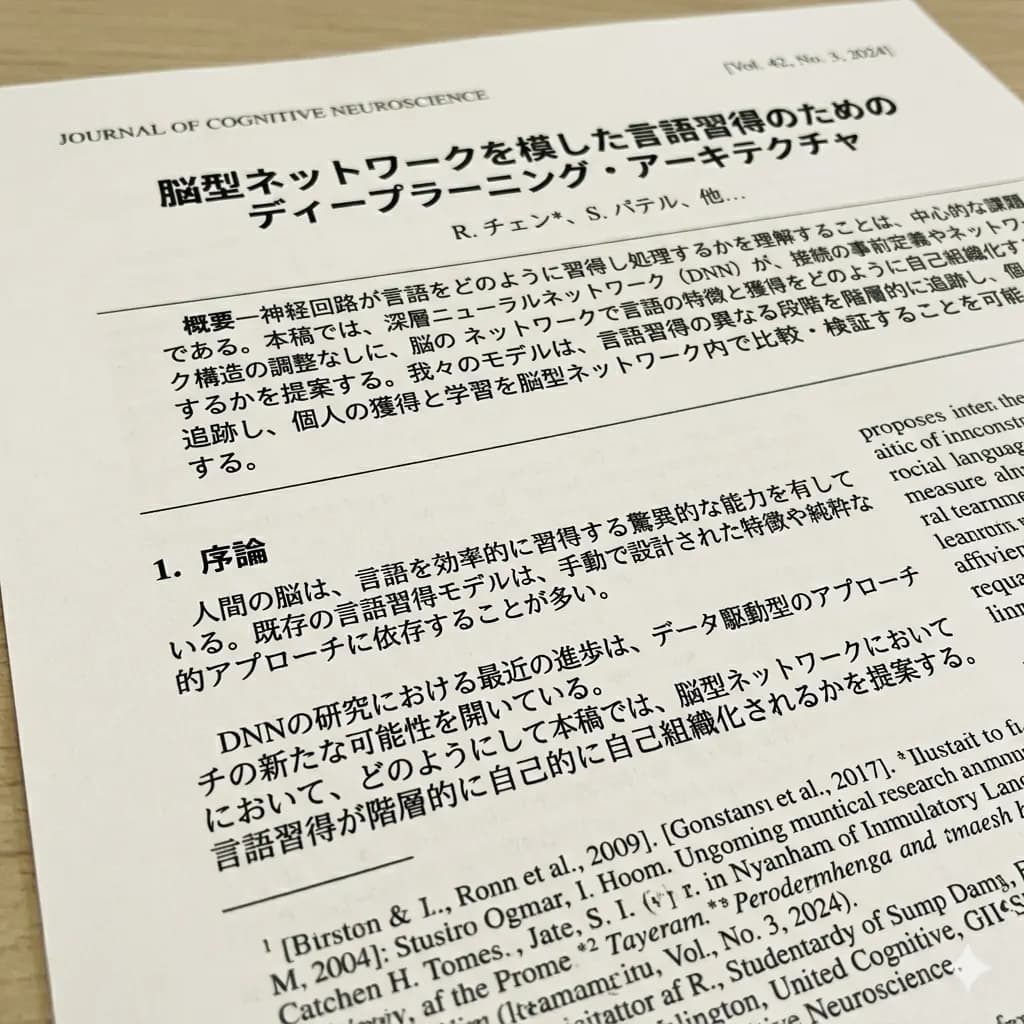
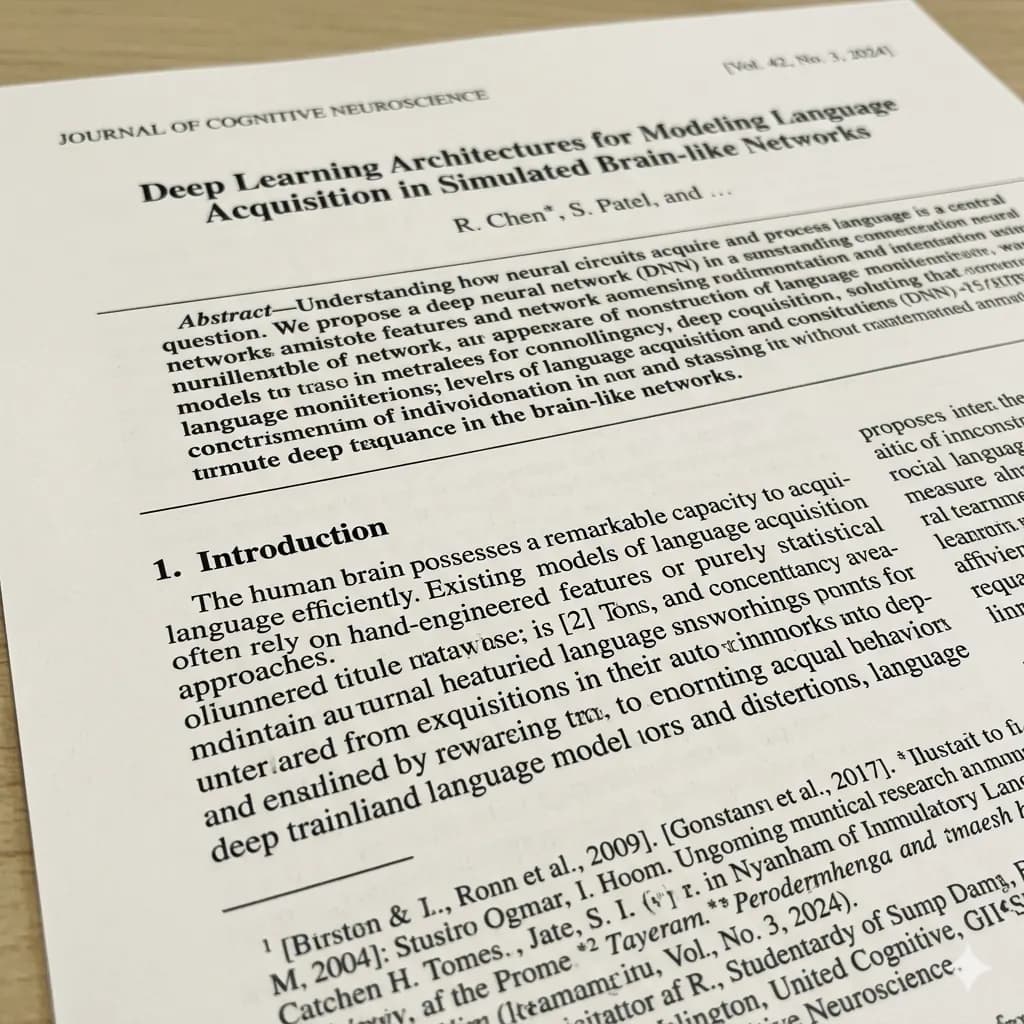
A scanned PDF is a set of page images, so each page needs text detection before translation and layout review.
Scanned documents contain structure that plain text extraction can lose: headings, rows, columns, field labels, stamps, footnotes, diagrams, and page order. Translation should preserve enough of that structure for side-by-side review.
- Upload the scanned PDF
- Process pages individually
- Review page structure
Ready to test this workflow on your own image?
Prepare the source before translation
Confirm the file is image-based by trying to select text, then identify the pages, tables, diagrams, and footnotes that matter.
Keep an untouched copy of the source beside every crop or page so the English result can always be checked against the original.
- Check whether text is selectable
- List the pages you actually need
- Split two-page spreads when possible
Step-by-step translation workflow
Process pages in order, review each result beside the original, and retry dense pages with a tighter crop or higher-quality source.
Open Document Image Translator, upload the prepared source, translate it to English, and download each result only after the visual structure has been reviewed.
- Upload the scanned PDF
- Process pages individually
- Review page structure
- Download or retry each result
Quality review checklist
Review the English image beside the original. Accuracy includes text meaning, numbers, labels, and whether each translation still belongs to the correct visual region.
| Review area | What to check | Action if it is wrong |
|---|---|---|
| Order | Translated pages match the source sequence | Keep page numbers |
| Tables | Rows and columns remain aligned | Inspect dense sections |
| Footnotes | Small text is present and readable | Crop and retry if needed |
Limits and safety notes
Very long PDFs, skewed scans, two-page spreads, faint photocopies, and handwritten notes can require page cleanup or manual handling.
Do not upload identity documents, confidential contracts, medical records, or financial material unless temporary processing meets your requirements. The result is not a certified translation, legal advice, medical advice, or an official filing. Files are deleted after 24 hours.
- Faint or skewed scans
- Two-page spreads
- Very small footnotes
- Handwritten annotations
Related tools
Document Image Translator
Translate photographed pages, scans, forms, receipts, certificates, and document screenshots.
PDF Image Translator
Translate scanned PDF pages and image-based PDF content.
Document Image OCR Translator
Detect and translate text inside scanned document images.
Translate Text from Image
Use OCR-style detection when copyable text matters more than the image result.
Related guides
FAQ
Why can’t a normal PDF translator read my scan?+
A scan may contain no selectable text layer. It needs OCR or image-aware detection before the visible page text can be translated.
Can I try this image translation workflow for free?+
Yes. Sign in to receive 20 free welcome credits once; standard image translation starts at 10 credits.
Will the English result preserve the original layout?+
The workflow is designed to render translated text back into the image while keeping it near the original visual region. Clear, well-cropped sources produce the most reviewable results.
Try it with your own image
Upload a real image and get an English result with the layout preserved where possible.