Quick answer
Receipt translation should preserve row relationships; the description, quantity, price, tax, and total must not drift into adjacent lines.
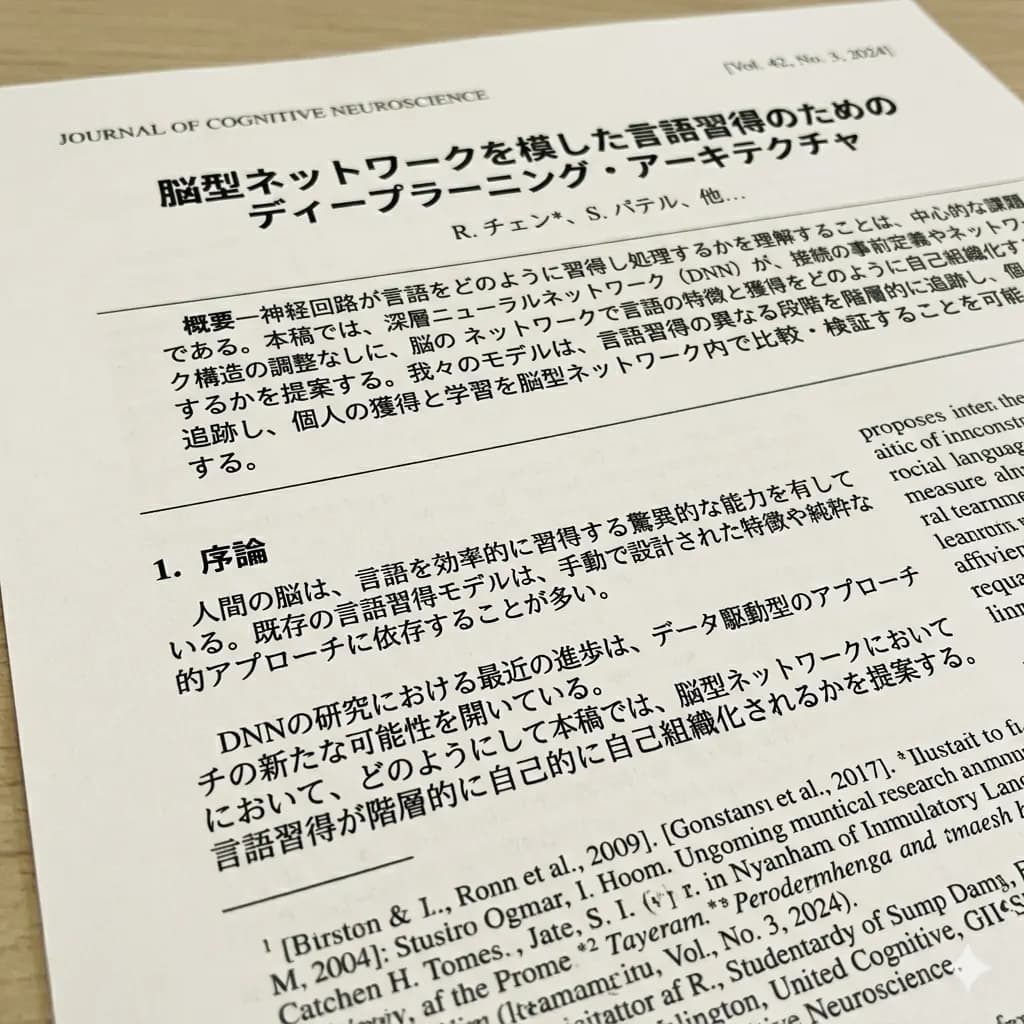
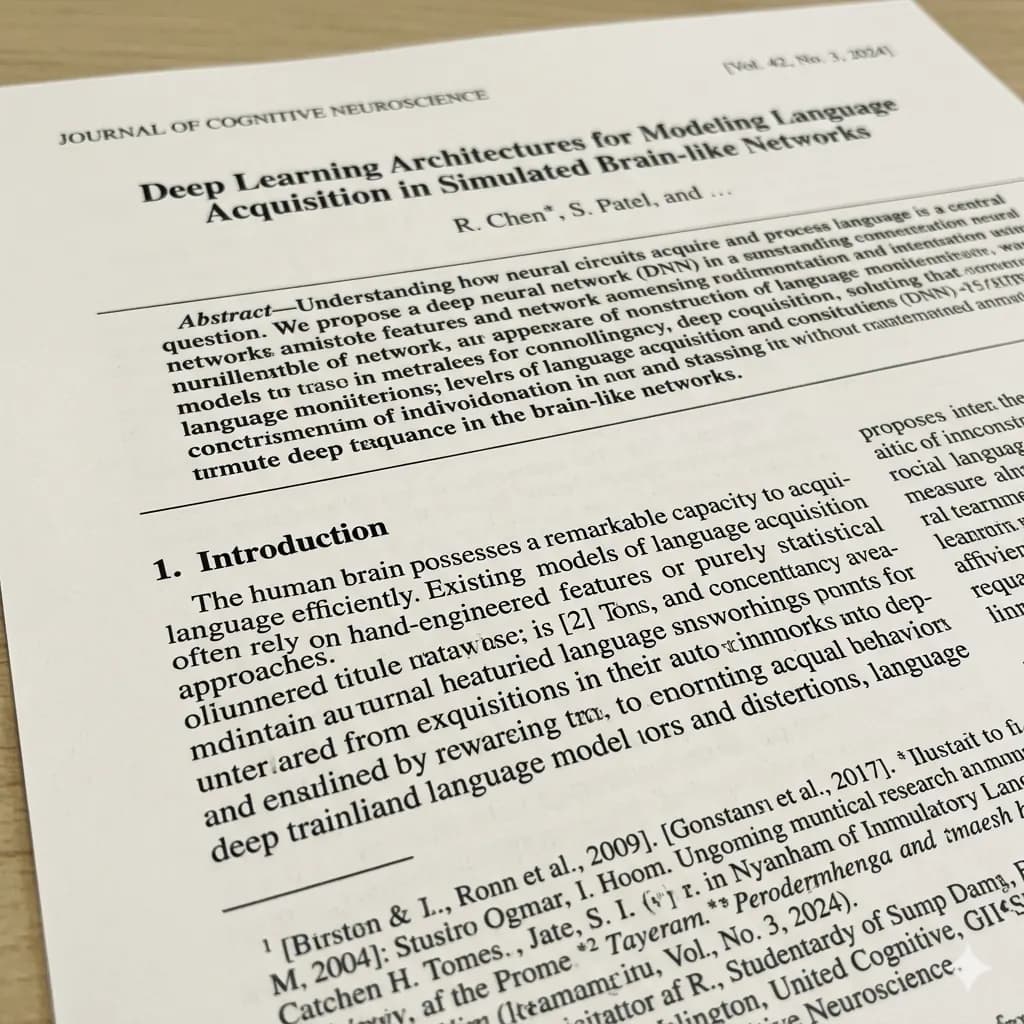
Scanned documents contain structure that plain text extraction can lose: headings, rows, columns, field labels, stamps, footnotes, diagrams, and page order. Translation should preserve enough of that structure for side-by-side review.
- Translate the full receipt
- Check line-item alignment
- Verify subtotal, tax, and total
Ready to test this workflow on your own image?
Prepare the source before translation
Flatten the receipt, photograph it straight on, avoid shadows, and include the merchant header, date, currency, and final total.
Keep an untouched copy of the source beside every crop or page so the English result can always be checked against the original.
- Flatten the receipt
- Use even light without shadows
- Keep currency and totals visible
Step-by-step translation workflow
Translate the complete receipt first, then create a tighter crop for faded item rows or tax details.
Open Document Image Translator, upload the prepared source, translate it to English, and download each result only after the visual structure has been reviewed.
- Translate the full receipt
- Check line-item alignment
- Verify subtotal, tax, and total
- Retry faded regions separately
Quality review checklist
Review the English image beside the original. Accuracy includes text meaning, numbers, labels, and whether each translation still belongs to the correct visual region.
| Review area | What to check | Action if it is wrong |
|---|---|---|
| Rows | Description and amount stay paired | Trace each item line |
| Totals | Subtotal, tax, tip, and total are distinct | Compare labels and values |
| Currency | Symbol and decimal format are preserved | Copy from the source |
Limits and safety notes
Thermal paper fades quickly, and narrow receipts can curve or blur near the edges.
Do not upload identity documents, confidential contracts, medical records, or financial material unless temporary processing meets your requirements. The result is not a certified translation, legal advice, medical advice, or an official filing. Files are deleted after 24 hours.
- Faded thermal print
- Curved paper
- Shifted amount columns
- Tip confused with total
Related tools
Document Image Translator
Translate photographed pages, scans, forms, receipts, certificates, and document screenshots.
PDF Image Translator
Translate scanned PDF pages and image-based PDF content.
Document Image OCR Translator
Detect and translate text inside scanned document images.
Translate Text from Image
Use OCR-style detection when copyable text matters more than the image result.
Related guides
FAQ
Can I use the translated receipt as an official expense document?+
The translated image is a reference. Keep the original receipt and follow your organization’s requirements for official expense documentation.
Can I try this image translation workflow for free?+
Yes. Sign in to receive 20 free welcome credits once; standard image translation starts at 10 credits.
Will the English result preserve the original layout?+
The workflow is designed to render translated text back into the image while keeping it near the original visual region. Clear, well-cropped sources produce the most reviewable results.
Try it with your own image
Upload a real image and get an English result with the layout preserved where possible.