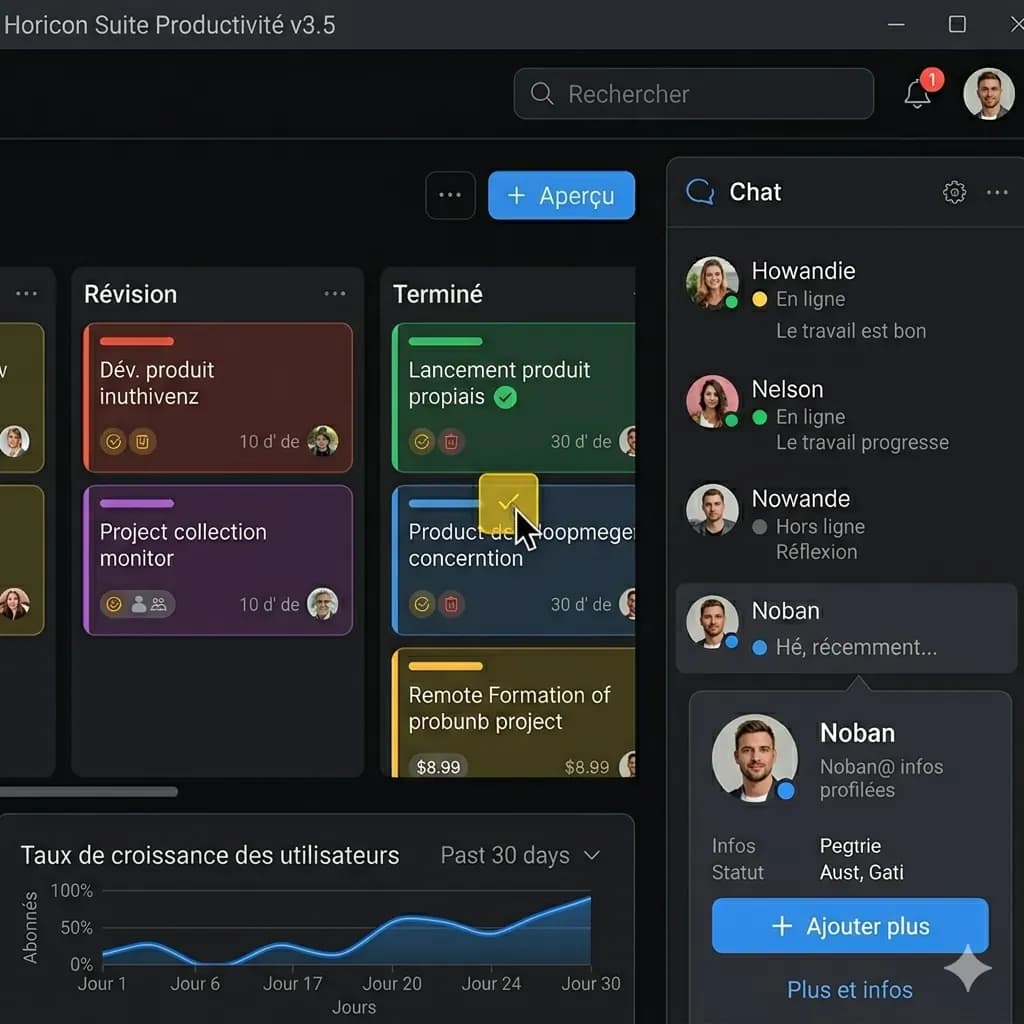
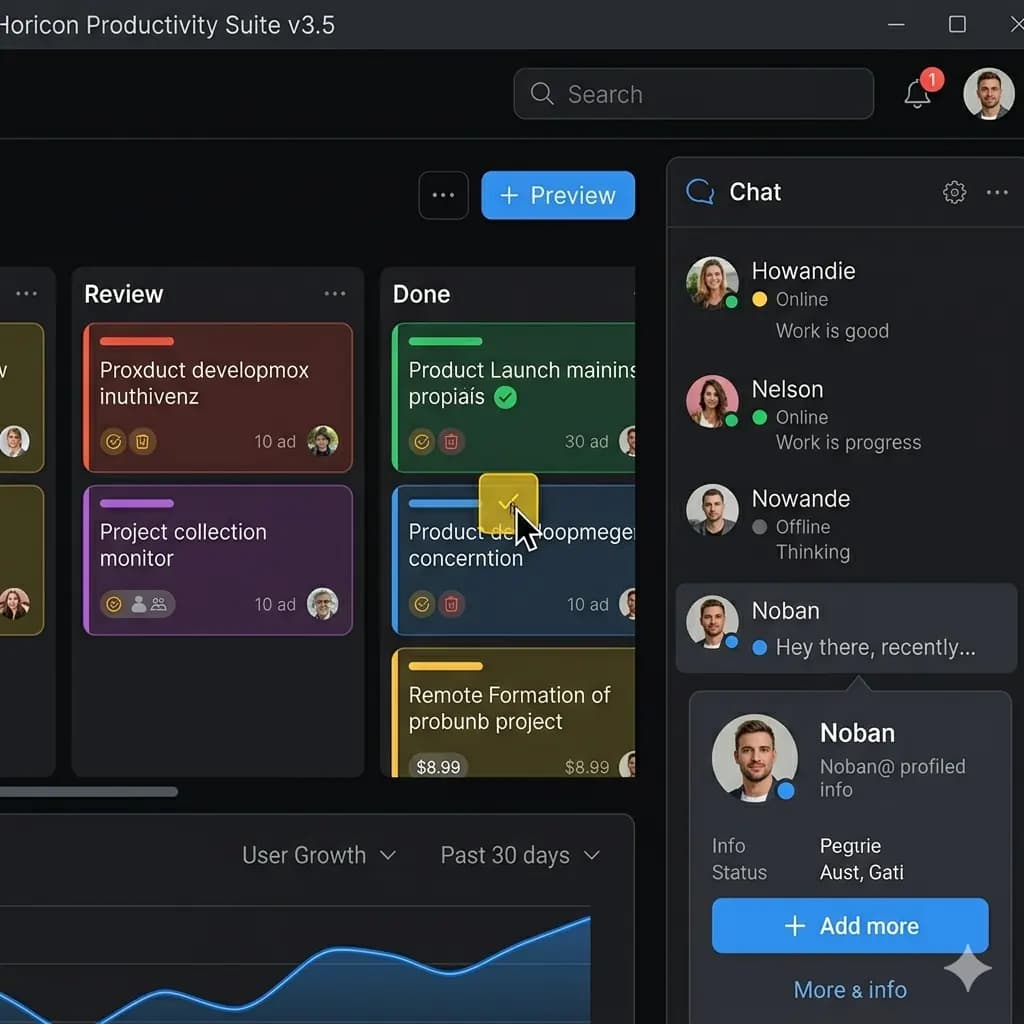
Screenshot translated to English
Translate app screens, game captures, chats, and web pages while keeping UI context readable.
Upload an app screenshot and translate buttons, settings, dialogs, forms, and UI labels into English.
For mobile apps, onboarding screens, settings pages, product screens, dialogs, and UI research.
JPG, PNG, WebP up to 10MB. Translate screenshots, manga pages, menus, and product images without losing layout.
This page is structured around screen regions: buttons, bubbles, panels, warnings, and compact mobile text. The goal is to keep translated text attached to the original UI.
Translate app screens, game captures, chats, and web pages while keeping UI context readable.
App text belongs to buttons, fields, tabs, dialogs, and navigation areas. A translated screenshot keeps those labels connected to the UI.
Translate settings, toggles, labels, and account screens.
Understand onboarding copy, permissions, and setup instructions.
Translate field labels, warnings, popups, and confirmation dialogs.
Review competitor app screens without losing UI context.
Use a clear app, phone, game, chat, or social screenshot with readable UI text.
The tool identifies labels, bubbles, buttons, panels, and message order before translation.
English text is placed close to the original UI element so the screen remains understandable.
Check important buttons, dialog text, and conversation order before saving the translated screenshot.
App text belongs to buttons, fields, tabs, dialogs, and navigation areas. A translated screenshot keeps those labels connected to the UI.
Use the original screenshot resolution and crop long screens into readable sections.
Images are processed temporarily and deleted after 24 hours.
Yes. Upload a clear app screenshot and translate visible UI text into English.
Yes. Mobile screenshots from iPhone and Android are supported when text is sharp.
The translated result tries to keep text close to the original UI elements.
Yes. Onboarding, settings, forms, dialogs, and product screens are common use cases.
Yes. Cropping long screens usually improves readability.
Translate app, game, chat, and web screenshots.
Open toolFocus on app UI, settings, onboarding, and mobile screens.
Open toolTranslate screenshots, manga, menus, signs, and product images.
Open toolUse a downloadable translated image workflow when layout matters.
Open tool