Quick answer
Long screenshots work best when they are split at natural visual boundaries instead of uploaded as one extremely tall image.
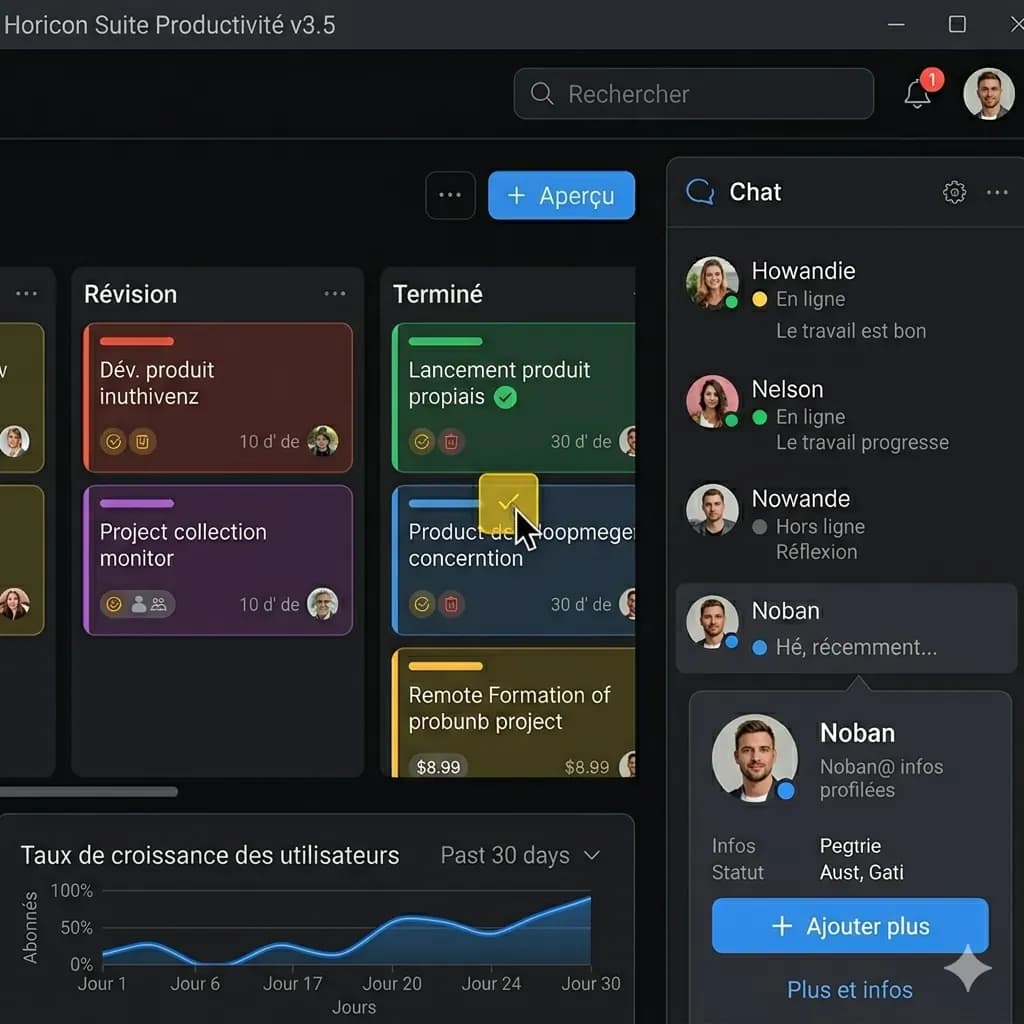
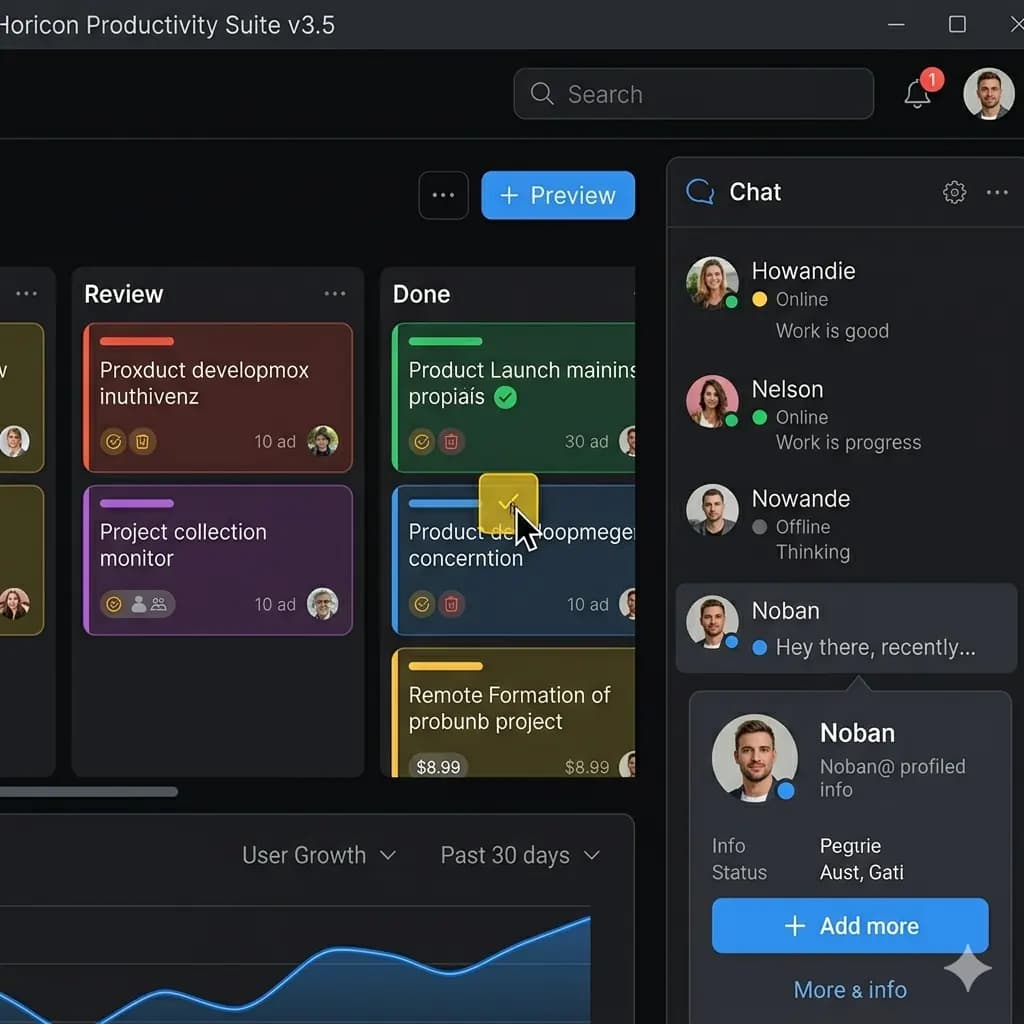
A screenshot is a user interface, conversation, or sequence of panels rather than a loose block of text. A useful English result keeps labels, buttons, bubbles, warnings, and content cards attached to the correct screen region.
- Crop the first readable section
- Translate and download its English result
- Repeat in screen order
Ready to test this workflow on your own image?
Prepare the source before translation
Mark the header, content cards, message groups, and footer before splitting so no line is lost or translated twice.
Keep an untouched copy of the source beside every crop or page so the English result can always be checked against the original.
- Keep the original full screenshot
- Split at cards, messages, or section dividers
- Leave a small visual overlap for orientation
Step-by-step translation workflow
Process each crop in top-to-bottom order and keep a numbered copy of the source crops beside the translated results.
Open Translate Screenshot to English, upload the prepared source, translate it to English, and download each result only after the visual structure has been reviewed.
- Crop the first readable section
- Translate and download its English result
- Repeat in screen order
- Compare boundaries before sharing
Quality review checklist
Review the English image beside the original. Accuracy includes text meaning, numbers, labels, and whether each translation still belongs to the correct visual region.
| Review area | What to check | Action if it is wrong |
|---|---|---|
| Order | Sections follow the original scroll direction | Number every crop |
| Boundaries | No message or card is cut in half | Recrop around the complete block |
| Duplicates | Overlap text appears only once in the final set | Remove the repeated edge crop |
Limits and safety notes
The most common problem is overlap: the same row appears at the bottom of one crop and the top of the next, creating duplicate text in the final review.
Screenshots can contain names, account details, order numbers, notifications, or private conversations. Crop or redact anything that is not needed before uploading. Images are processed temporarily and deleted after 24 hours.
- Extremely narrow text after automatic resizing
- Repeated sticky headers
- Cut messages or table rows
- Missing content between crops
Related tools
Translate Screenshot to English
Translate app, game, chat, mobile, and web screenshots while keeping the screen structure readable.
App Screenshot Translator
Translate app screens, settings, onboarding, and dialog boxes.
Game Screenshot Translator
Translate game menus, dialogue, quests, and item descriptions.
Layout-Preserved Image Translator
Keep labels and translated text near the visual region they describe.
Related guides
FAQ
Can I translate one very tall screenshot at once?+
You can try, but shorter crops usually produce more readable text and make it easier to verify that every section is present.
Can I try this image translation workflow for free?+
Yes. Sign in to receive 20 free welcome credits once; standard image translation starts at 10 credits.
Will the English result preserve the original layout?+
The workflow is designed to render translated text back into the image while keeping it near the original visual region. Clear, well-cropped sources produce the most reviewable results.
Try it with your own image
Upload a real image and get an English result with the layout preserved where possible.