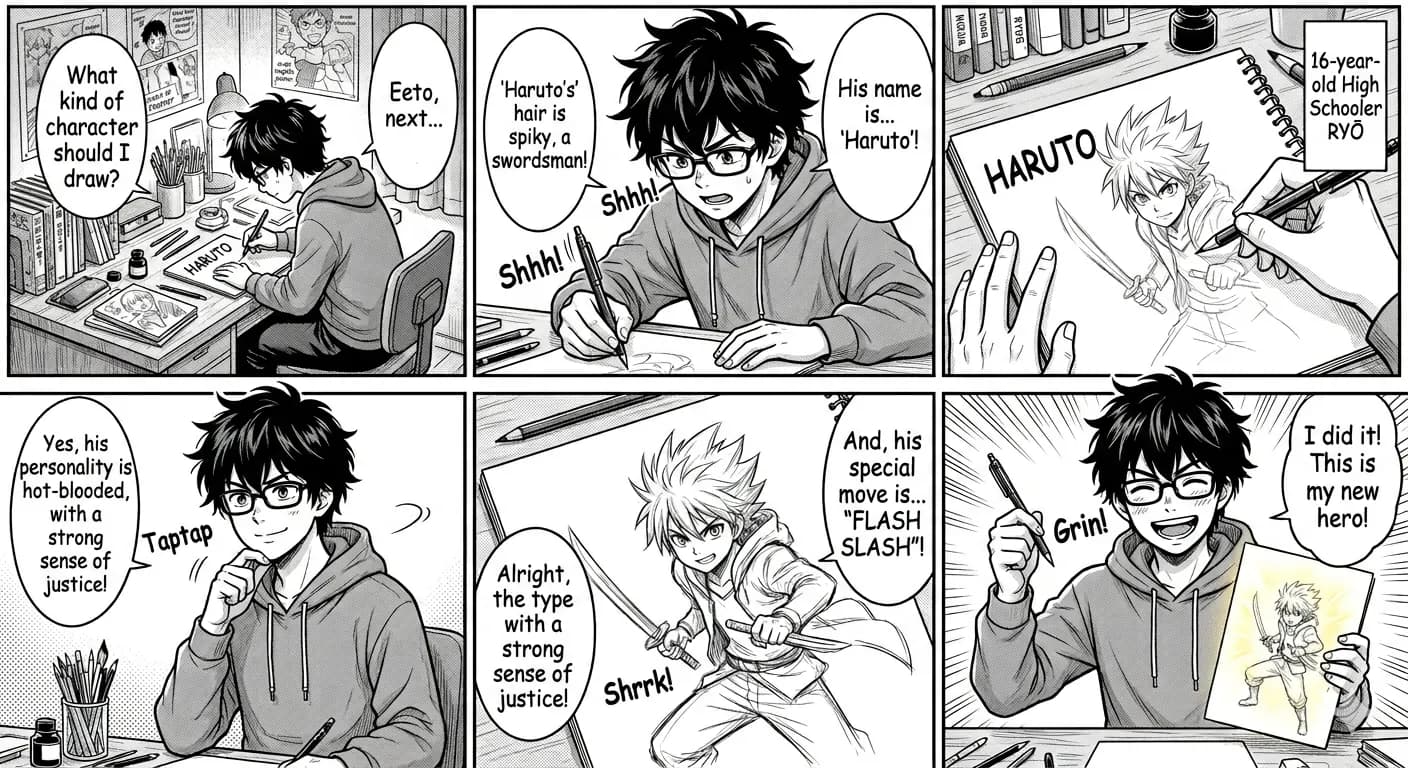
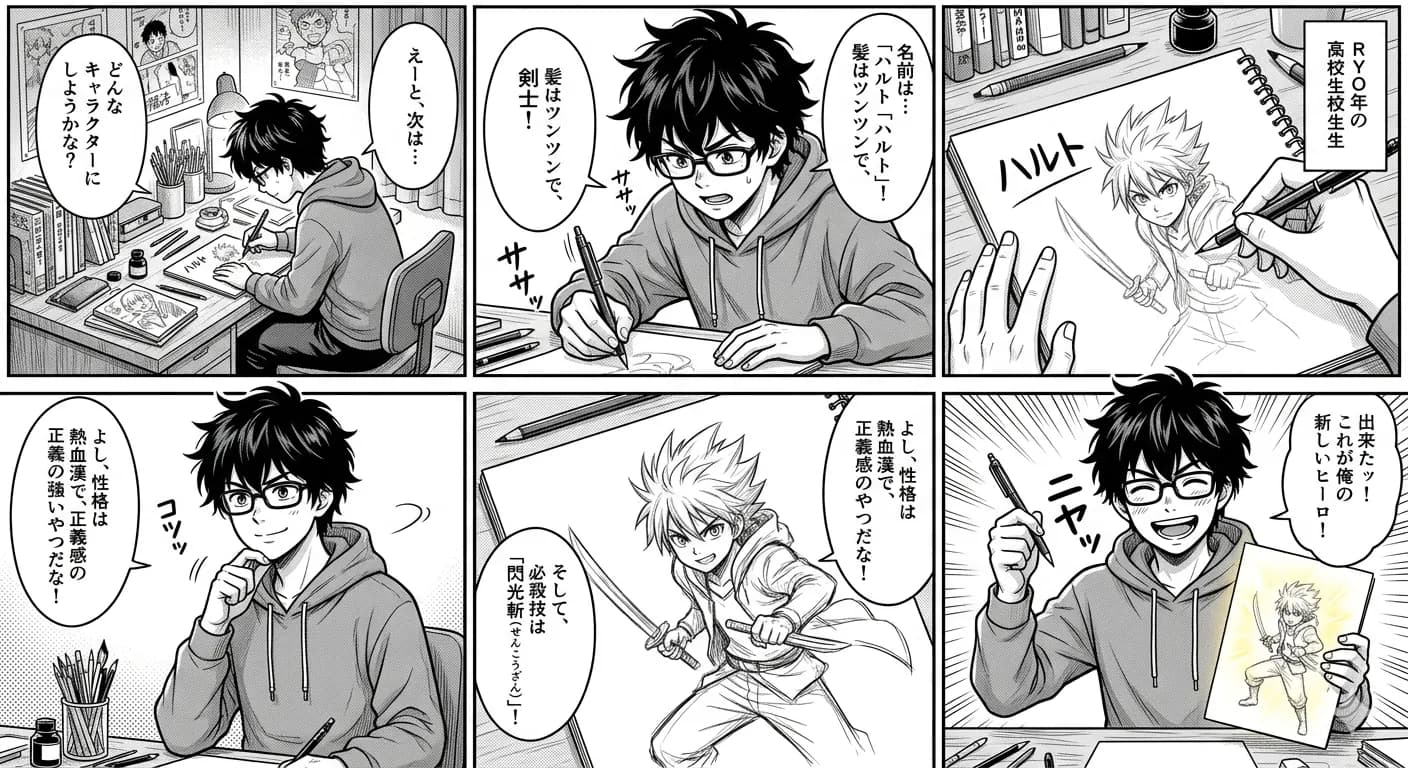
Comic panel translated to English
Translate panels, speech bubbles, captions, and vertical comic layouts while keeping reading flow visible.
Follow a panel-by-panel workflow: prepare the image, translate it into English, and check names, dialogue, and reading order before continuing.
Bring an image file or direct image URL. Sign-in is required; full chapter web pages cannot be imported here.
JPG وPNG وWebP حتى 10MB. ترجم لقطات الشاشة والمانغا والقوائم وصور المنتجات مع الحفاظ على التخطيط.
Translate panels, speech bubbles, captions, and vertical comic layouts while keeping reading flow visible.
The page structure prioritizes panels, captions, bubbles, and vertical flow because comic translation fails when dialogue is detached from the art.
Keep translated text aligned with the visual reading sequence.
Review whether each translated bubble still points to the right speaker.
Split very long webtoon or manhwa images into readable sections.
Keeping English inside an image helps connect dialogue to characters, but it does not guarantee the story is translated correctly. Read the previous and next panel when checking a short reply, a pronoun, or a joke.
Compare every bubble and narration box with the source, including small captions near panel edges.
Keep a note of recurring names and compare their spelling across crops. Separate uploads may translate the same name differently.
Check who is speaking and whether slang, politeness, or a short reply still fits the surrounding conversation.
Check the overlap between consecutive crops so no bubble, transition, or reaction panel is missing.
Save an image or take a clear screenshot. Crop at natural panel boundaries and include complete bubbles; keep neighboring dialogue when it provides context.
Upload the crop, sign in, keep English selected, and translate. If you paste a URL, it must point to the image itself rather than a chapter page.
Review omitted text, recurring names, slang, speaker attribution, and numbers. If the source letters are too small, retry with a closer crop instead of the whole episode.
Save the result with a sequential filename, such as episode-01-panel-01. Compare adjacent crops for gaps before continuing through the episode.
Keeping English inside an image helps connect dialogue to characters, but it does not guarantee the story is translated correctly. Read the previous and next panel when checking a short reply, a pronoun, or a joke.
Recurring names, honorifics, and stylized sound effects need particular attention. If the source is unclear or a bubble is missed, use a clearer crop and compare again before sharing the result.
Images are processed temporarily and deleted after 24 hours.
Prepare a short, readable panel crop, upload it, sign in, and translate into English. Compare the dialogue with the source, download the reviewed result, and continue through the episode in order.
Signed-in users can try translation with one-time welcome credits using a direct image URL. A chapter web page URL is not supported. If the image cannot be fetched, save it and upload it, or use the browser extension on a visible image or screen area.
Yes. Readable Korean webtoon text can be translated to English.
Yes. Splitting long episodes into smaller sections improves readability.
Separate image translations can produce different spellings or interpretations. Keep a short list of recurring names and compare the results across panels; consistency is not guaranteed.
Yes. You can preview and download the translated result.
Compare upload, direct image URL, and browser extension workflows.
Open toolReview Korean names, slang, captions, and bubble context.
Open toolHandle stylized text that may be missed or mistranslated.
Open toolTranslate a visible image or selected screen area without using a chapter URL.
Open tool