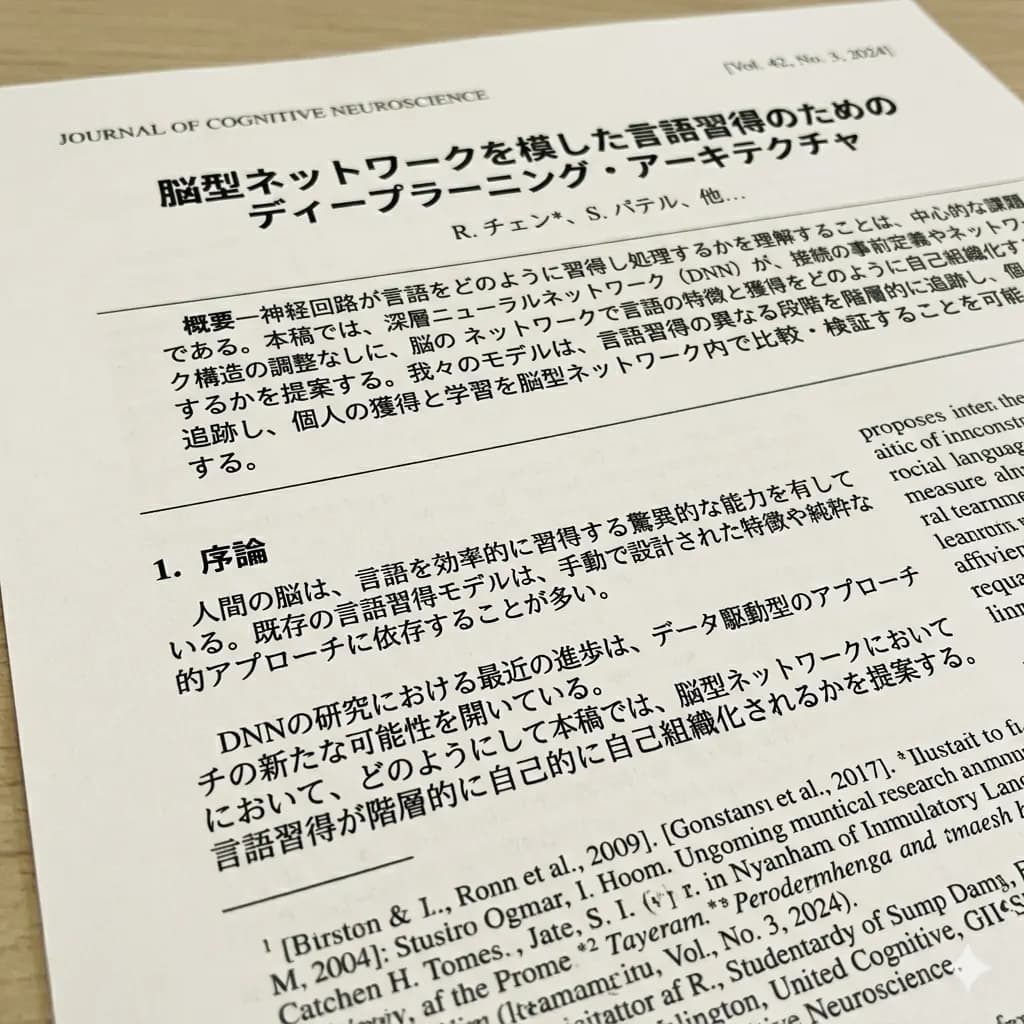
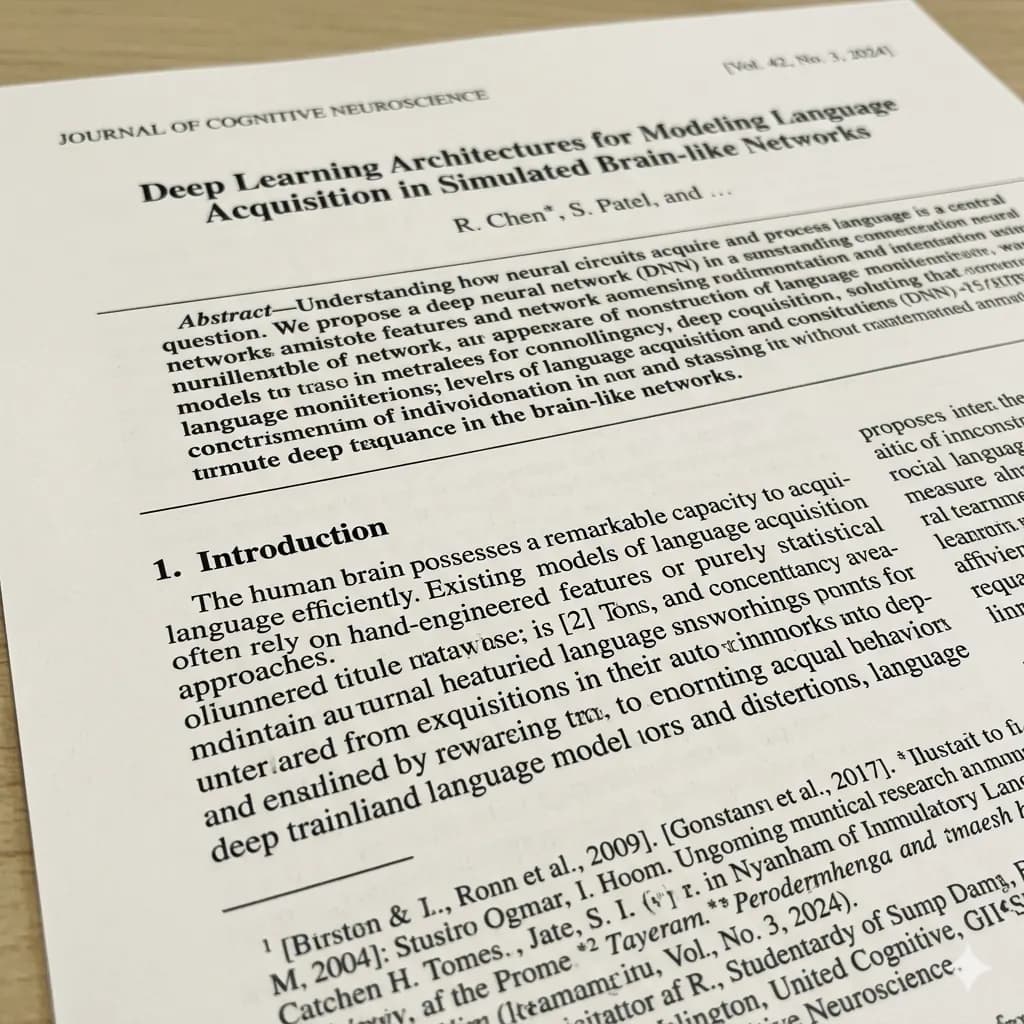
Image document translated to English
Translate visible text in scans, photographed pages, and document screenshots while keeping headings and blocks readable.
Translate image-based documents, scans, photos, and document screenshots into English while keeping the page layout readable.
Documents are charged separately from normal images: standard document translation starts at 15 credits per file.
JPG وPNG وWebP حتى 10MB. ترجم لقطات الشاشة والمانغا والقوائم وصور المنتجات مع الحفاظ على التخطيط.
Translate visible text in scans, photographed pages, and document screenshots while keeping headings and blocks readable.


Use JPG, PNG, WebP, or HEIC images when the document content is already an image.
Confirm section titles, dates, and document names.
Review rows and columns where text is tightly packed.
Keep labels and values paired in forms or receipts.
Crop smaller text separately if it is too dense.
This page is for image-based documents, scans, and document screenshots. It is not a full native Word or PDF document editor.
Translate scans and photographed pages when you need an English visual reference.
Translate screenshots from PDFs, forms, manuals, and document viewers.
Translate image files that contain document-like text, labels, tables, or notices.
Create a readable English image for review, sharing, or quick understanding.
Start with a JPG, PNG, WebP, HEIC, scan, photo, or screenshot of a document page.
The tool detects readable text regions in the image-based document.
Text is translated and rendered back into the visual page layout where possible.
Download a translated document file instead of an image result.
This page is for image-based documents, scans, and document screenshots. It is not a full native Word or PDF document editor.
Use it when a document is already an image, scan, photo, or screenshot and you need an English visual reference. If you need certified, legal, medical, or complex desktop-publishing translation, use a dedicated professional document workflow.
Images are processed temporarily and deleted after 24 hours. Avoid uploading highly sensitive documents.
Yes. Upload a scan, photo, screenshot, JPG, or PNG document image and download a translated document result.
No. This page is for image-based documents, scans, photos, and document screenshots, not full native Word or PDF editing.
For image-based documents, the translated output tries to keep headings, labels, and text blocks close to the original visual structure.
Document translation is billed separately from normal image translation: standard document translation starts at 15 credits, text-only is 3 credits, and high quality is 25 credits.
No. It is for quick understanding and visual reference, not legal, medical, or certified translation.
Clear, straight scans or screenshots with readable printed text work best.
Translate screenshots, manga, menus, signs, and product images online.
Open toolTranslate photos, screenshots, and image files into English.
Open toolExtract image text or download a translated image result.
Open toolTranslate scanned PDF page images and PDF screenshots.
Open tool