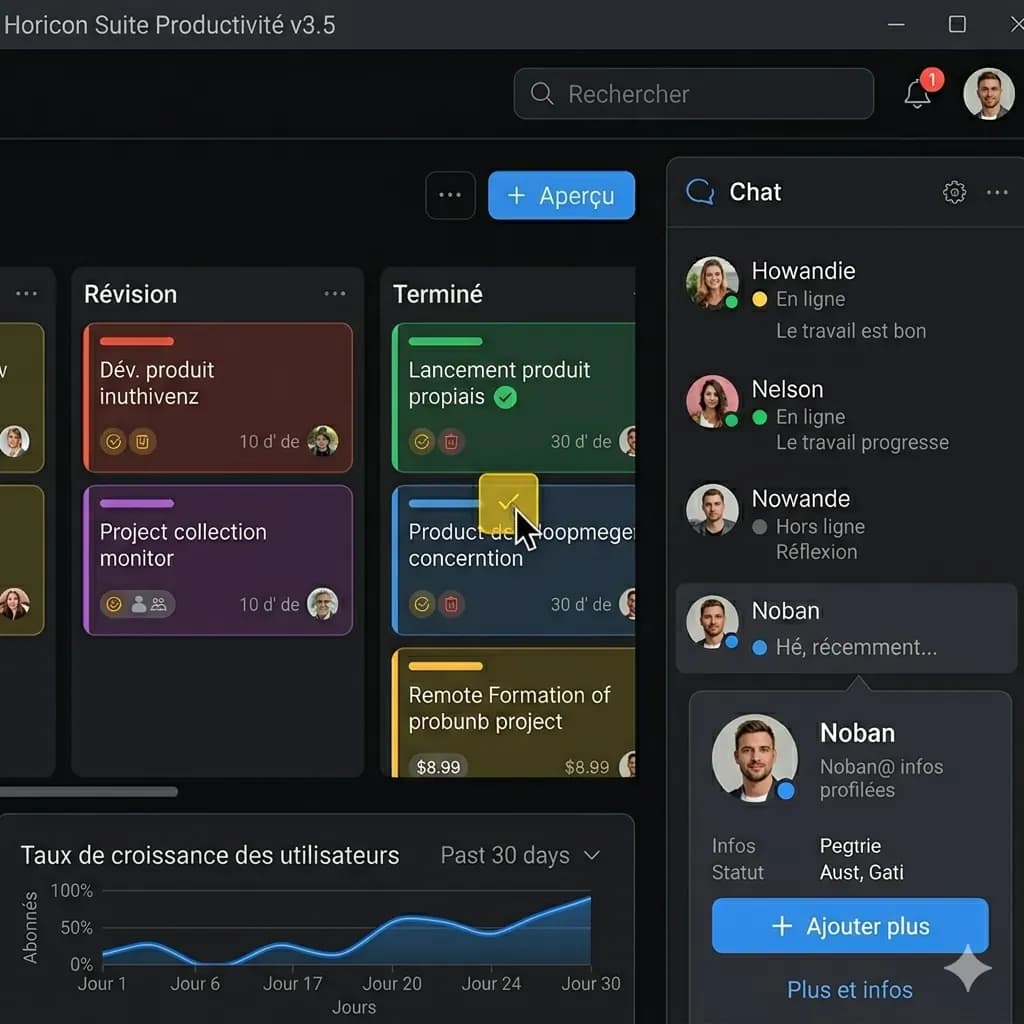
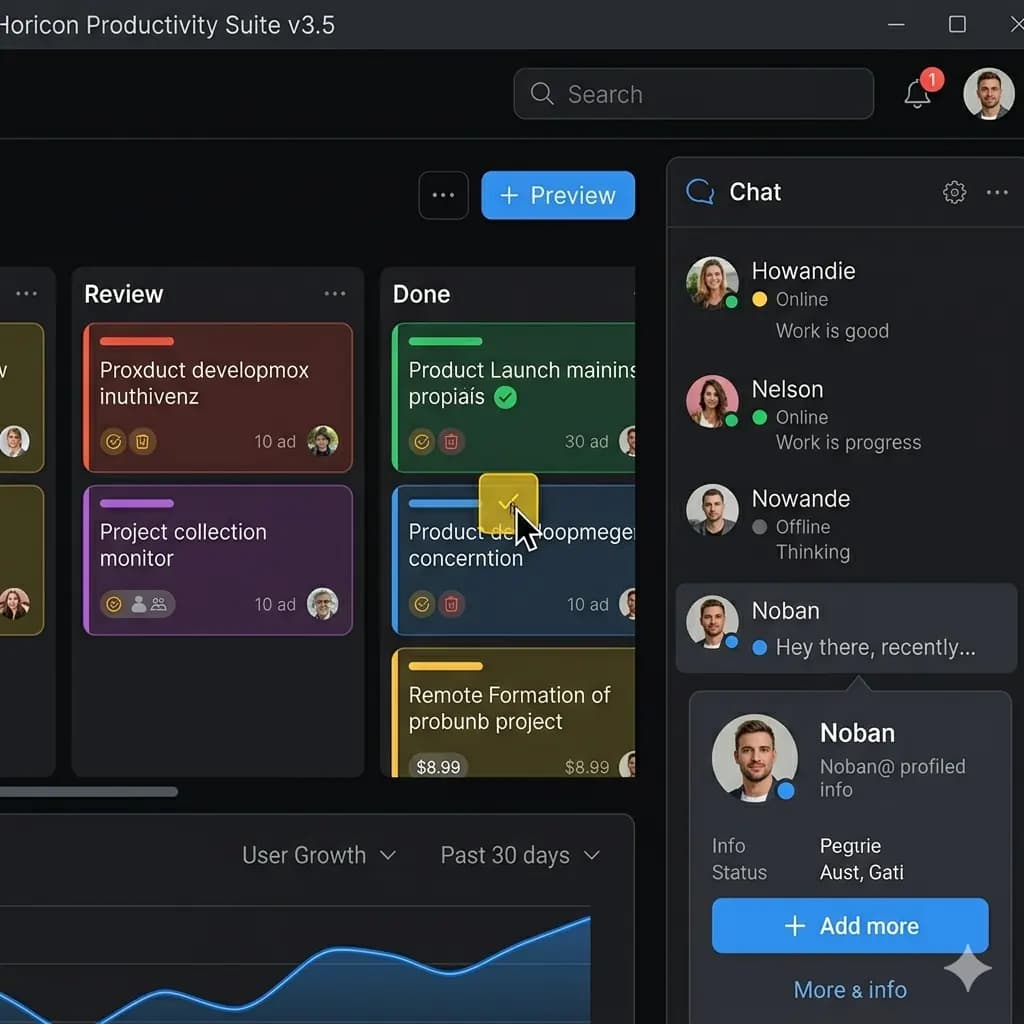
JPG screenshot translated to English
Translate JPG screenshots from apps, websites, games, and chats while keeping UI labels near the original areas.
Translate text inside JPG images into English with the original layout preserved.
Supports JPG and JPEG images. One-time welcome credits available.
JPG وPNG وWebP حتى 10MB. ترجم لقطات الشاشة والمانغا والقوائم وصور المنتجات مع الحفاظ على التخطيط.
Native file type, compression, transparency, or camera export
Original image file with readable text and enough resolution
Check small labels, transparent areas, and compressed text before download
Translate JPG screenshots from apps, websites, games, and chats while keeping UI labels near the original areas.
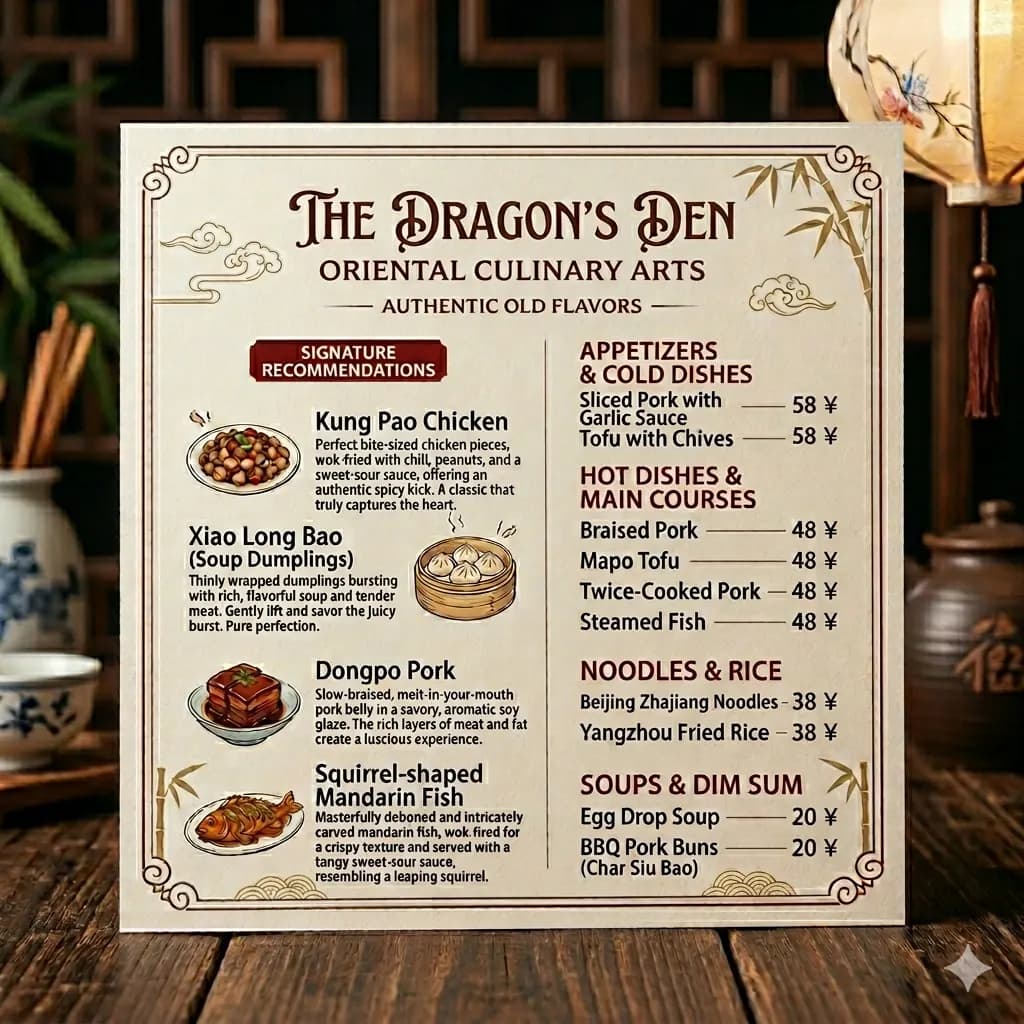
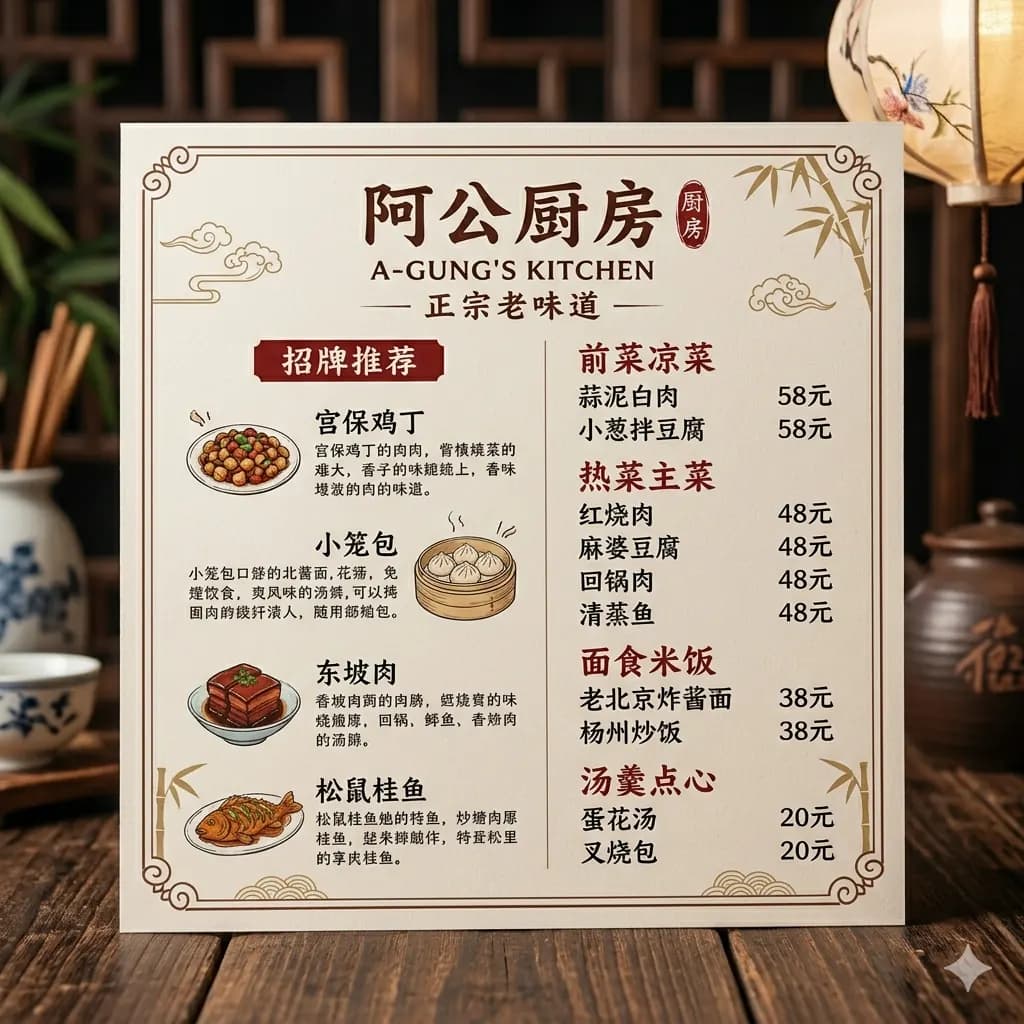
JPG and JPEG photos of menus, signs, labels, and scanned pages stay easier to read when layout is preserved.
A text-only OCR tool extracts words from a JPG. A JPG translator should help you understand the image itself by translating text and keeping labels, menu sections, captions, and scanned blocks connected to the original visual layout.
Upload JPG or JPEG files with readable text and translate them into English.
Translate JPG screenshots, scanned pages, photographed forms, and document images.
Keep dish names, prices, sign labels, and nearby context visible in the translated result.
Translate package labels, ecommerce images, and product callouts without losing visual context.
Choose a JPG or JPEG image from your device.
The tool detects readable text regions inside the JPG image.
Detected text is translated and placed back near the original layout.
Preview and download the translated JPG-style result.
A text-only OCR tool extracts words from a JPG. A JPG translator should help you understand the image itself by translating text and keeping labels, menu sections, captions, and scanned blocks connected to the original visual layout.
Use this page for screenshots, menus, product images, scanned images, and signs when you need an English image result rather than only copied text.
JPG images are processed temporarily and deleted after 24 hours.
Yes. Upload a JPG or JPEG image and translate visible text into English online.
The translated output is designed to keep text placement and visual structure close to the original image whenever possible.
Yes. After translation, you can preview and download the translated image result.
Sharp JPG files with readable printed text, minimal blur, and enough spacing between text regions work best.
Yes. OCR extracts text; this workflow translates the text and renders the English result back into the image layout where possible.
Yes. JPG and JPEG files use the same workflow. Upload the file, translate the visible text, and review the translated image result.
If you only have one scanned page, a JPG can work. If you have a PDF file or multiple pages, use the PDF Image Translator workflow instead.
Translate photos, pictures, screenshots, and image files into English.
Open toolTranslate images online while preserving visual layout.
Open toolTranslate scanned document images and document screenshots.
Open toolTranslate scanned PDF pages and PDF screenshots.
Open toolTranslate JPG screenshots from apps, games, chats, and websites.
Open toolCompare JPG translation with OCR and layout-preserved image output.
Open tool