Manga
Translate panels and speech bubbles while keeping the reading flow easy to follow.
Upload a manga panel, screenshot, menu, or product image and get an English version with the visual structure preserved.
JPG, PNG, WebP 지원, 최대 10MB. 스크린샷, 만화, 메뉴, 상품 이미지를 레이아웃을 유지한 채 번역합니다.
가입 불필요 · 하루 2회 무료
Translate panels and speech bubbles while keeping the reading flow easy to follow.
Understand app screens, game dialogs, chat captures, and web UI in English.
Turn travel photos into readable English images without losing section context.
Translate ecommerce labels, product graphics, and listing images for review.
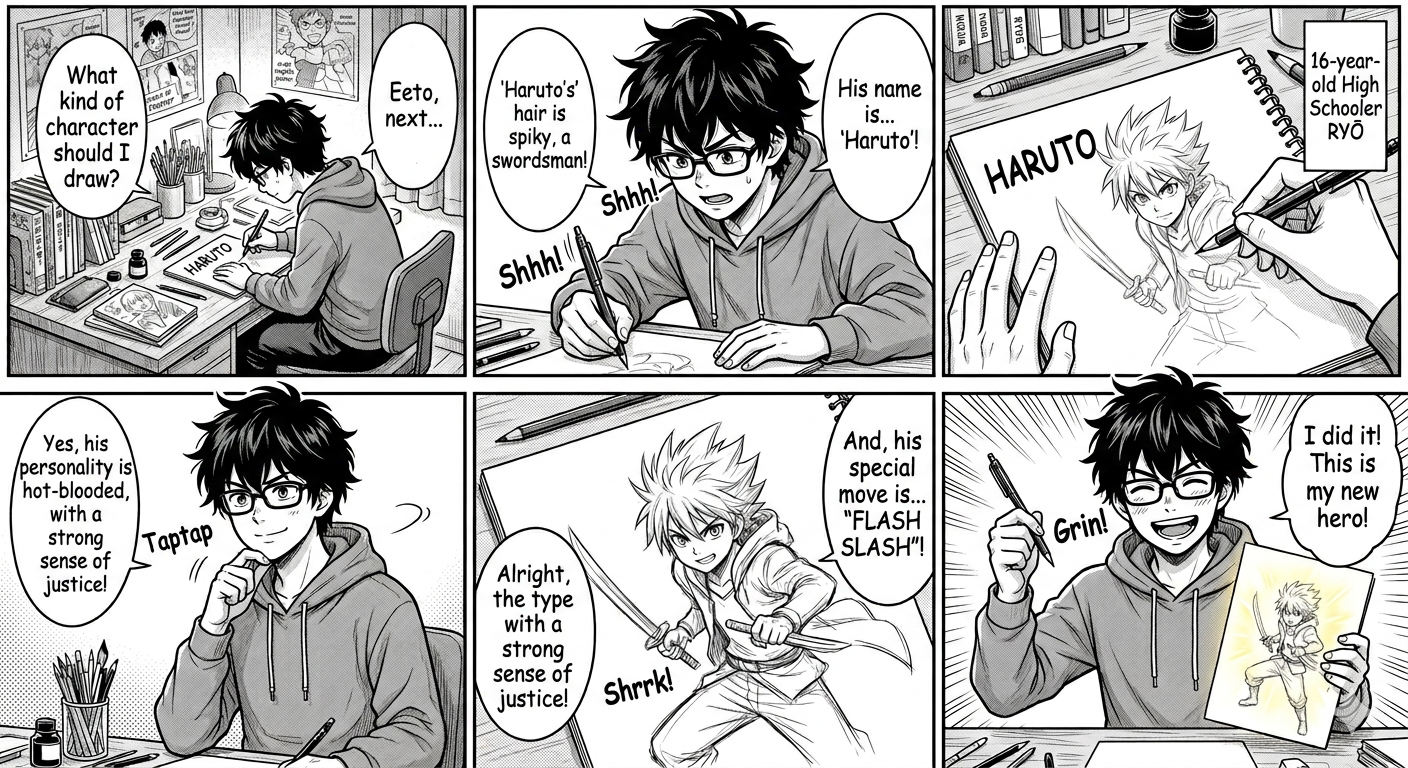
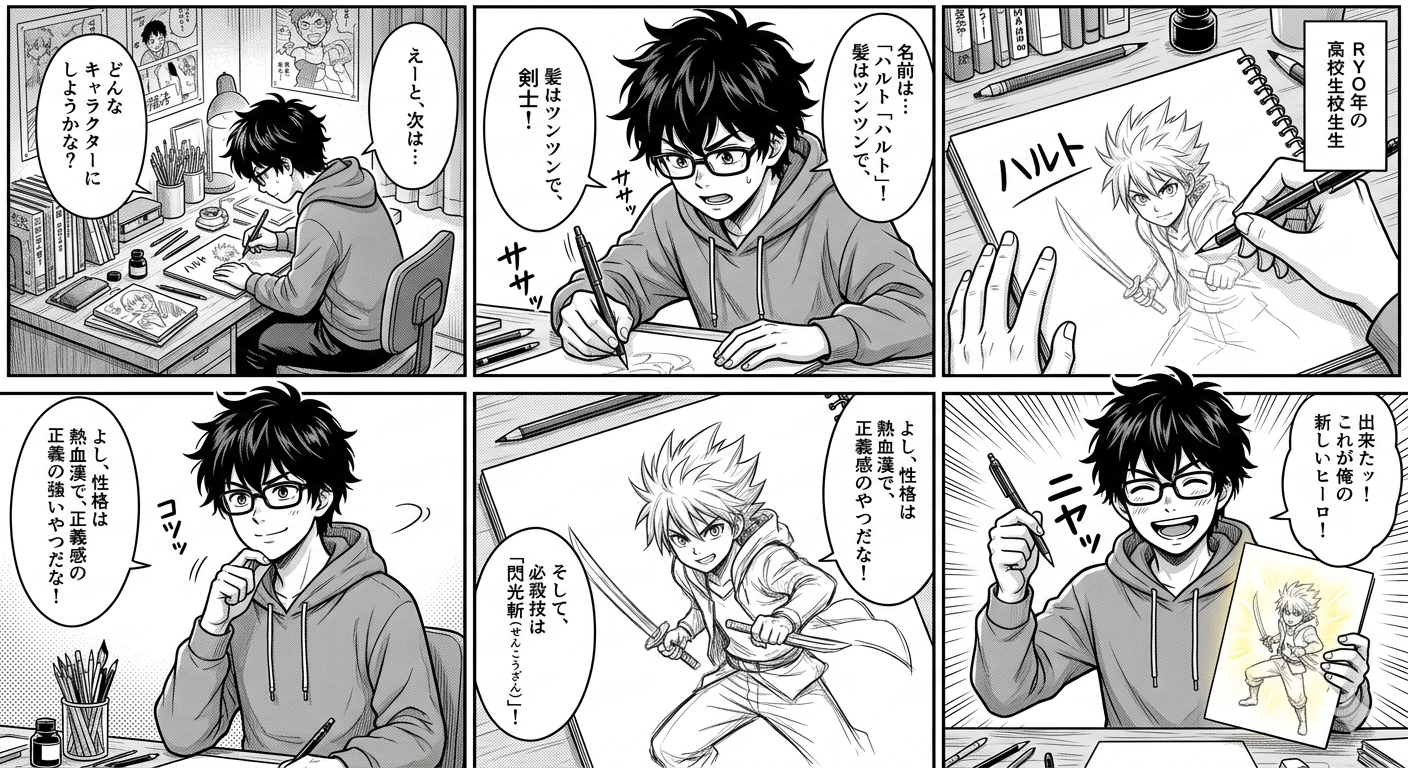
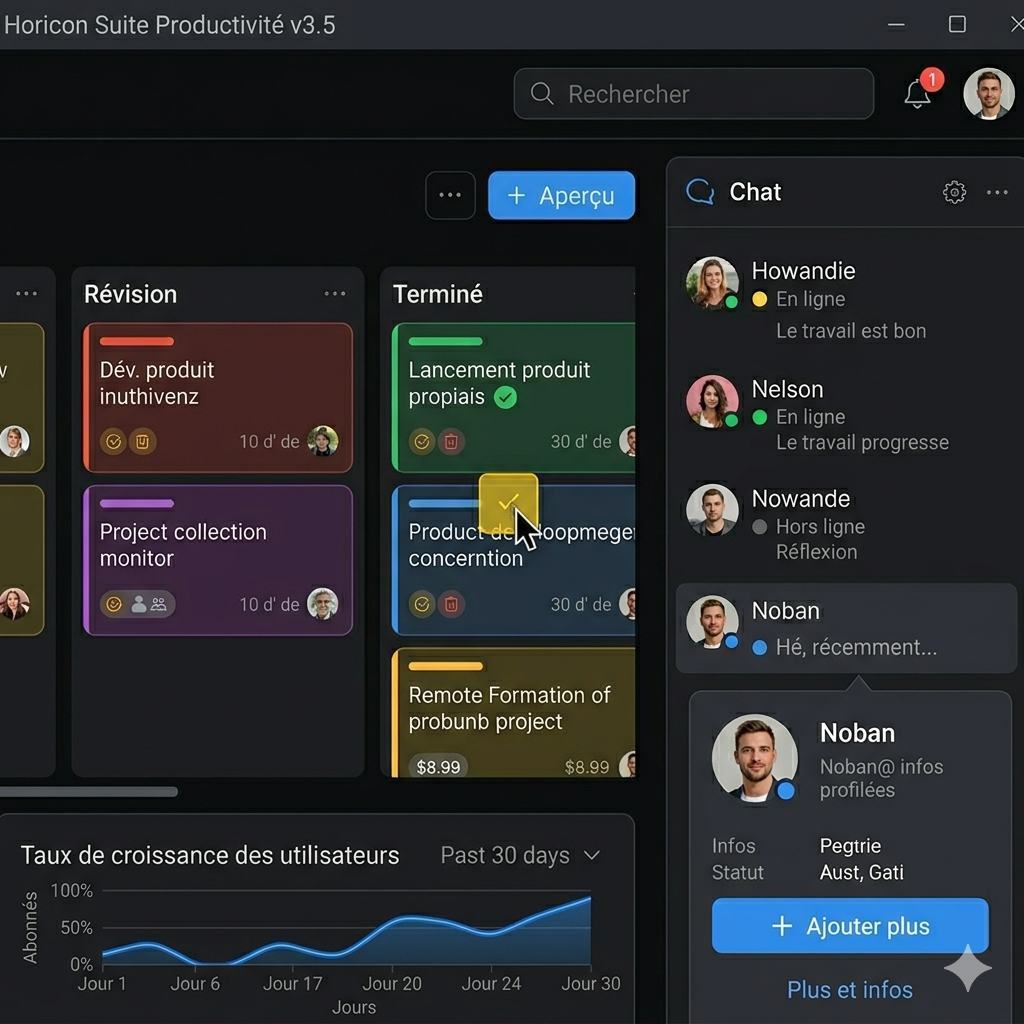
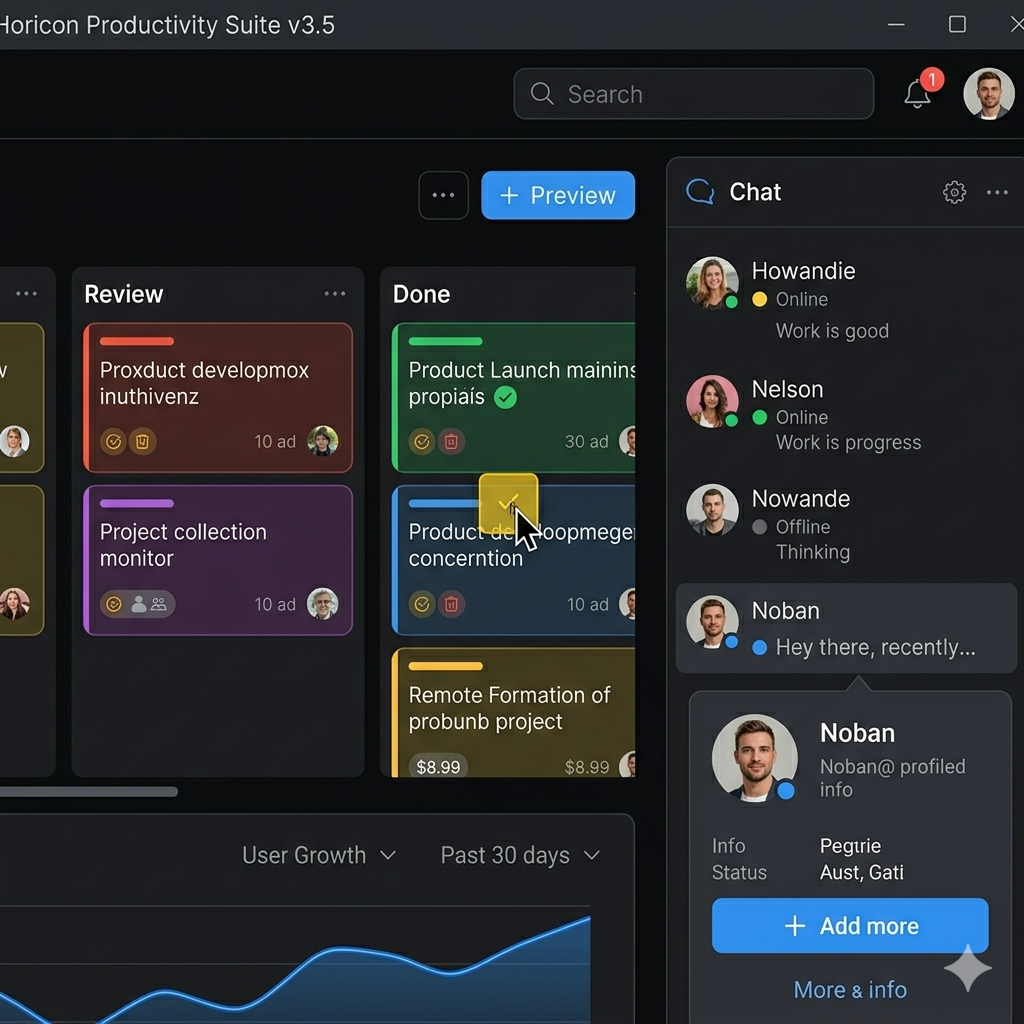
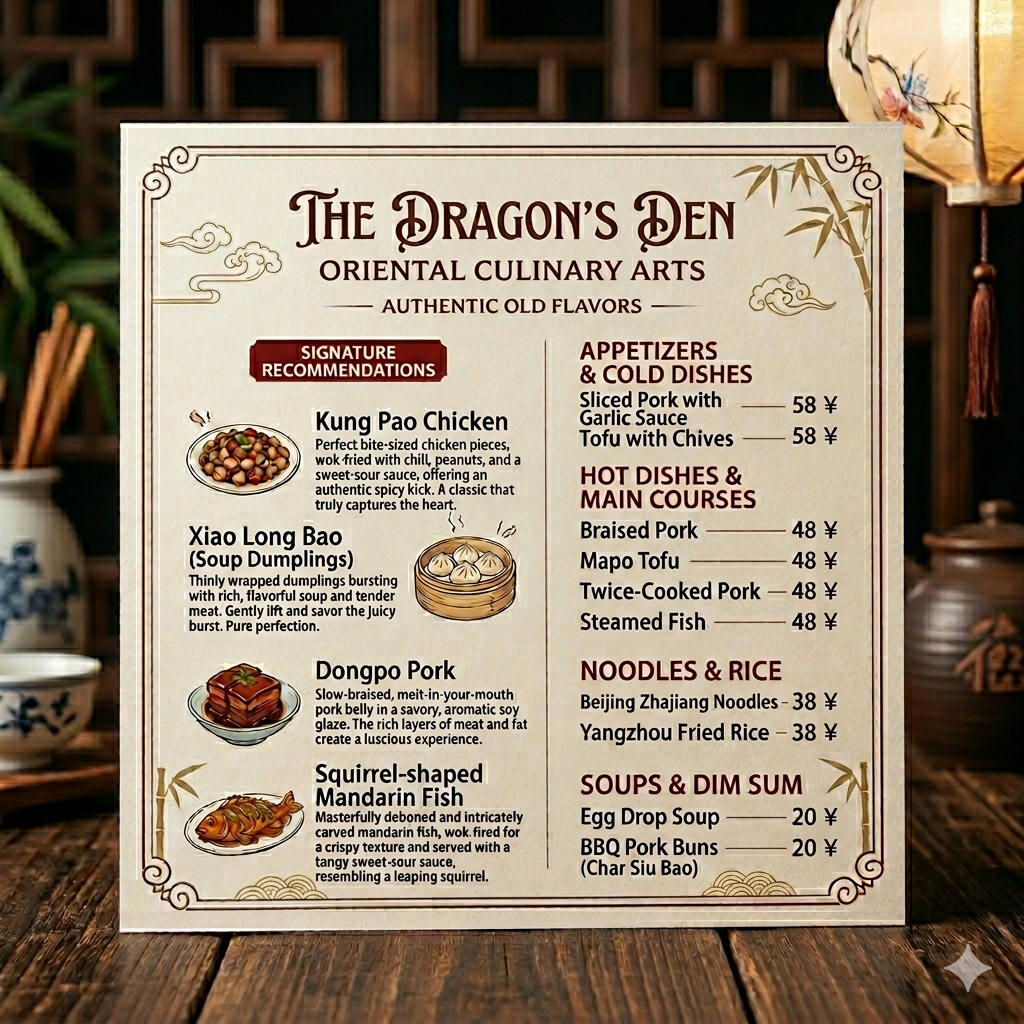
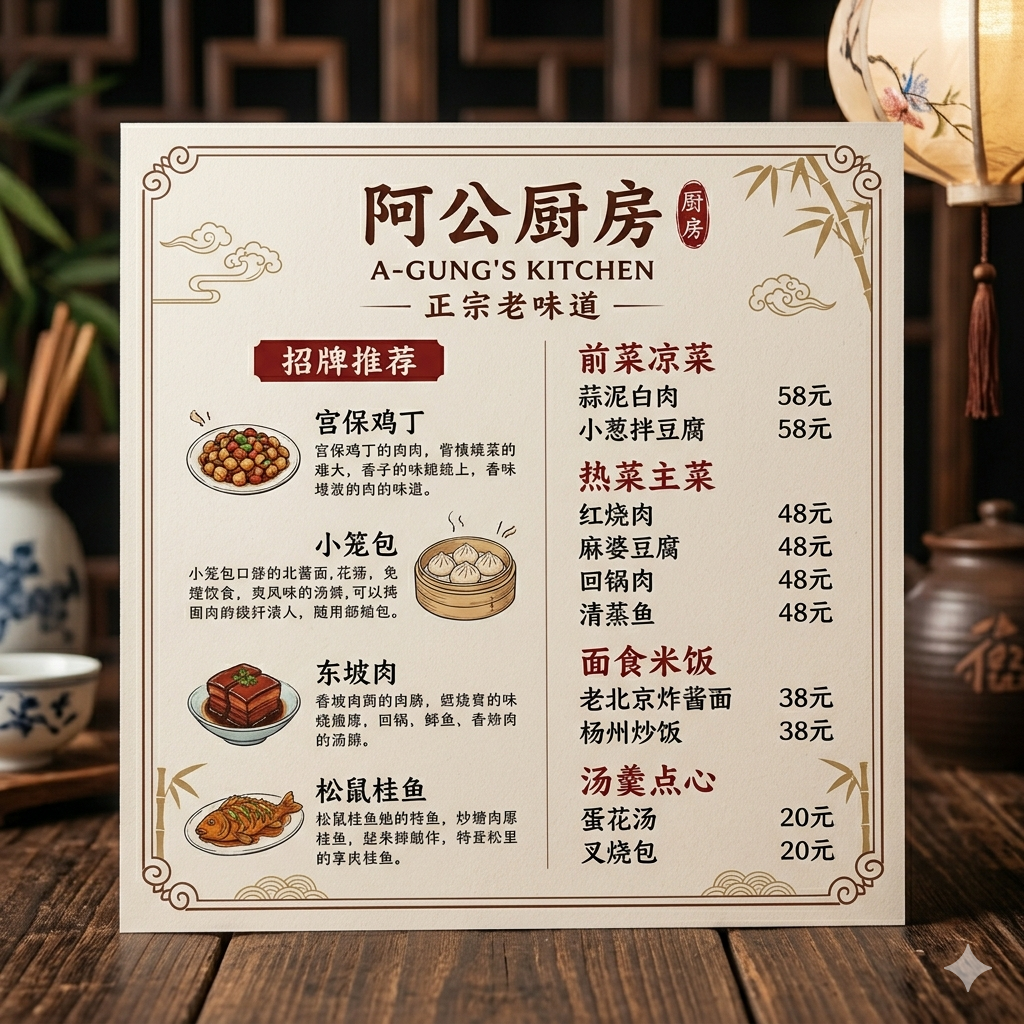
ImageFromTranslator is built for images where position matters: bubbles, labels, UI text, menu sections, captions, and product callouts.
You can translate manga panels, screenshots, menus, signs, product images, and other images with readable text into English.
No. OCR extracts text, while ImageFromTranslator returns a translated image that keeps the original visual context where possible.
Yes. Guests get 20 daily credits, signed-in users get 50 daily credits, and standard image translation starts from 10 credits.
The workflow is designed to keep text placement, reading flow, and visual structure when the source image is clear enough.
Start with a clear manga panel, screenshot, menu, sign, or product image.