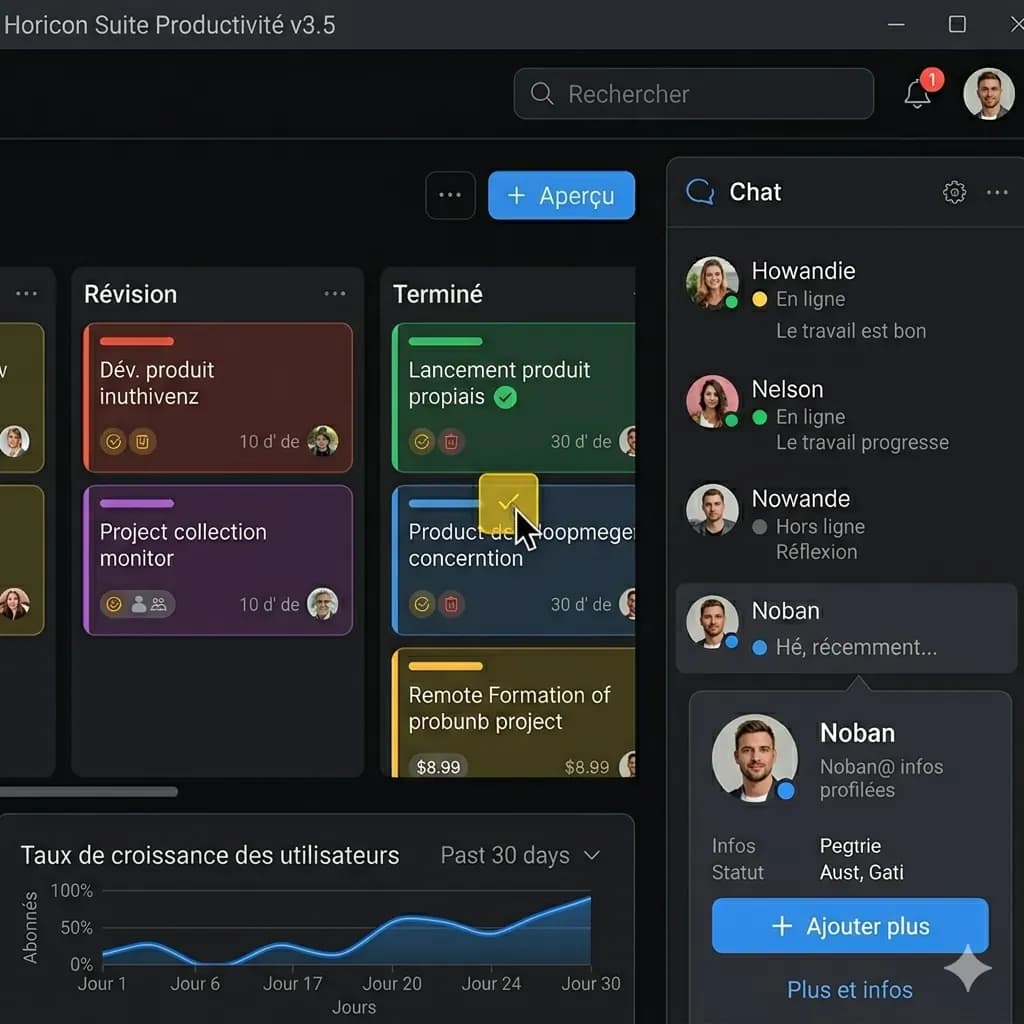
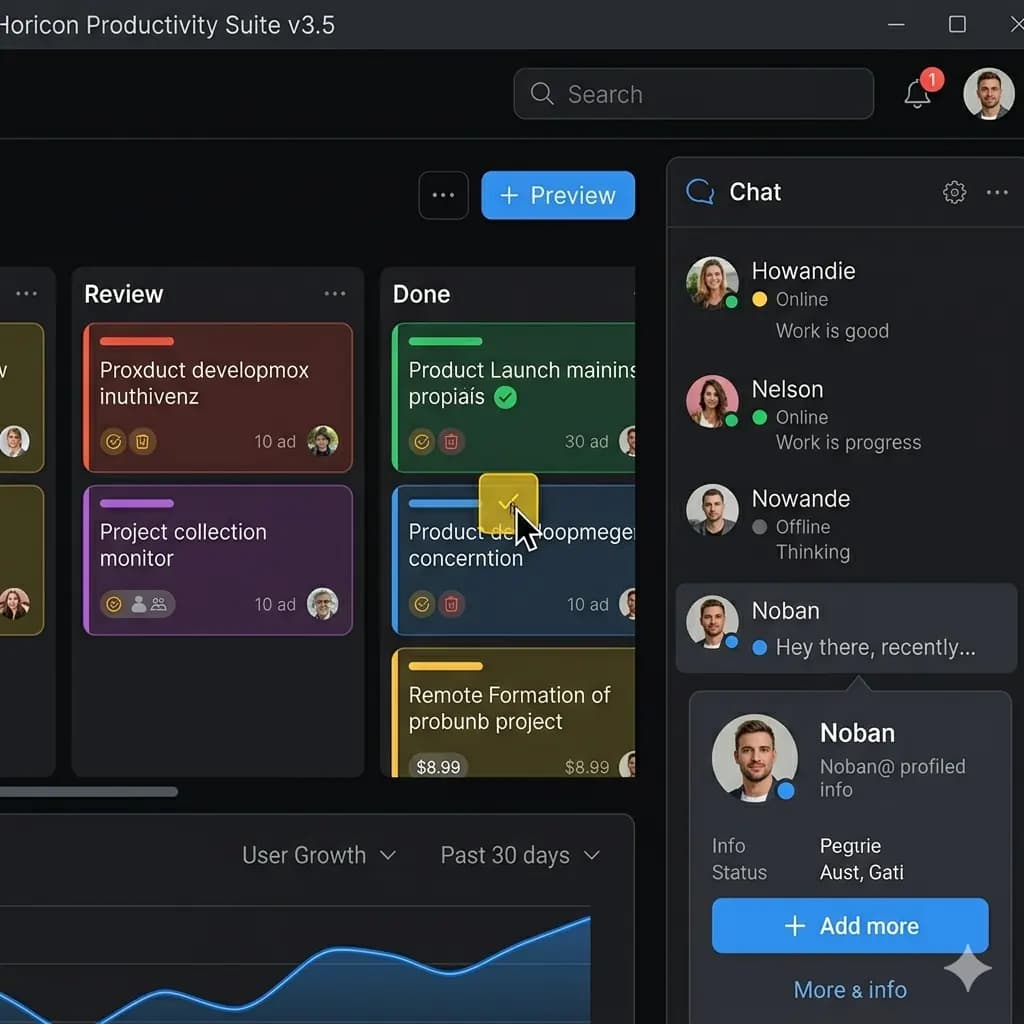
App screenshot
Translate buttons, labels, and interface text without losing screen structure.
Upload a phone screenshot, app screen, game screenshot, chat image, or web capture and get an English version with the layout preserved.
Works for phone screenshots, app UI, game dialogs, chats, web captures, mobile screenshots, and social media screenshots.
JPG, PNG, WebP 지원, 최대 10MB. 스크린샷, 만화, 메뉴, 상품 이미지를 레이아웃을 유지한 채 번역합니다.
This page is structured around screen regions: buttons, bubbles, panels, warnings, and compact mobile text. The goal is to keep translated text attached to the original UI.
Translate buttons, labels, and interface text without losing screen structure.
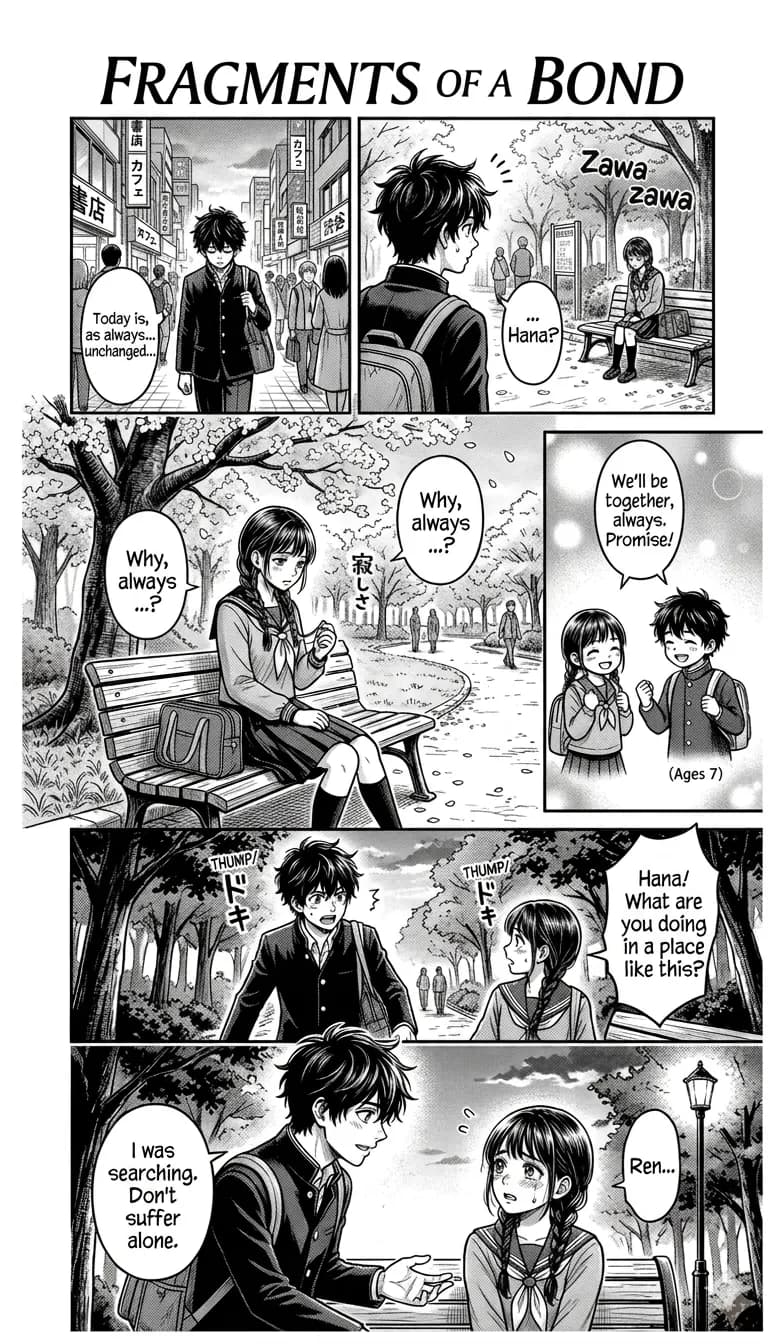
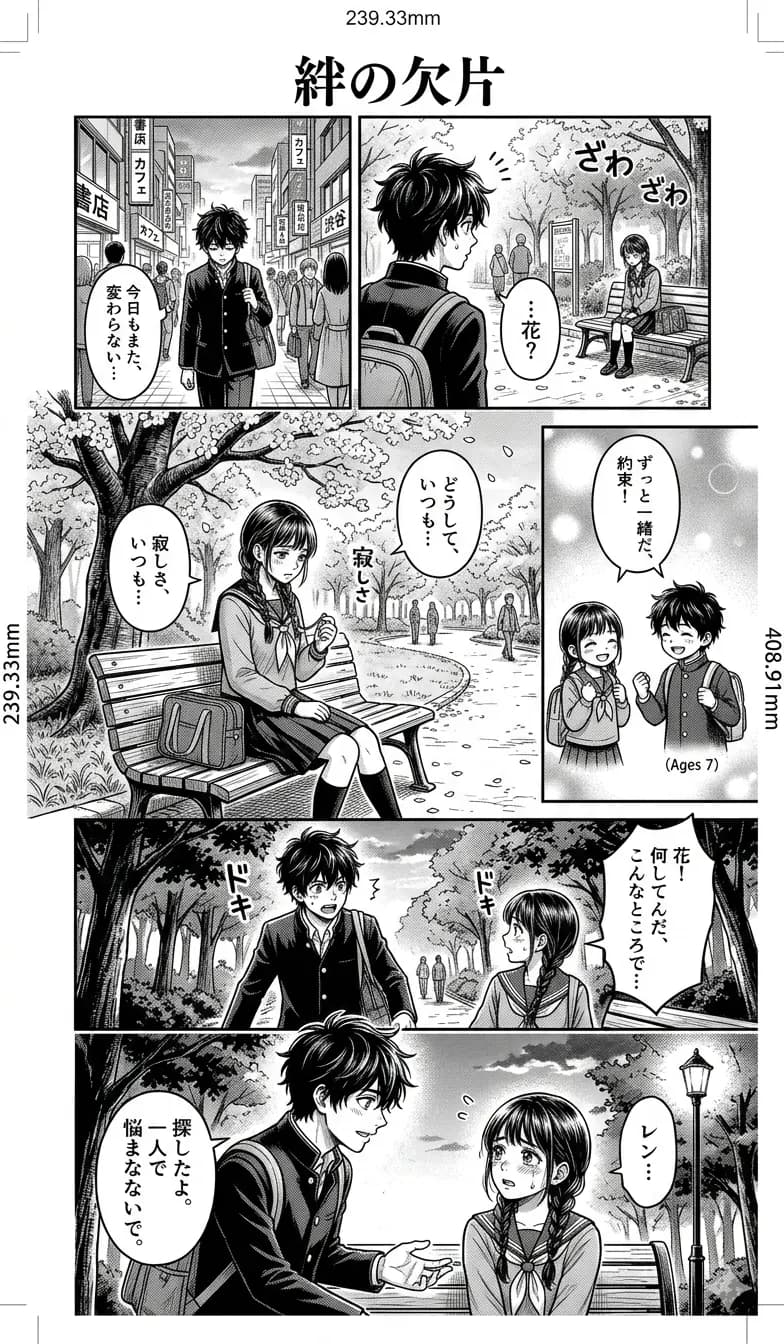
Useful for UI messages, menus, settings, and web screenshots.


Translate chat screenshots, mobile screenshots, social media captures, and message images while keeping the conversation layout readable.
Screenshots are processed temporarily for translation and deleted after 24 hours. Avoid uploading passwords, payment details, or private identity documents.
Translate phone screenshots, mobile screenshots, settings, onboarding screens, and app UI.
Translate app screenshots to English while keeping buttons, labels, dialogs, and screen structure readable.
Understand game dialogs, menus, quests, item descriptions, error messages, and UI overlays.
Translate chat screenshots, web screenshots, social media screenshots, and browser captures into English images.
Drag, paste, or select a phone screenshot, app screenshot, game screenshot, chat screenshot, mobile screenshot, or web capture.
The tool detects readable text regions in app screens, phone screenshots, game UI, chats, and web screenshots.
Detected text is translated to English and rendered close to the original placement.
Preview the translated screenshot and download the English result.
Screenshots are processed temporarily for translation and deleted after 24 hours. Avoid uploading passwords, payment details, or private identity documents.
Phone screenshots, app screenshots, game screenshots, chat screenshots, mobile screenshots, web screenshots, and social media screenshots work best when text is sharp and readable.
Images are processed temporarily for translation and deleted after 24 hours. Avoid uploading highly sensitive information such as passwords, payment details, or identity documents.
Upload your screenshot, and ImageFromTranslator detects the text, translates it to English, and renders the translated result back into the original screenshot layout.
Yes. You can translate phone screenshots, app screens, mobile screenshots, chat screenshots, game screenshots, and web captures to English.
Yes. Clear game screenshots with readable text usually work well, especially menus, dialogs, and item descriptions.
Yes. Clear chat screenshots and message images can be translated while preserving the conversation layout.
Yes. The tool is designed to keep the translated text close to the original placement whenever possible.
Yes. After translation, you can preview and download the English screenshot result.
Yes. Cropping a long screenshot into the most important section usually improves text detection, layout rendering, and review speed.
Yes. It is useful for app UI, onboarding screens, game dialogs, product screenshots, social posts, and web captures where layout explains the text.
Translate screenshots, manga, menus, signs, and product images online.
Open toolTranslate photos, pictures, screenshots, and other images into English.
Open toolExtract image text or download a translated image with layout preserved.
Open toolTranslate manga panels while preserving speech bubbles and reading flow.
Open toolFocus on app UI, onboarding, settings, and mobile screens.
Open toolTranslate real-world signs and notices with visual context.
Open toolCompare instant camera lookup with saved translated image output.
Open toolCompare screenshot, OCR, and layout-preserved translation workflows.
Open toolSplit scrolling screenshots at natural visual boundaries without missing content.
Open toolKeep game dialogue, menus, item stats, and controls connected to the UI.
Open toolPreserve message order while cropping names, notifications, and private details.
Open toolName, order, review, retry, and download related screenshot tasks.
Open tool