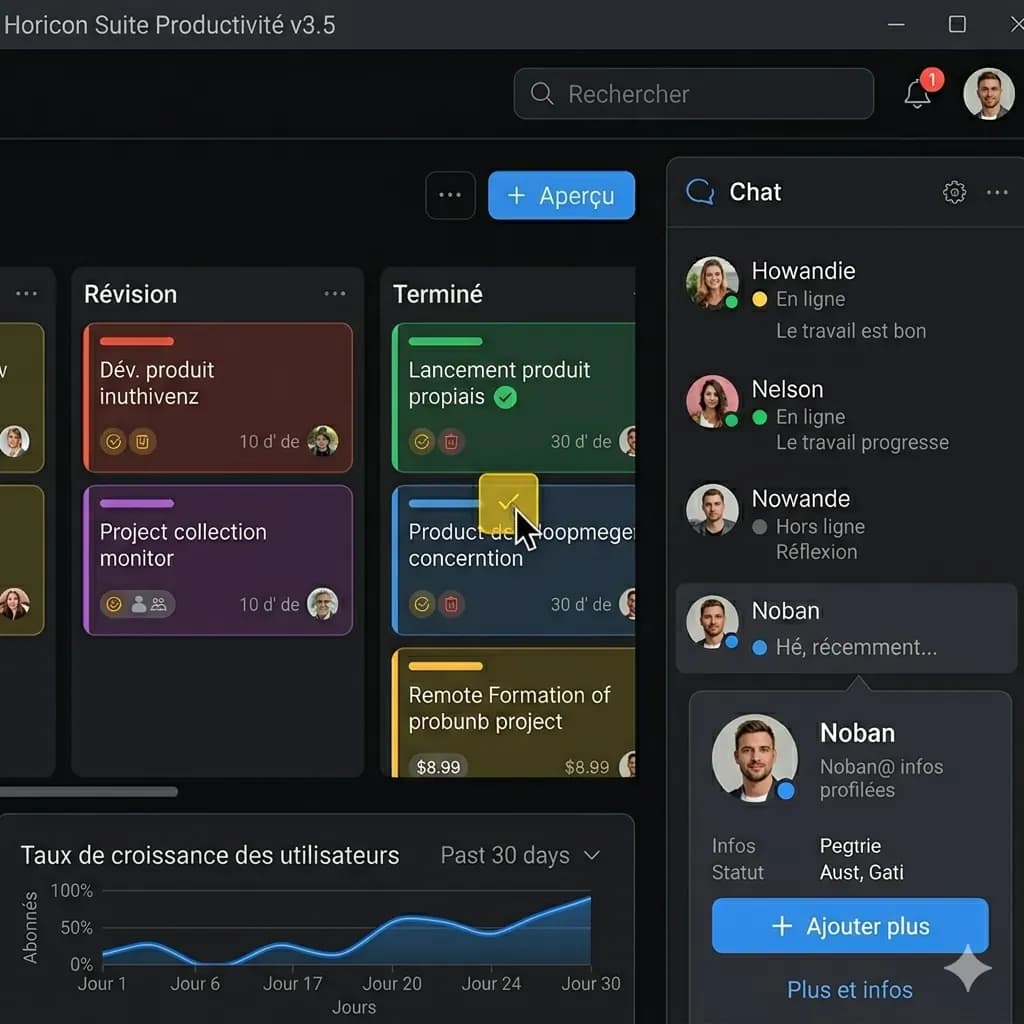
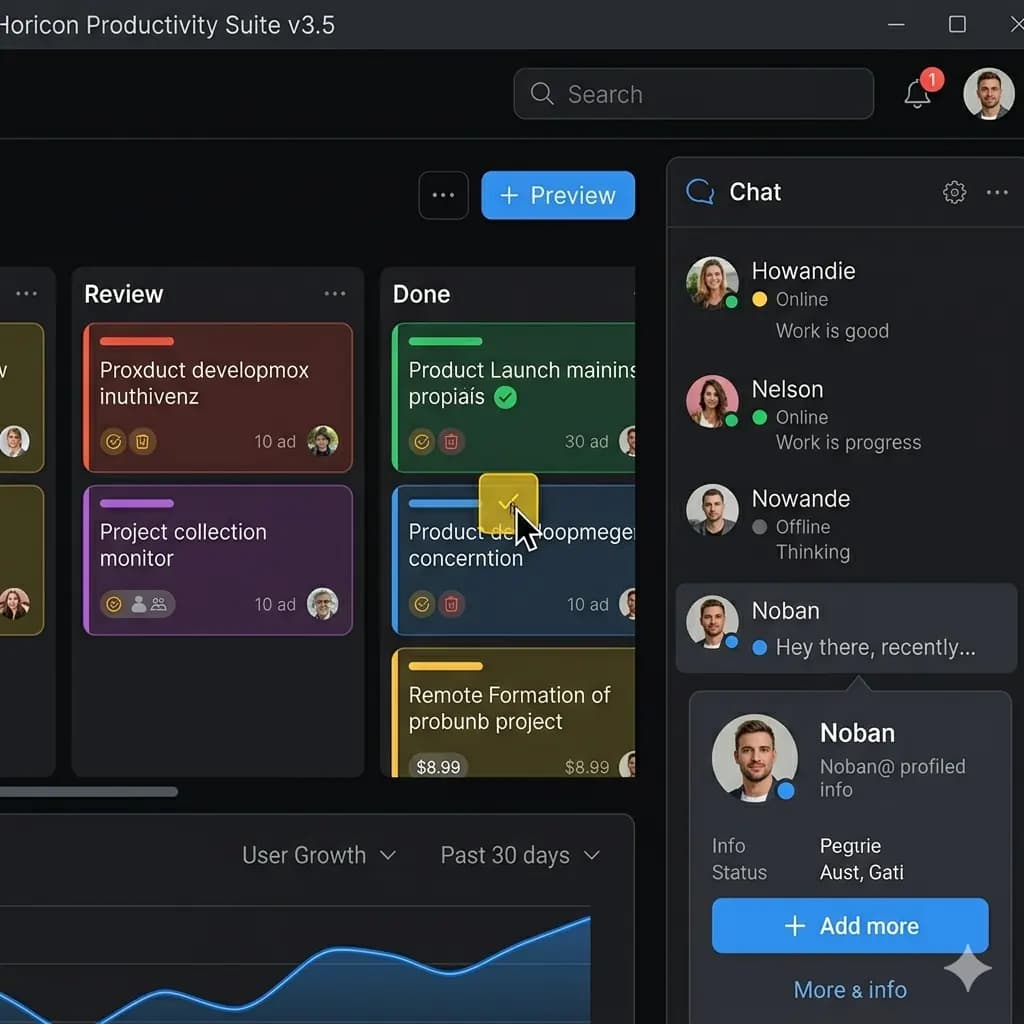
Layout-preserved image translation
Instead of only extracting text, translate the image and download a visual result.
Compare a layout-preserved image translator with text-first OCR workflows for screenshots, menus, signs, documents, and product images.
ImageFromTranslator is not affiliated with Yandex. This page compares alternative image translation workflows.
JPG, PNG, WebP up to 10MB. Translate screenshots, manga pages, menus, and product images without losing layout.
Instead of only extracting text, translate the image and download a visual result.
Confirm section titles, dates, and document names.
Review rows and columns where text is tightly packed.
Keep labels and values paired in forms or receipts.
Crop smaller text separately if it is too dense.
Yandex OCR-style workflows are useful when you primarily need extracted text. ImageFromTranslator is built for users who want a translated image that remains visually readable.
Translate screenshots, menus, signs, and product images into a visual output.
Keep text near its original position so visual context remains readable.
Create an image you can save, share, or review later.
Use OCR-style reading when you need to understand text from an image quickly.
Start with a screenshot, photo, menu, sign, document image, or product visual.
The system detects text regions and translates the image content.
Review the translated image and download the output.
Yandex OCR-style workflows are useful when you primarily need extracted text. ImageFromTranslator is built for users who want a translated image that remains visually readable.
For screenshots, menus, product labels, and signs, preserving layout can be more useful than a plain text block because the visual placement carries meaning.
Images are processed temporarily and deleted after 24 hours.
| Feature | ImageFromTranslator | Alternatives |
|---|---|---|
| OCR text extraction | Detects readable text regions in images | Often focuses on extracted text output |
| Image translation | Translates and renders text back into the image | May require copying text into a separate translator |
| Layout preservation | Designed to keep visual structure close to the original | Often returns plain text without layout |
| Download translated image | Preview and download the translated image | Download options vary by tool |
| Use cases | Screenshots, menus, signs, manga, product images, documents | General OCR and text recognition |
| Pricing and free credits | Daily free credits with paid credit packs available | Depends on the provider |
No. ImageFromTranslator is an independent image translation tool and is not affiliated with Yandex.
No. It detects text, translates it, and renders the translation back into the image layout.
Yes. You can preview and download the translated result.
It is useful when layout matters, such as screenshots, menus, signs, product images, manga, and documents.