

Manga
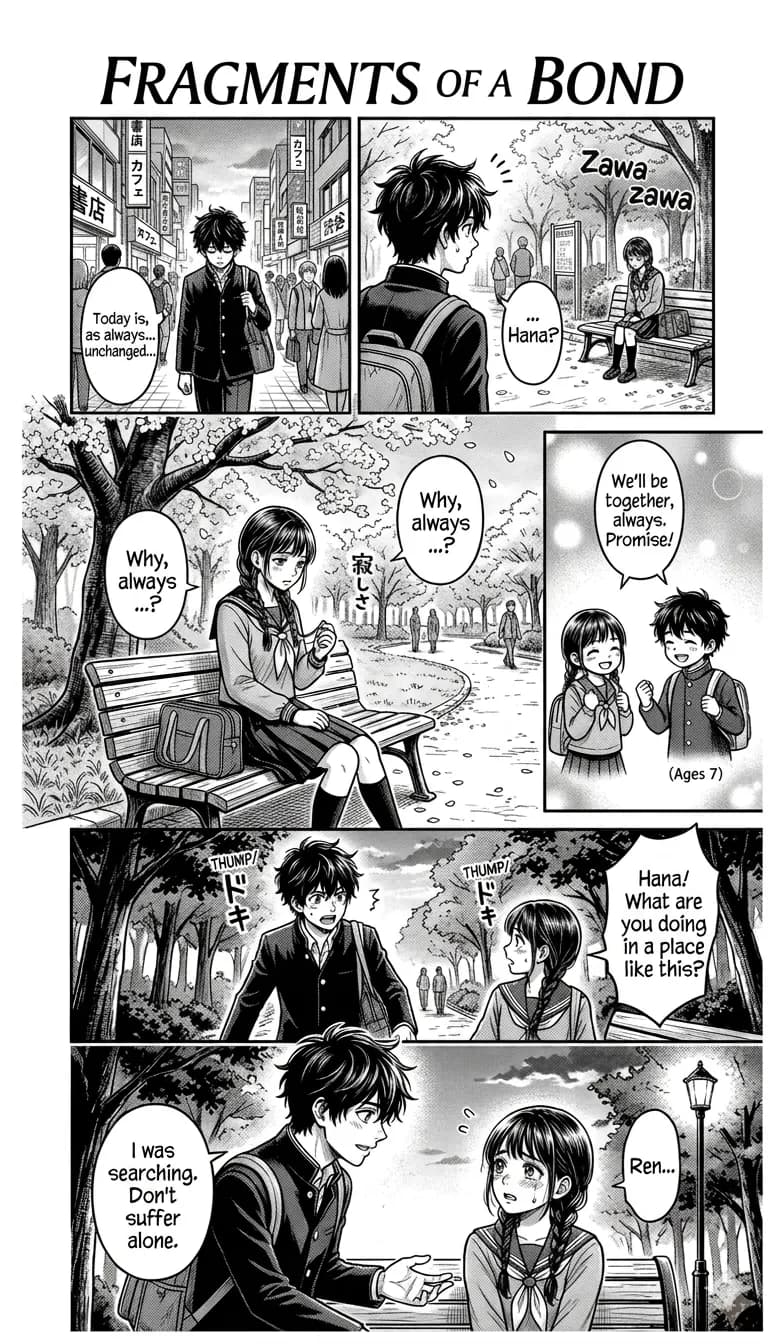
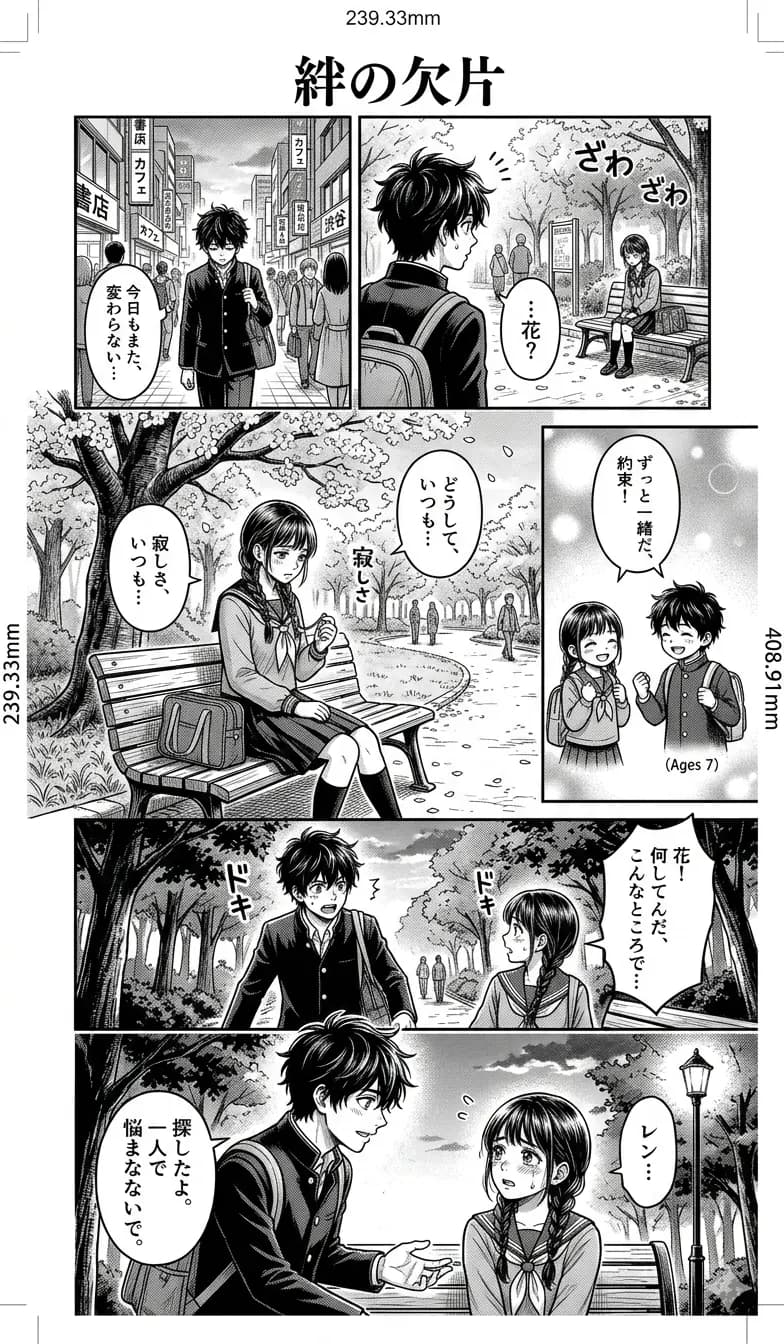
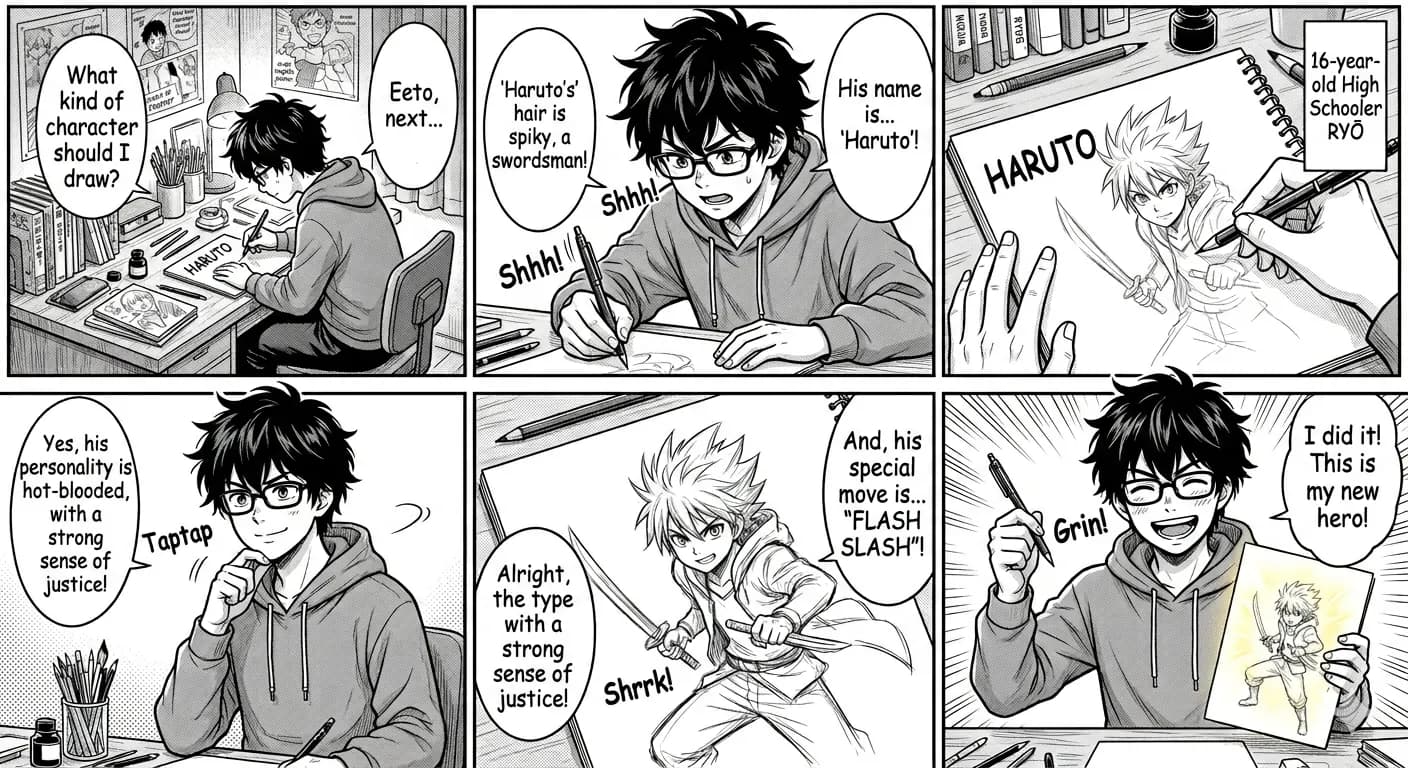
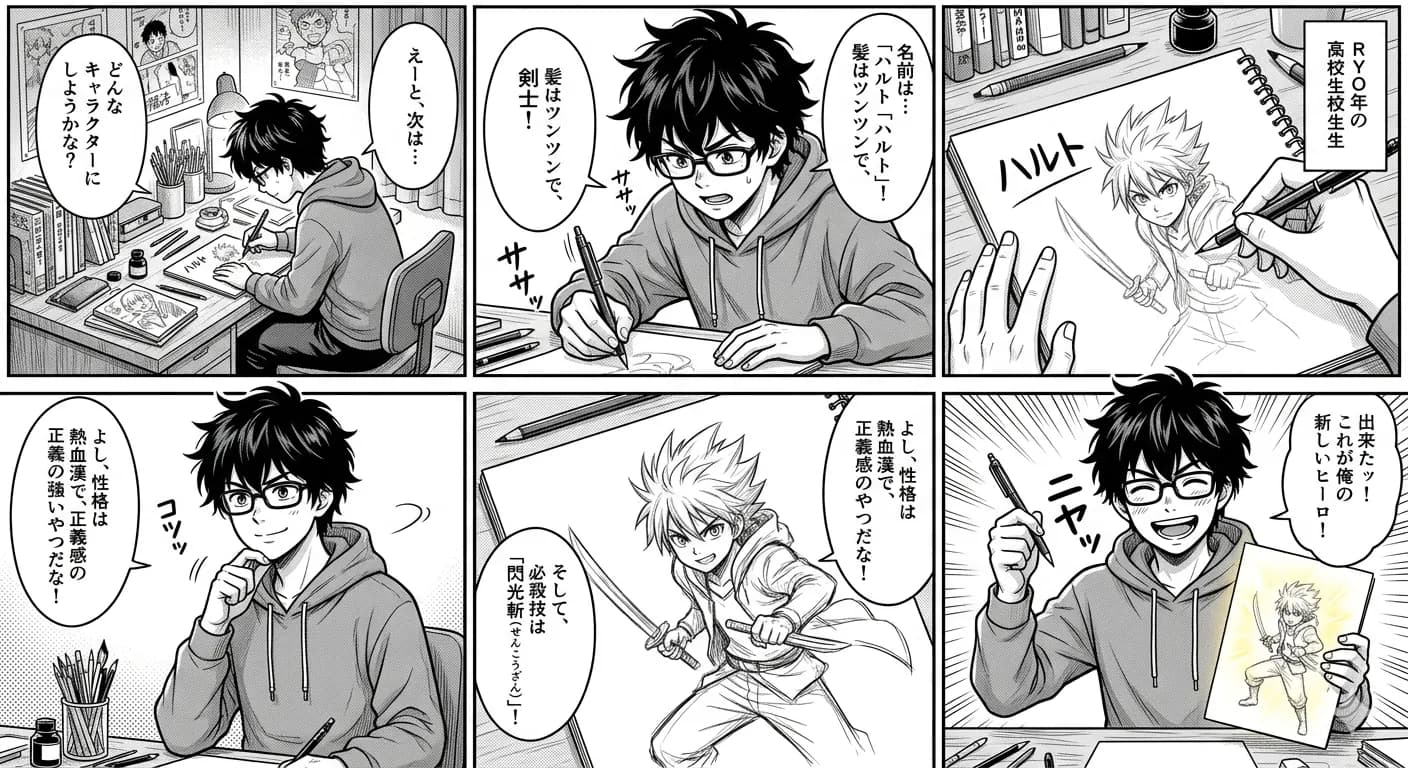
Japanese speech bubbles translated to English while keeping panel placement.
Translate Japanese manga, signs, menus, screenshots, and product images to English while preserving reading flow, labels, and visual context online.
JPG, PNG, WebP up to 10MB. Translate screenshots, manga pages, menus, and product images without losing layout.
See how screenshots, manga panels, menus, and product images stay usable after translation.
Japanese speech bubbles translated to English while keeping panel placement.
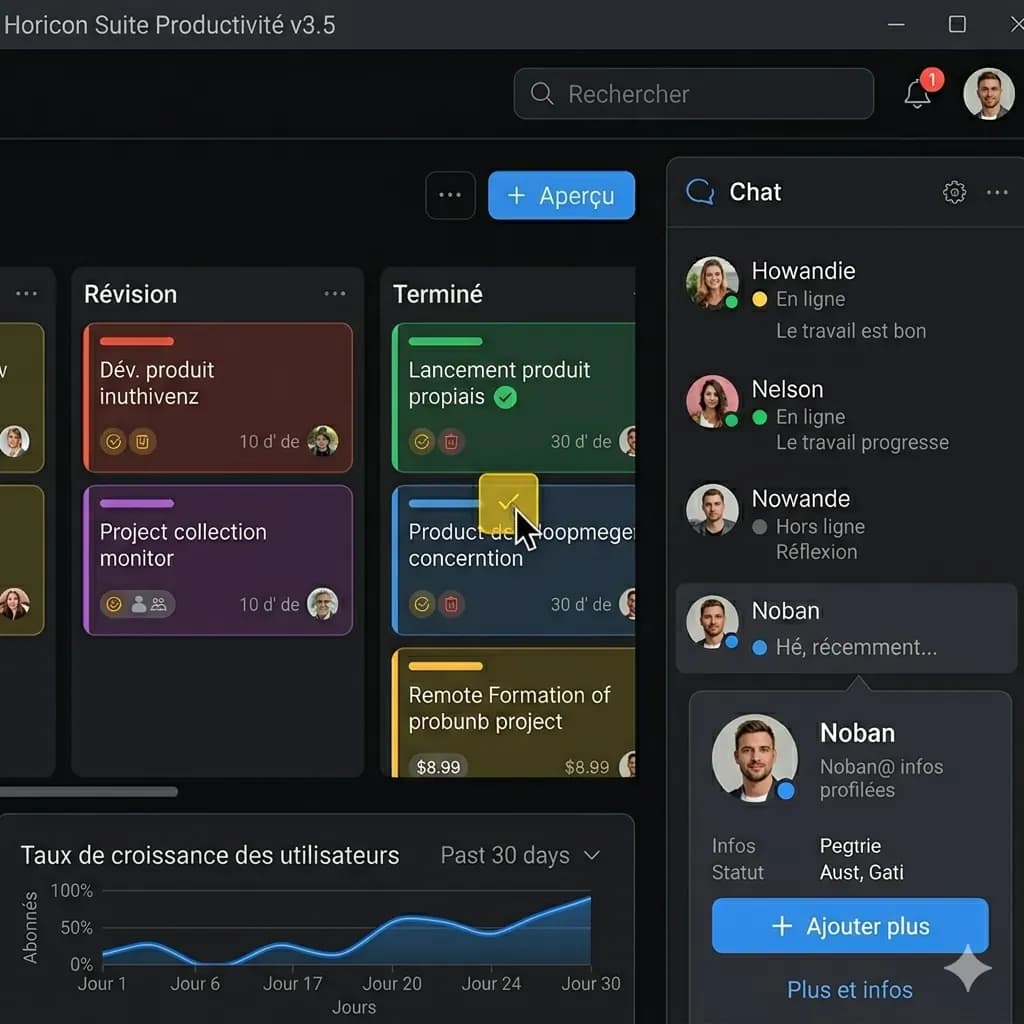
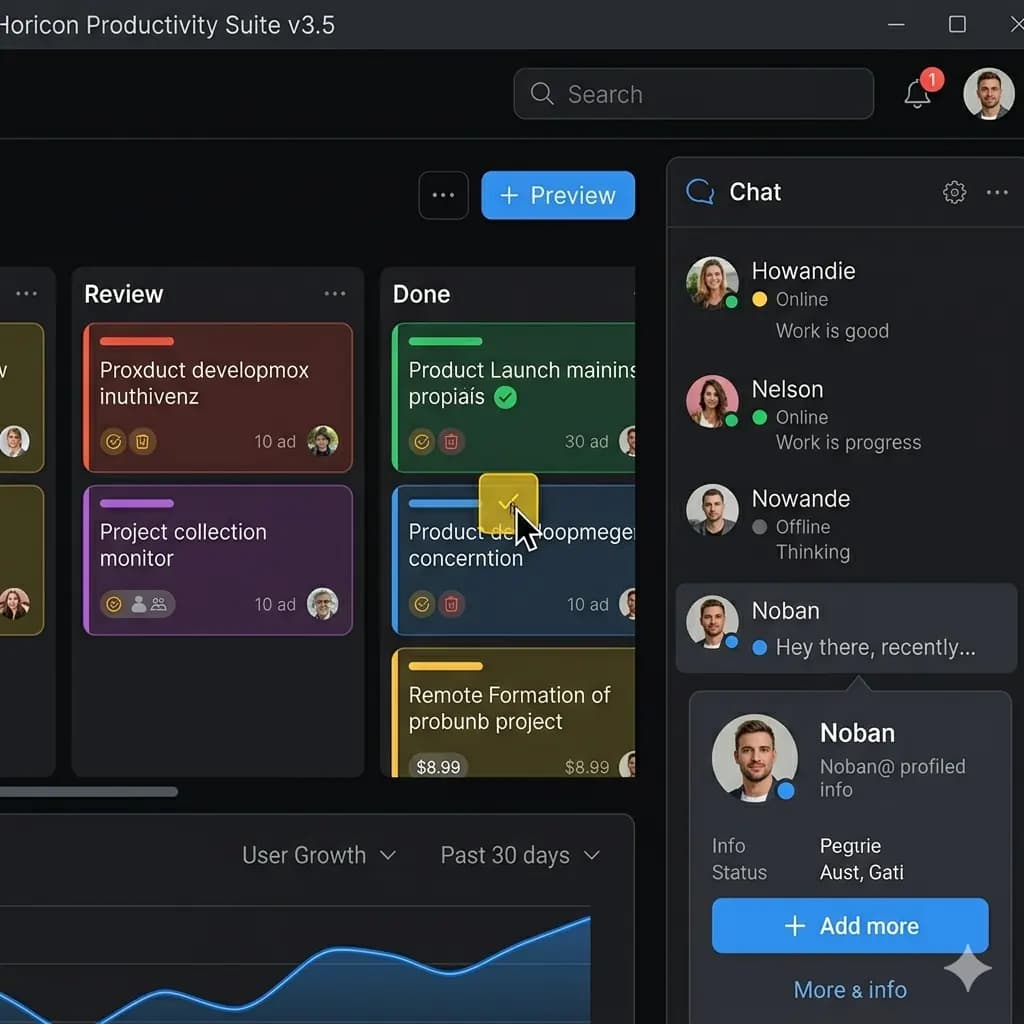
Interface text and errors become readable without losing the screen structure.
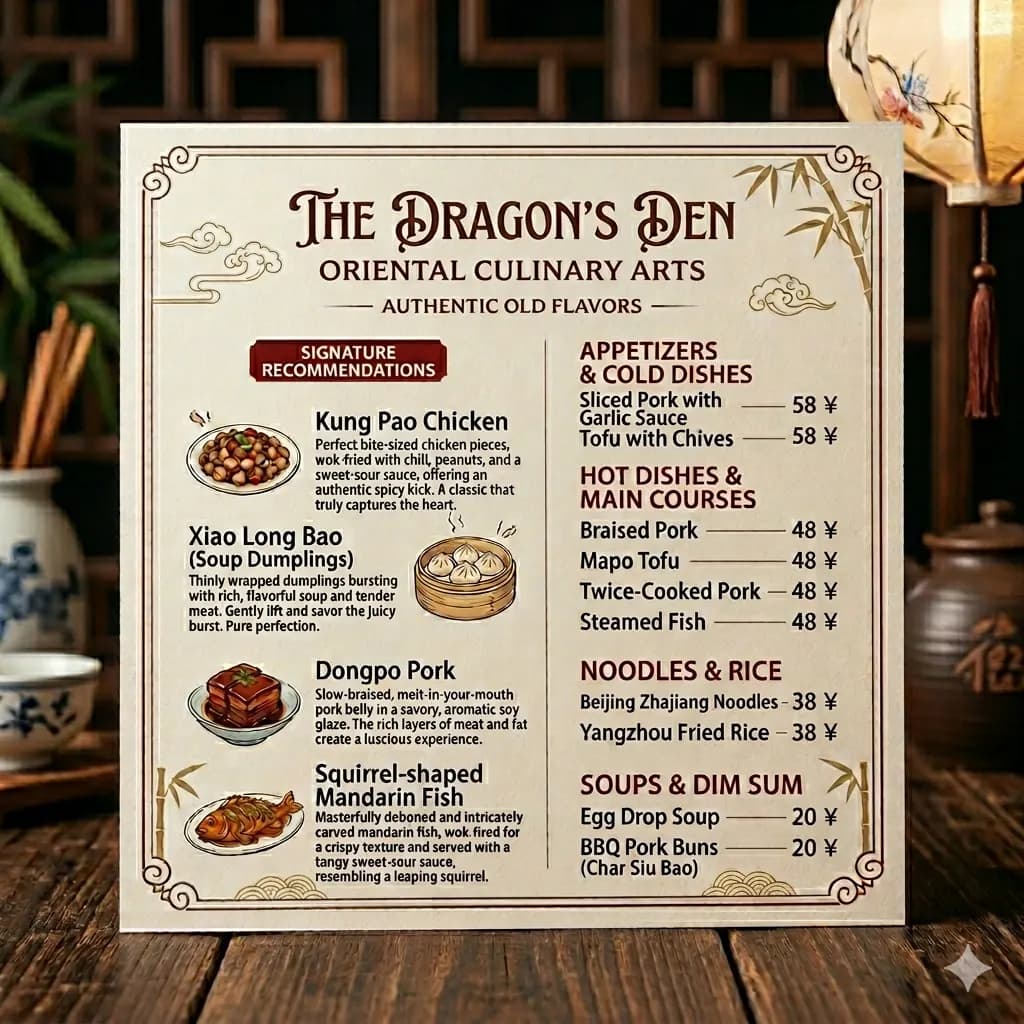
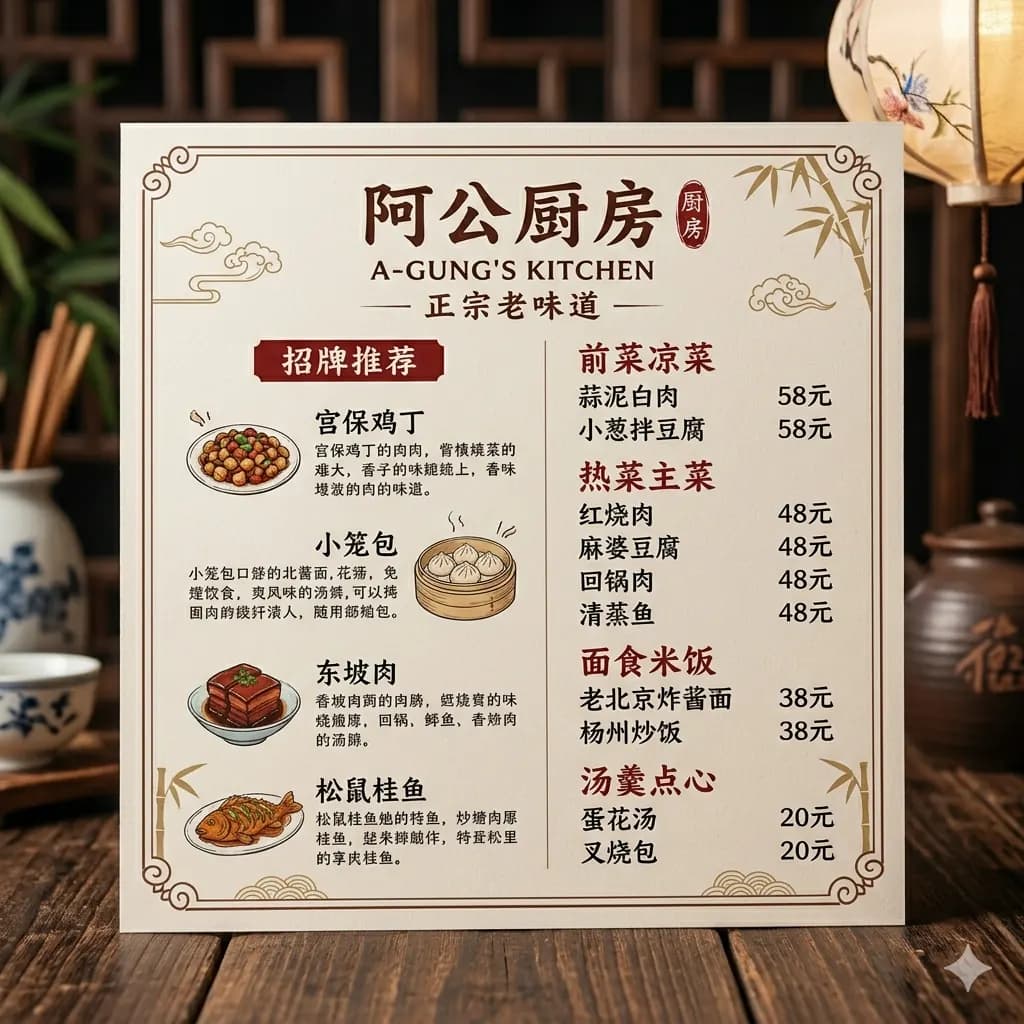
Menu sections stay in place so the result remains easy to scan.


Listing images can be reviewed in English while preserving visual hierarchy.
Google Lens helps you understand. ImageFromTranslator gives you a translated image you can keep, share, or review later.
| Capability | ImageFrom Translator | Google Lens | Yandex Translate | OpenL | DeepL | Microsoft Translator |
|---|---|---|---|---|---|---|
| Preserves original layout | Yes | Partial | Partial | Partial | No | Partial |
| Outputs translated image | Yes | Partial | Partial | Partial | Partial | Partial |
| Downloadable result | Yes | Partial | Partial | Partial | No | Partial |
| Good for manga panels | Yes | Partial | Partial | Partial | No | Partial |
| Good for screenshots | Yes | Yes | Yes | Yes | Partial | Yes |
| Handles long images | Yes | Partial | Partial | Partial | No | Partial |
| Cleans and redraws text area | Yes | Partial | Partial | Partial | No | Partial |
| Browser-based workflow | Yes | Partial | Yes | Yes | Partial | Yes |
| Free daily trial | Yes | Yes | Yes | Limited | Limited | Yes |
| Batch workflow | Yes | No | No | Partial | No | Partial |
Read raw scans before fan translations drop.
01
Drag and drop, click to select, or paste from clipboard. Max 10MB.
02
AI detects and translates visible text. Review names, numbers and small print; blurred images and complex layouts may require a clearer crop or manual correction.
03
Get a clean PNG you can share, print, or post right away.
Get back an image with English rendered in the original reading positions.
Sign-in is required. Signed-in users receive 50 credits/day. Plus, Pro and Studio are monthly subscriptions. Subscription credits refresh each month and do not roll over.
Japanese, Chinese, Korean, Arabic, Spanish, German, Russian, and more.
AI detects and translates visible text. Review names, numbers and small print; blurred images and complex layouts may require a clearer crop or manual correction.
Supported 130+ Languages
Open a language route to translate screenshots, manga, menus, listings, and documents into English.
Popular routes
All supported languages
OCR recognition and text extraction stay free forever. Plus, Pro, and Studio unlock translated exports, preserved layouts, batches, PDF side-by-side review, and higher-quality model routes.
Signed-in users can extract image text without a membership. Translation, layout export, and PDF workflows can use daily trial credits.
Available after sign-in: OCR recognition and text extraction are free; daily credits are for trying translation.
For individuals and small teams that need daily image translation, layout preservation, PDF preview, and batches.
About 1,200 standard images/month.
For steady high-volume translation, ecommerce launches, and content teams that need priority processing.
About 3,000 standard images/month.
For teams processing large image/PDF workloads and client delivery with maximum volume and support.
About 6,000 standard images/month.
Credit usage
A clear breakdown of credit usage, model access, and membership benefits.
Use OCR to recognize and extract text from images without a membership. This is separate from full translated exports.
For screenshots, menus, product images, manga panels, and common image translation jobs.
Document images start at 15 credits, scanned PDF pages start at 20 credits, with side-by-side PDF preview.
For dense layouts, posters, resumes, long pages, and higher-quality PDF processing.
Gemini, APIYI fast route, GPT-4o mini / Gemini OCR for fast translation, recognition, and text processing.
Gemini image, Seedream image editing, Claude / GPT / Gemini quality routes for layout-aware results.
Failed tasks do not consume credits, and model fallback can route work through a backup provider.
The free tier is free forever for OCR text extraction. Full translation, layout-preserved export, batches, and PDF processing use credits. Subscription credits refresh monthly and do not roll over; failed tasks are not charged.
Practical workflows for translating comics, screenshots, menus, and product images while keeping the visual context intact.
Camera-sharing AI is changing how people understand visual text. Here is when Gemini Live or Circle to Search is faster—and when a dedicated image translator is the better tool for a reusable English image.
A clean workflow for translating Korean webtoon panels, vertical comics, and long scrolling screenshots into readable English images.
A screenshot translation workflow for apps, games, chats, settings pages, and web captures.
Upload your image, we detect the source language, translate it to English, and keep the original layout before you download the result.
Sign-in is required. Signed-in users receive 50 credits/day. Plus, Pro and Studio are monthly subscriptions. Subscription credits refresh each month and do not roll over.
We support 130+ source languages including Japanese, Chinese, Korean, Arabic, Russian, Spanish, German, French, Portuguese, Italian, Hindi, Thai, and more.
Yes. Manga is one of our main use cases, and we preserve bubble placement so the page still reads naturally.
Printed text works best. Clear handwriting often works, while messy or stylized handwriting is less reliable.
AI detects and translates visible text. Review names, numbers and small print; blurred images and complex layouts may require a clearer crop or manual correction.
Yes. We detect text positions and render English back into the same visual structure.
Images are stored temporarily for processing and deleted after 24 hours. We never sell or share your images.
Yes. Vertical layouts in manga panels and traditional documents are supported when the source image is clear enough.
Yes. All three Japanese writing systems are supported.