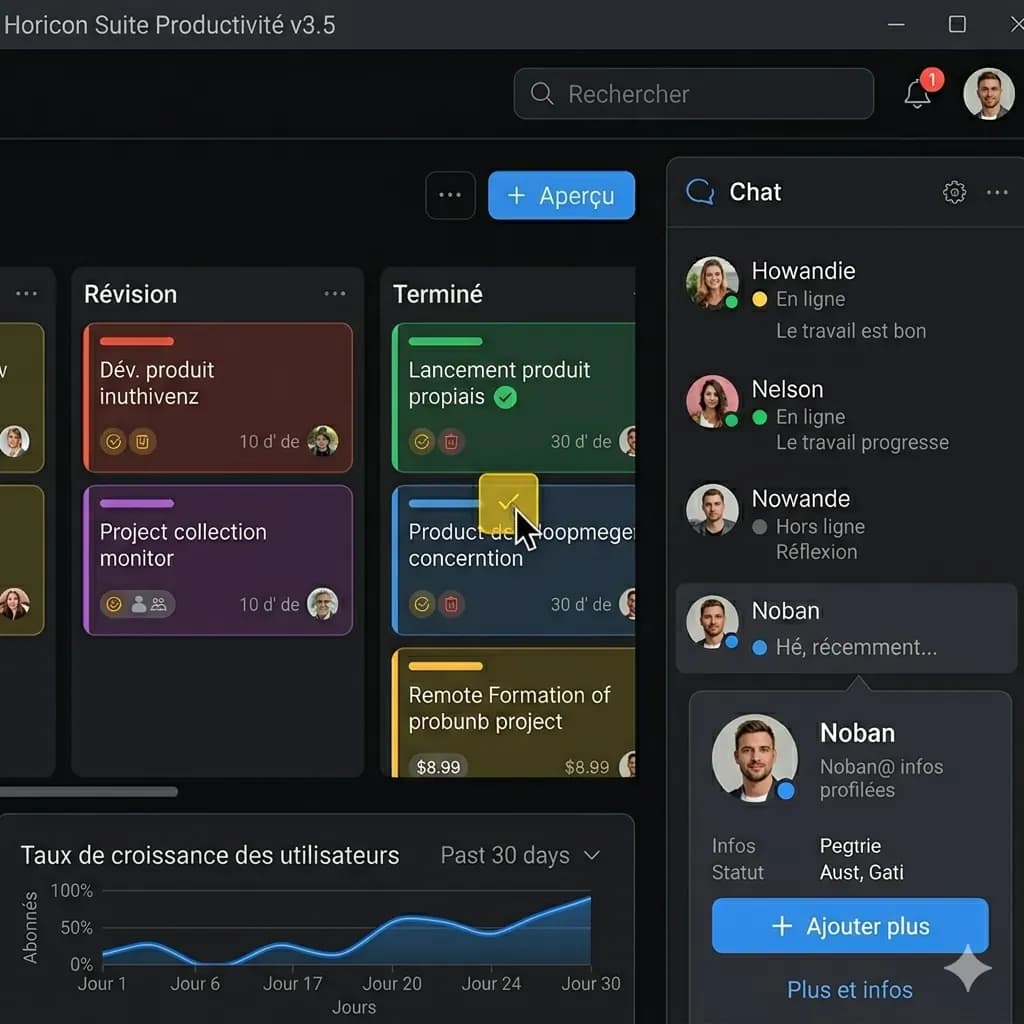
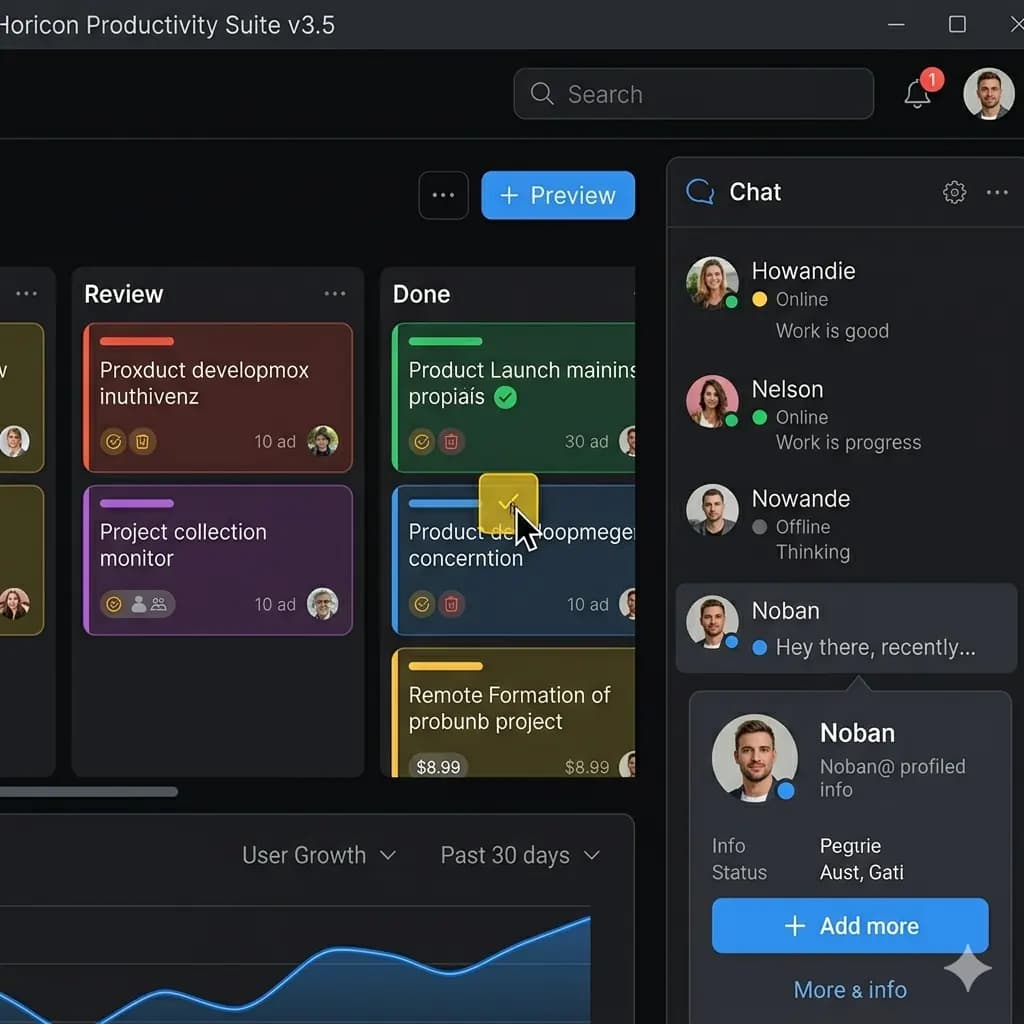
Screenshot translated to English
Translate app screens, game captures, chats, and web pages while keeping UI context readable.
Upload a social media screenshot and translate posts, captions, comments, replies, and chat text into English.
For posts, captions, comments, replies, DMs, threads, story screenshots, and social app captures.
JPG, PNG, WebP up to 10MB. Translate screenshots, manga pages, menus, and product images without losing layout.
This page is structured around screen regions: buttons, bubbles, panels, warnings, and compact mobile text. The goal is to keep translated text attached to the original UI.
Translate app screens, game captures, chats, and web pages while keeping UI context readable.
Social screenshots mix posts, profile labels, captions, comments, replies, and timestamps. Keeping layout visible helps preserve who said what and where it appears.
Translate post text, image captions, comments, and replies.
Translate DM screenshots and conversation captures.
Keep replies and comment order visible in the translated screenshot.
Review social screenshots while preserving context and UI layout.
Use a clear app, phone, game, chat, or social screenshot with readable UI text.
The tool identifies labels, bubbles, buttons, panels, and message order before translation.
English text is placed close to the original UI element so the screen remains understandable.
Check important buttons, dialog text, and conversation order before saving the translated screenshot.
Social screenshots mix posts, profile labels, captions, comments, replies, and timestamps. Keeping layout visible helps preserve who said what and where it appears.
Remove sensitive personal information before uploading private conversations or account screenshots.
Images are processed temporarily and deleted after 24 hours.
Yes. Upload a clear social screenshot and translate visible text into English.
Yes. Comments, replies, captions, and post text can be translated when readable.
Yes, but remove sensitive personal information before uploading private messages.
The translated result keeps the screenshot layout and conversation order visible where possible.
Yes. You can preview and download the translated image result.
Translate app, game, chat, and web screenshots.
Open toolFocus on app UI, settings, onboarding, and mobile screens.
Open toolTranslate screenshots, manga, menus, signs, and product images.
Open toolUse a downloadable translated image workflow when layout matters.
Open tool