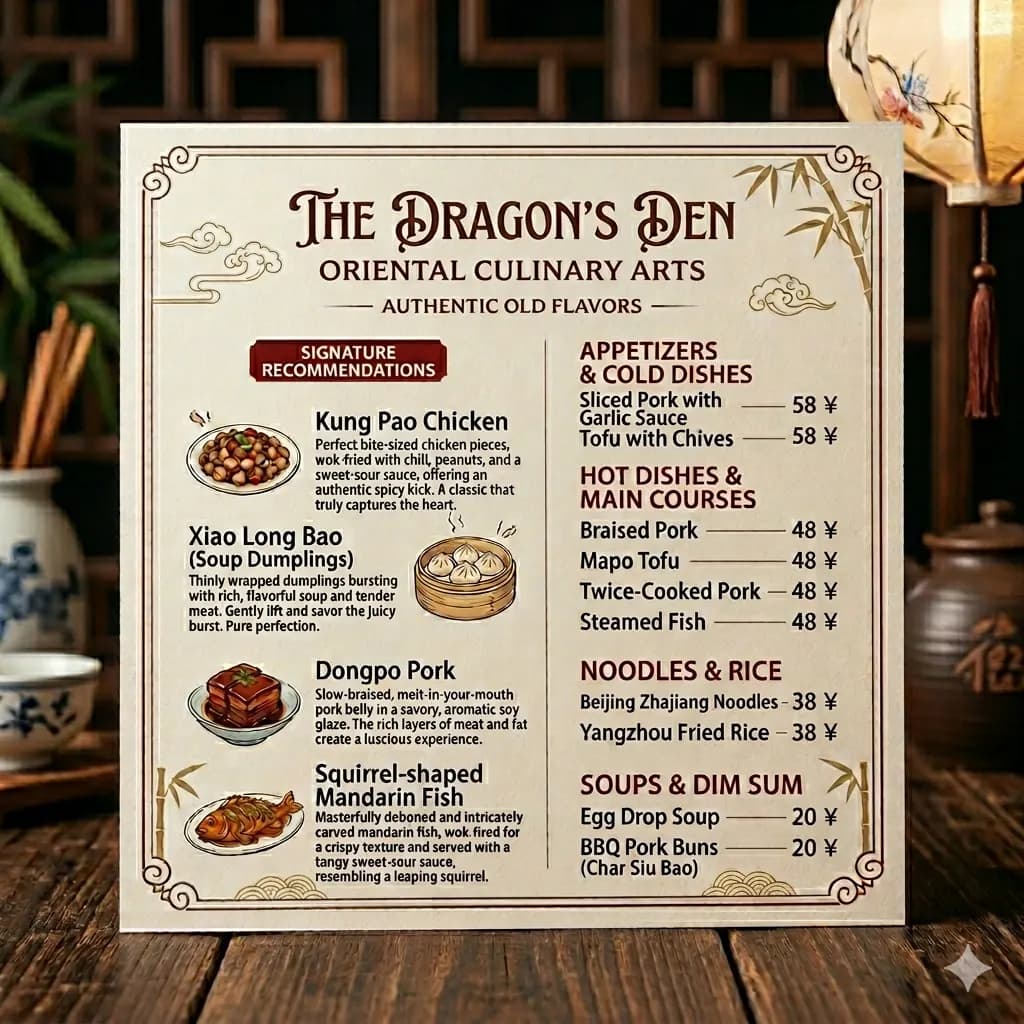
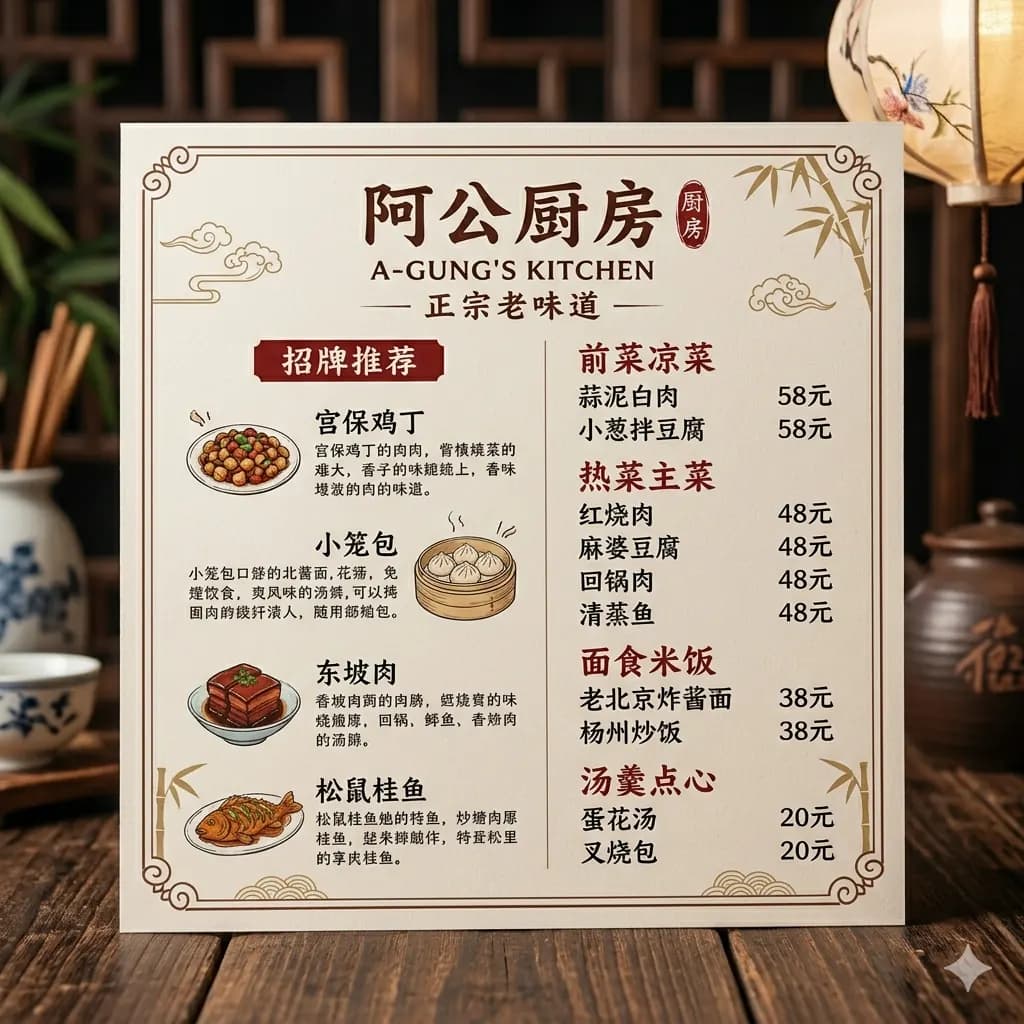
Photo text translated to English
Translate signs, menus, labels, and everyday camera photos while preserving sections and nearby context.
Translate a photo to English while keeping text placement, surrounding objects, and visual context easy to understand.
For camera photos, travel images, menus, product labels, packages, signs, and notices.
JPG, PNG, WebP до 10 МБ. Переводите скриншоты, мангу, меню и карточки товаров без потери верстки.
Translate signs, menus, labels, and everyday camera photos while preserving sections and nearby context.
Avoid steep angles so menus, signs, and posters keep readable lines.
Reflections on laminated menus or signs can hide critical words.
A tight crop helps prices, dates, arrows, and instructions stay connected.
When translating a photo, the surrounding scene often explains the text. Layout-preserved output keeps translated labels, signs, and menu items connected to their original objects.
Translate dish names, prices, categories, and descriptions.
Translate signs, notices, posters, and public instructions.
Understand package text, claims, ingredients, and shopping labels.
Keep translated text close to the scene it belongs to.
Use a straight, well-lit photo of the menu, sign, poster, label, or public notice.
Remove busy background so the text, prices, arrows, or date details stay readable.
The result keeps English text near the original item, sign, section, or poster area.
Save the translated image when you need to compare dishes, instructions, warnings, or event details.
When translating a photo, the surrounding scene often explains the text. Layout-preserved output keeps translated labels, signs, and menu items connected to their original objects.
A sharp crop around the text usually improves results for crowded photos.
Images are processed temporarily and deleted after 24 hours.
Yes. Upload a photo with readable text and download an English translated image.
Yes. Product labels and package photos work well when text is clear.
Yes. Street signs, notices, and posters can be translated from photos.
Crop around important text when the photo has many distractions or tiny text.
Yes. Free daily credits are available for trying the workflow.
Translate photos, pictures, screenshots, and image files into English.
Open toolTranslate image text online while preserving the original layout.
Open toolDetect image text and translate it with visual context.
Open toolCompare OCR, quick lookup, and layout-preserved image translation.
Open tool