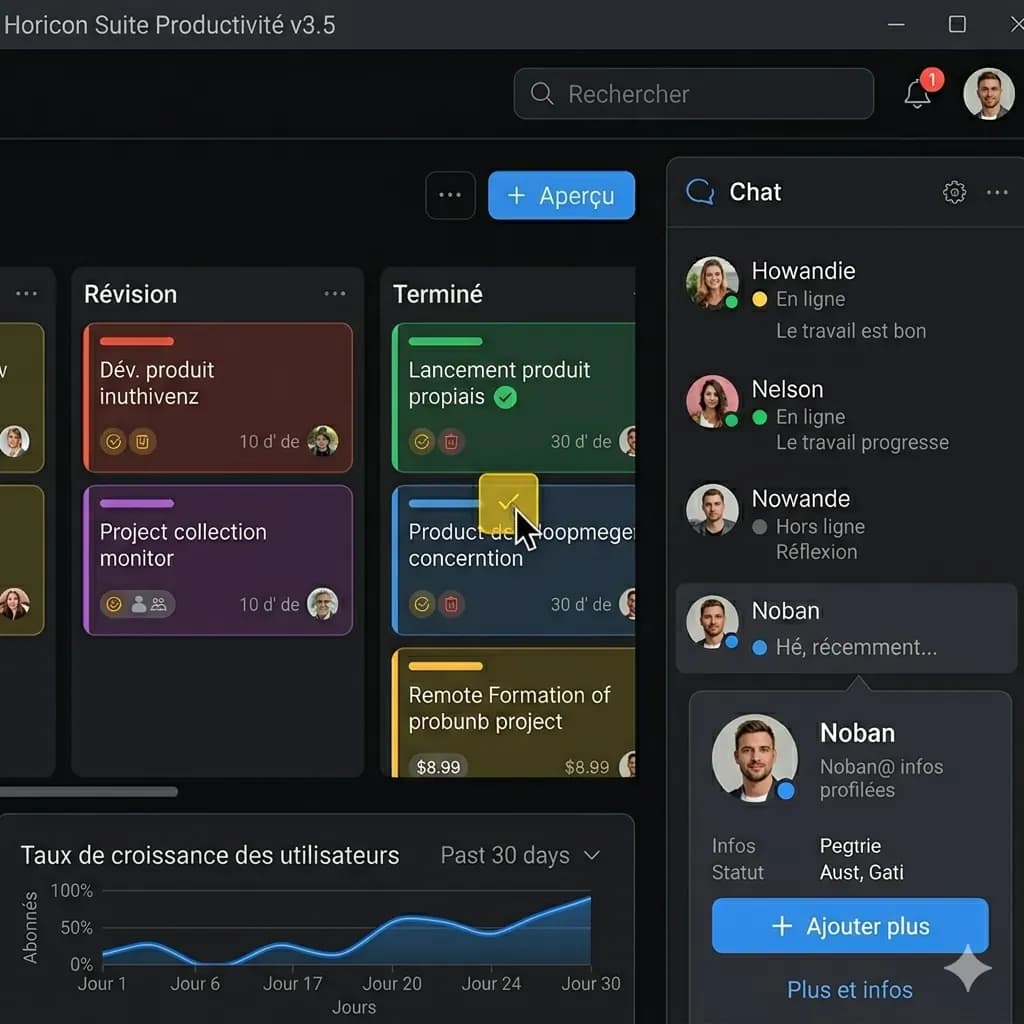
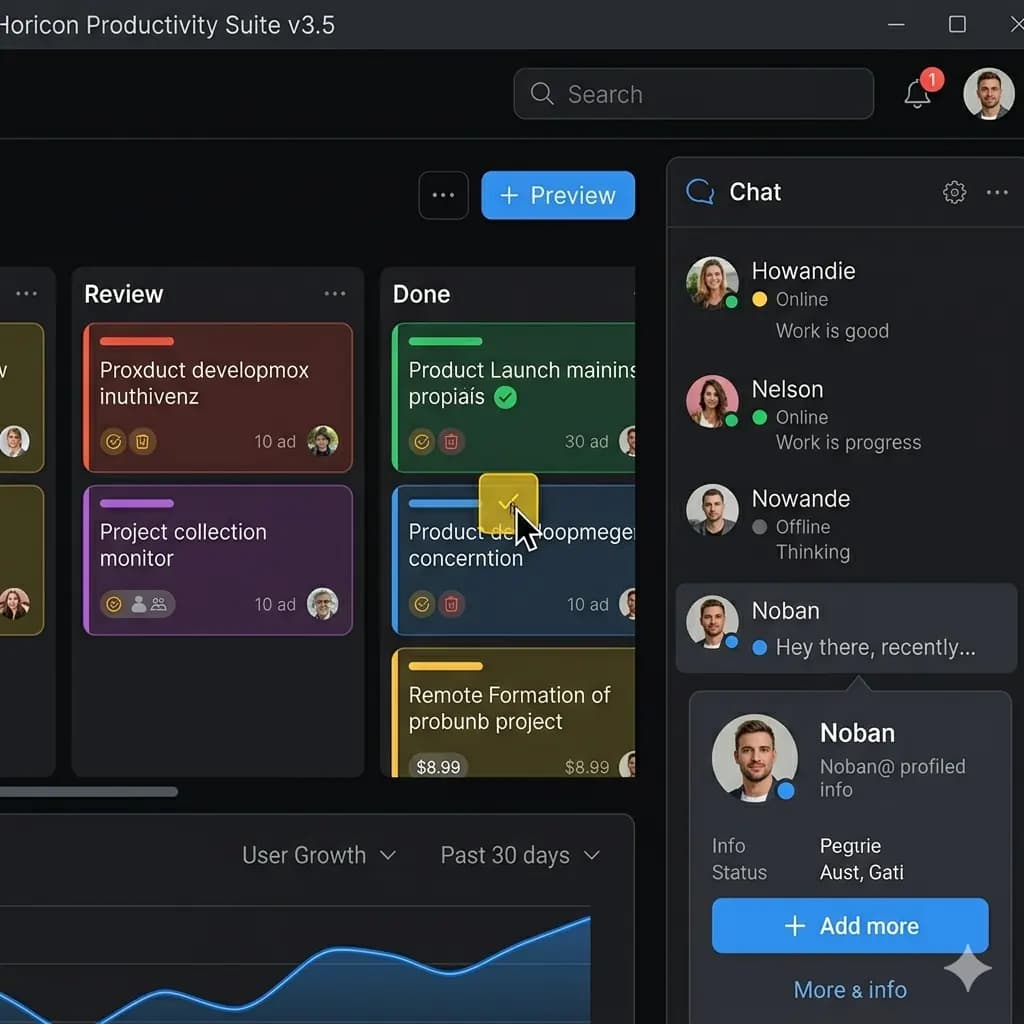
워크플로
선명한 이미지를 준비하고 중요한 영역을 자른 다음 ImageFromTranslator로 How to Translate a Social Media Screenshot을 읽기 쉬운 영어 이미지로 번역하세요.
- 선명한 원본 사용
- 복잡한 페이지는 자르기
- 이름과 숫자 확인
- 개인정보 업로드 피하기
내 이미지로 이 워크플로를 테스트해 볼까요?
이미지 품질 팁
글자가 선명하고 조명이 안정적이며 원본 해상도를 유지할수록 텍스트 위치와 시각적 맥락을 보존하기 쉽습니다.
도움이 되는 상황
How to Translate a Social Media Screenshot이 말풍선, 라벨, 가격, 버튼, 상품 설명과 계속 연결되어야 할 때 유용합니다.
알아둘 제한
너무 작은 글자, 흐림, 빛 반사, 강한 압축, 장식적인 글자는 OCR과 레이아웃 품질을 낮출 수 있습니다. 긴 이미지는 나누어 처리하세요.
관련 도구
Translate Screenshot to English
Translate app, game, chat, mobile, and web screenshots while keeping the screen structure readable.
App Screenshot Translator
Translate app screens, settings, onboarding, and dialog boxes.
Game Screenshot Translator
Translate game menus, dialogue, quests, and item descriptions.
Layout-Preserved Image Translator
Keep labels and translated text near the visual region they describe.
Related guides
How to Translate a Mobile Screenshot to English
Prepare iPhone and Android screenshots for translation without losing compact labels, navigation bars, cards, or touch-control context.
How to Translate an Error Message Screenshot
Turn a foreign-language error dialog into an English visual reference without changing codes, paths, version numbers, or action labels.
How to Translate a Long Screenshot Without Losing Context
A practical workflow for translating scrolling screenshots, long chat captures, product pages, and mobile screens without turning the result into an unreadable strip.
FAQ
How to Translate a Social Media Screenshot을 무료로 시험해 볼 수 있나요?+
네. 로그인하면 하루 20 credits를 받고, 표준 이미지 번역은 10 credits부터 시작합니다.
번역된 이미지가 레이아웃을 유지하나요?+
원본 이미지가 충분히 선명하면 영어 텍스트를 원래 시각 구조에 가깝게 배치하도록 설계되어 있습니다.
어떤 이미지가 가장 좋나요?+
글자가 읽기 쉽고 흐림이 적으며 텍스트 영역 사이에 충분한 간격이 있는 이미지가 가장 좋습니다.
내 이미지로 시험해 보기
실제 이미지를 업로드하고 가능한 한 레이아웃을 유지한 영어 결과 이미지를 받아보세요.