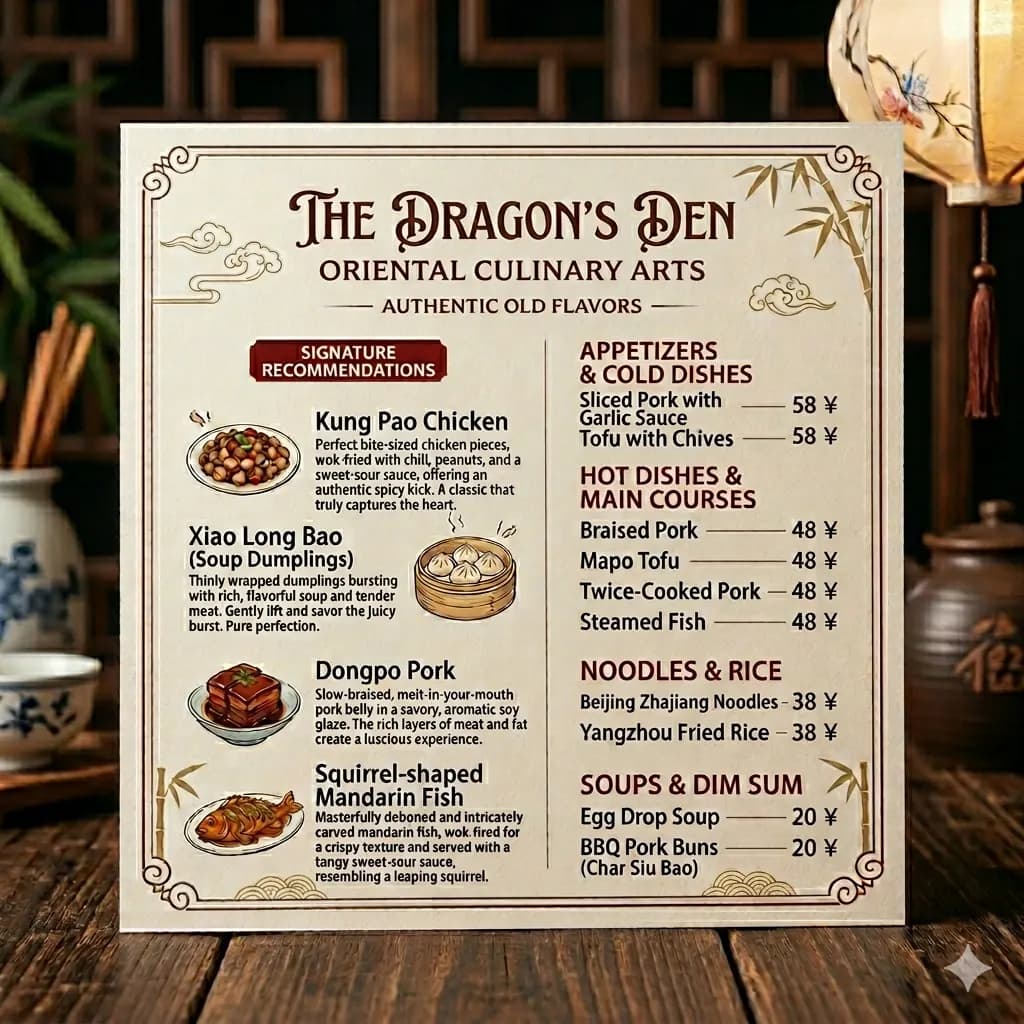
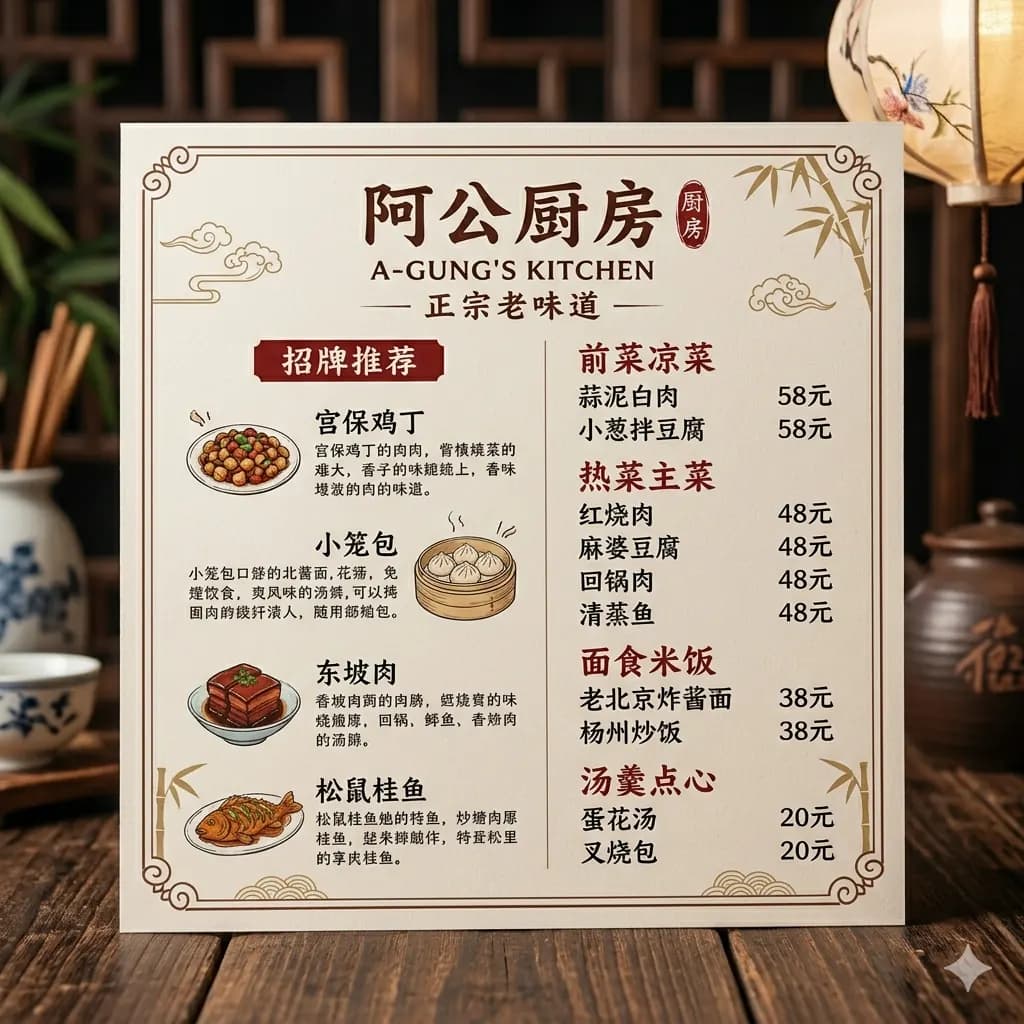
Photo text translated to English
Translate signs, menus, labels, and everyday camera photos while preserving sections and nearby context.
Upload a JPEG image from your camera, phone, or browser and translate visible text into English with layout preserved.
Best for camera photos, saved JPEG files, menus, signs, labels, and product pictures.
JPG, PNG, WebP up to 10MB. Translate screenshots, manga pages, menus, and product images without losing layout.
Native file type, compression, transparency, or camera export
Original image file with readable text and enough resolution
Check small labels, transparent areas, and compressed text before download
Translate signs, menus, labels, and everyday camera photos while preserving sections and nearby context.
JPEG files often come from cameras and phones, so the text may be part of a real-world scene. Keeping translated text close to the original area helps preserve meaning.
Translate JPEG photos of signs, menus, notices, and product labels.
Use JPEG files exported from phones, cameras, messaging apps, and browsers.
Understand real-world text in restaurant menus, posters, labels, and signs.
Translate product packaging, claims, labels, and ecommerce images.
Choose the PNG, JPEG, WebP, or HEIC file without converting it first.
The workflow detects visible text while keeping transparency, compression, or camera context in mind.
English text is rendered near screenshots, labels, callouts, or photo areas where possible.
Preview the translated result and download an English image for sharing or review.
JPEG files often come from cameras and phones, so the text may be part of a real-world scene. Keeping translated text close to the original area helps preserve meaning.
For heavily compressed JPEGs, a clearer crop usually improves OCR and translation quality.
Images are processed temporarily and deleted after 24 hours.
Yes. JPEG and JPG files are supported when the text is readable.
Yes. Phone and camera JPEG photos are a common use case.
Crop around the important text when the photo is busy or the text is small.
Yes. Menus, signs, labels, and posters work well when clear.
Yes. You can preview and download the translated image result.
Translate photos, pictures, screenshots, and image files into English.
Open toolTranslate image text online while preserving the original layout.
Open toolDetect image text and translate it with visual context.
Open toolCompare OCR, quick lookup, and layout-preserved image translation.
Open tool