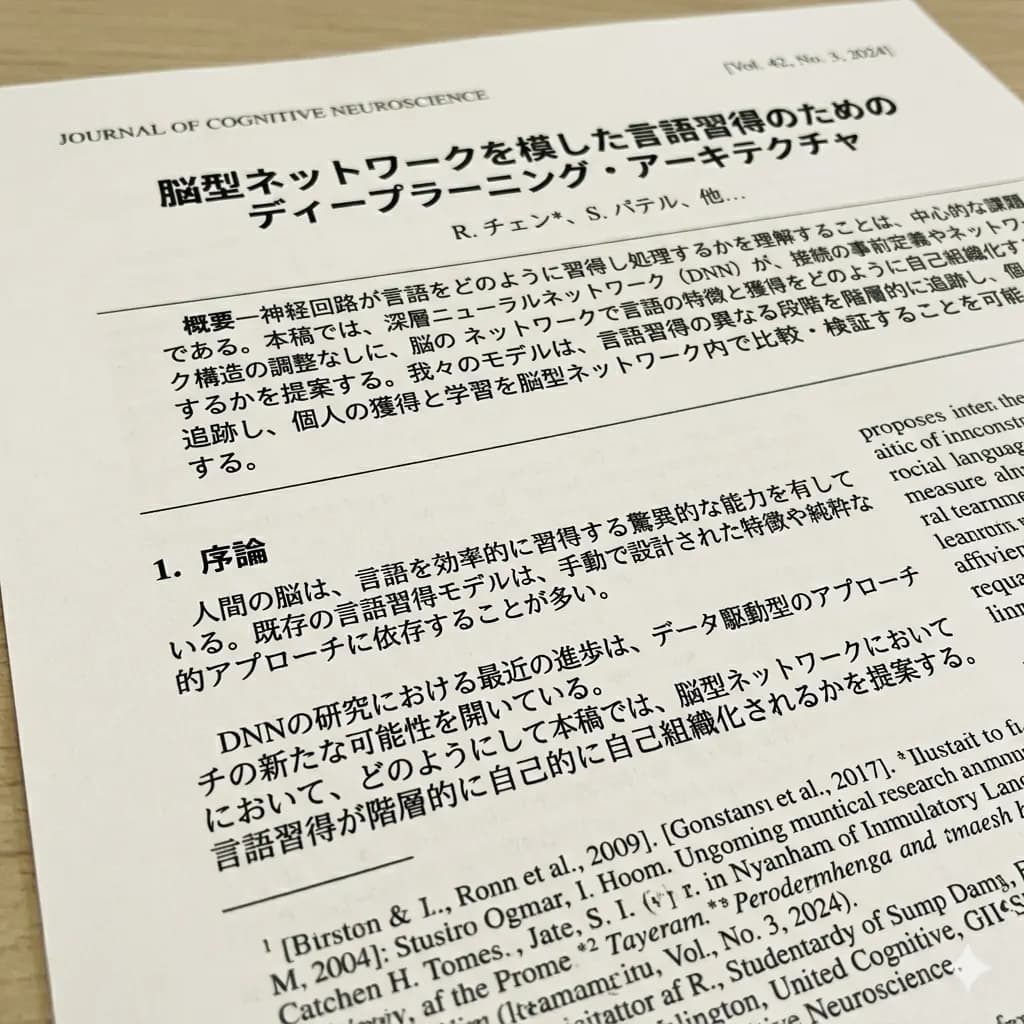
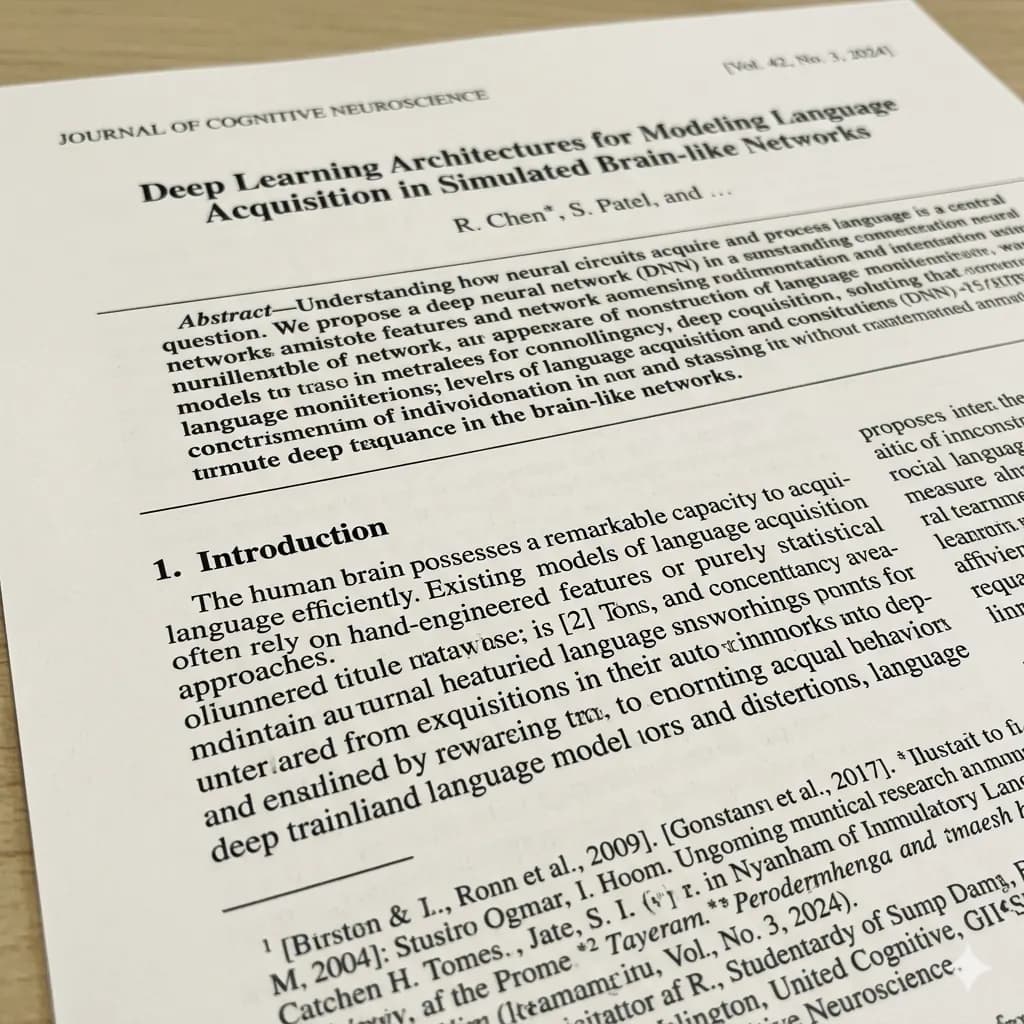
Document image translated to English
Translate scanned pages, notices, forms, and document screenshots while keeping page structure readable.
Upload a manual page and translate procedures, diagram labels, warnings, specifications, and troubleshooting steps into English.
For appliance, electronics, machinery, assembly, maintenance, and product instruction pages.
JPG, PNG, WebP up to 10MB. Translate screenshots, manga pages, menus, and product images without losing layout.
Translate scanned pages, notices, forms, and document screenshots while keeping page structure readable.
Keep each action in sequence.
Match labels to the right part.
Review safety text before acting.
Verify ratings and measurements.
Instruction pages are useful only when each translated action remains connected to the right number, icon, part, or diagram.
Translate numbered setup steps while keeping them linked to diagrams and parts.
Understand controls, modes, buttons, and routine operating instructions.
Keep caution text close to hazard icons and affected procedures.
Translate symptom, cause, and solution columns in support tables.
Choose the page containing the procedure, diagram, warning, parts list, or troubleshooting step you need.
The workflow maps numbered instructions, callouts, icons, tables, and diagram labels.
English instructions remain close to the relevant step, component, or warning symbol.
Review measurements, electrical ratings, warnings, and model-specific details against the source.
Instruction pages are useful only when each translated action remains connected to the right number, icon, part, or diagram.
Verify measurements, voltage, torque, model numbers, safety warnings, and maintenance intervals before acting.
Images are processed temporarily and deleted after 24 hours.
Yes. Upload a clear page image containing the instructions or diagram you need.
The workflow keeps translated labels near the original diagram areas where possible.
Yes. Clear symptom, cause, and solution tables can be translated for visual review.
Always compare critical safety, electrical, and mechanical instructions with the official source manual.
Translate scans, document photos, and document screenshots.
Open toolTranslate scanned PDF pages and image-based PDF content.
Open toolTranslate document photos and scanned pages to English.
Open toolDetect image text and translate it with visual context.
Open tool