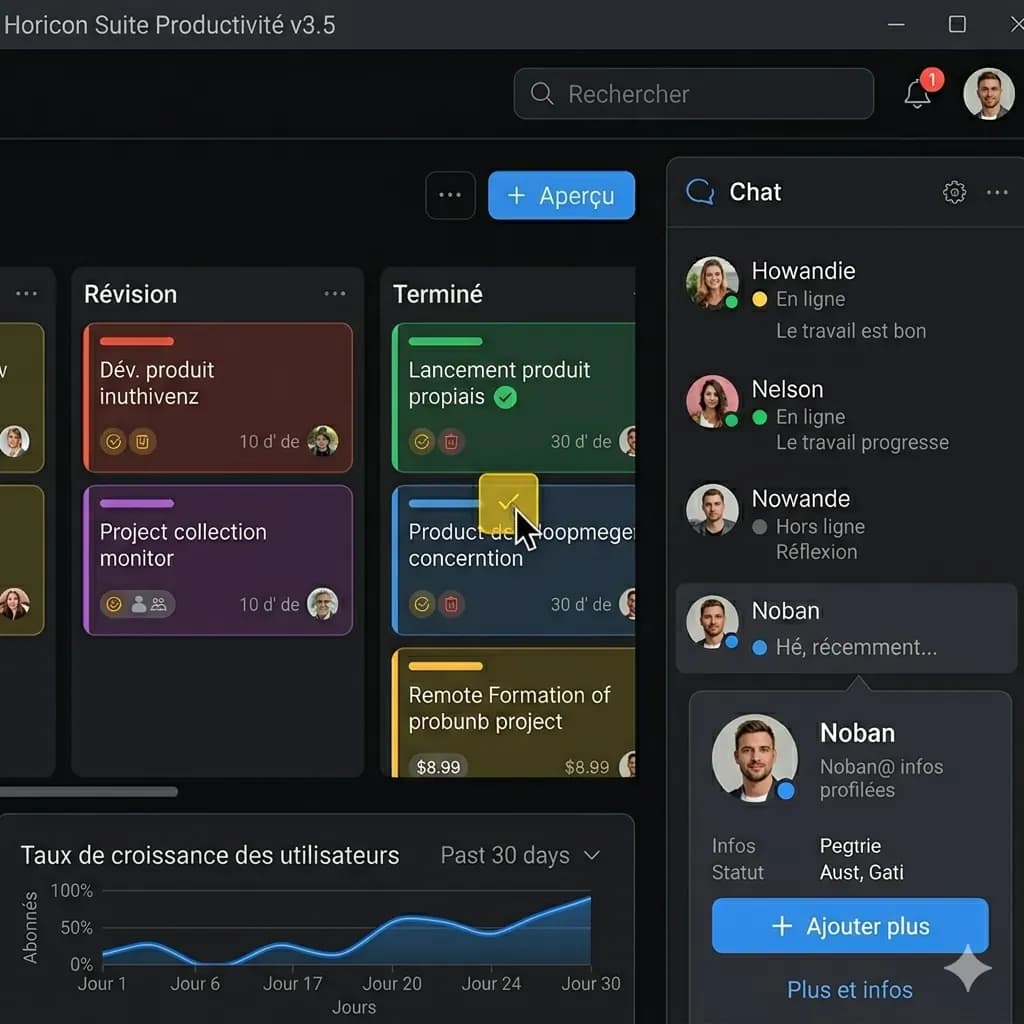
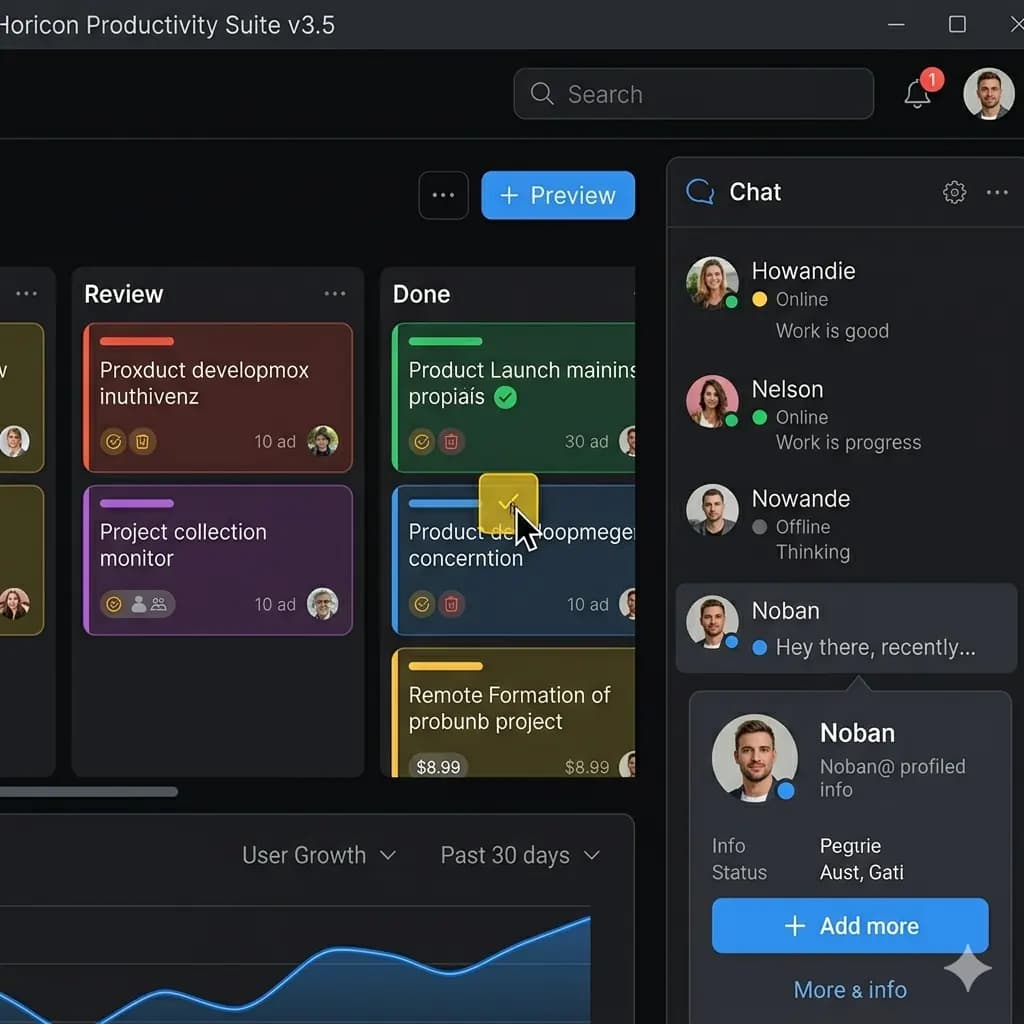
Screenshot translated to English
Translate app screens, game screenshots, chats, and web screenshots while keeping the screen structure readable.
Translate photos, pictures, screenshots, and image text into English while keeping the original layout.
One-time welcome credits available. No sign-up needed to try.
支援 JPG、PNG、WebP,最大 10MB。可翻譯截圖、漫畫頁、菜單與商品圖片,同時保留原始排版。
This page is structured around screen regions: buttons, bubbles, panels, warnings, and compact mobile text. The goal is to keep translated text attached to the original UI.
Translate app screens, game screenshots, chats, and web screenshots while keeping the screen structure readable.
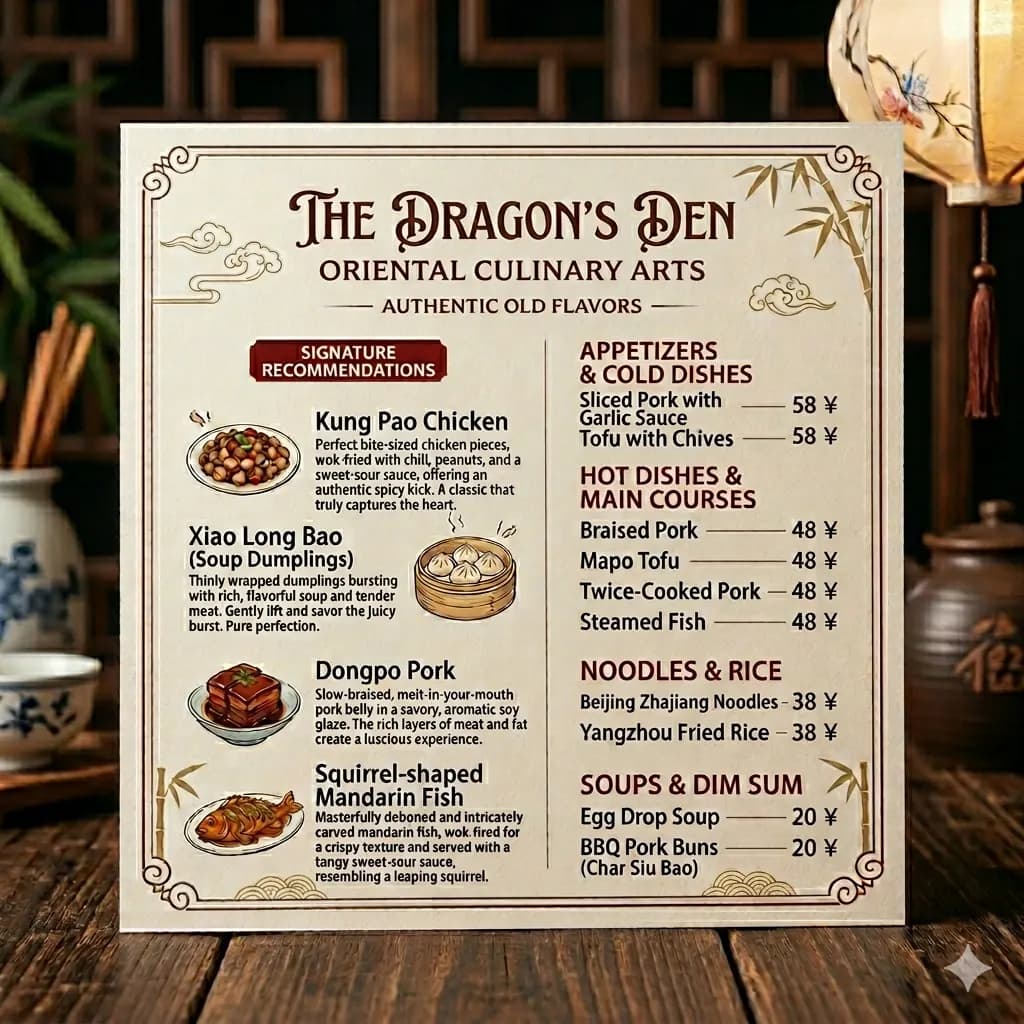
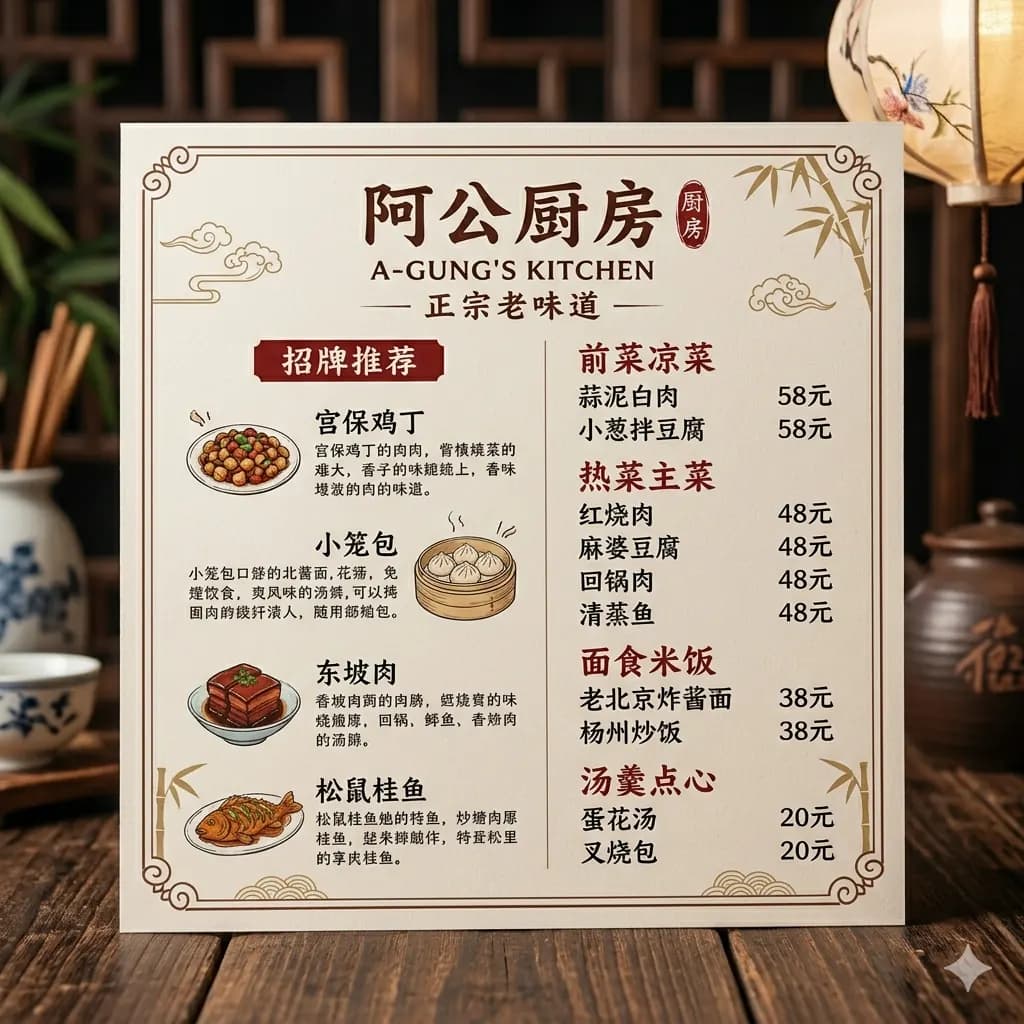
Restaurant menus, signs, and travel photos stay easier to scan when sections and spacing remain in place.


Translate product images, ecommerce graphics, package labels, and manga-style panels into English visual references.
Use ImageFromTranslator to translate pictures, photos, screenshots, manga panels, restaurant menus, signs, and product images to English while keeping the visual structure readable.
Translate signs, menus, labels, and printed text captured by your camera.
Translate image text from saved pictures and shared images.
Translate app screens, chat screenshots, game screenshots, and web screenshots.
Detect and translate visible text while keeping the original visual context.
Upload an image, photo, or screenshot from your device.
The tool detects text in the image and translates it to English.
The translated result is rendered back into the original layout.
Preview the translated image and download the English version.
Use ImageFromTranslator to translate pictures, photos, screenshots, manga panels, restaurant menus, signs, and product images to English while keeping the visual structure readable.
Most OCR tools extract text from an image. ImageFromTranslator focuses on layout-preserved image translation: it translates the text and renders the English result back into the image, so the output remains easy to read visually.
Images are processed temporarily and deleted after 24 hours.
Upload your image, photo, or screenshot. ImageFromTranslator detects the text, translates it to English, and renders the result back into the original layout.
Yes. Upload a photo with readable text, and ImageFromTranslator can translate the visible text into English while keeping the original layout as much as possible.
Yes. You can upload pictures, screenshots, menus, signs, labels, and other image files to translate text into English.
Yes. The tool is designed to keep text placement and visual structure close to the original image whenever possible.
Yes. Screenshots are one of the main use cases. You can translate app screens, game screenshots, chat screenshots, and web screenshots to English.
Clear images with readable text work best. Printed text, screenshots, menus, signs, product images, and manga panels usually work better than blurry images or highly stylized handwriting.
Yes. After translation, you can preview and download the translated image result.
Translate image to English is best when you want a translated visual result. Translate text from image is narrower and focuses on detecting image text before translation.
Use this page for general images. Use the JPG, screenshot, manga, or PDF translator pages when your file or use case matches one of those focused workflows.
Translate screenshots, manga, menus, signs, and product images online.
Open toolTranslate app screens, game captures, chats, and web screenshots.
Open toolTranslate manga panels while preserving speech bubbles and reading flow.
Open toolExtract image text or download a translated image with layout preserved.
Open toolSee why layout-preserved image translation is different from text-only OCR.
Open toolTranslate Japanese manga, signs, menus, and screenshots.
Open toolTranslate Chinese product images, menus, labels, and screenshots.
Open toolTranslate Korean webtoon panels, menus, labels, and app screenshots.
Open toolTranslate JPG and JPEG files to English.
Open toolTranslate PNG screenshots, graphics, and labels to English.
Open toolTranslate camera photos, signs, labels, menus, and packages.
Open toolTranslate saved pictures and image files with readable text.
Open toolTranslate scanned PDF pages and image-heavy PDF screenshots.
Open toolUse a layout-preserved alternative when you need downloadable output.
Open toolCompare image translator options by output type and layout needs.
Open toolA sourcing and ecommerce workflow for callouts, dimensions, variants, and specifications.
Open toolProcess image-based PDF pages in order and review tables, fields, and footnotes.
Open tool