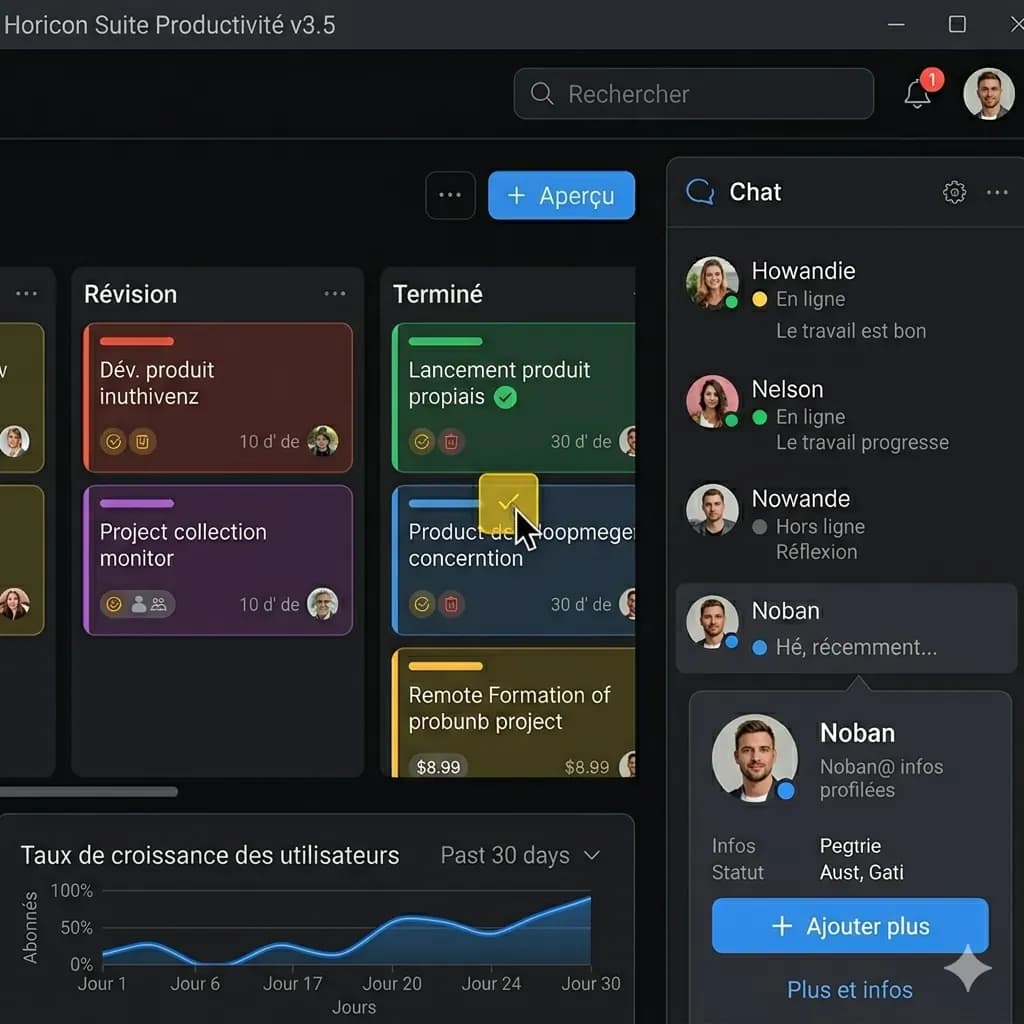
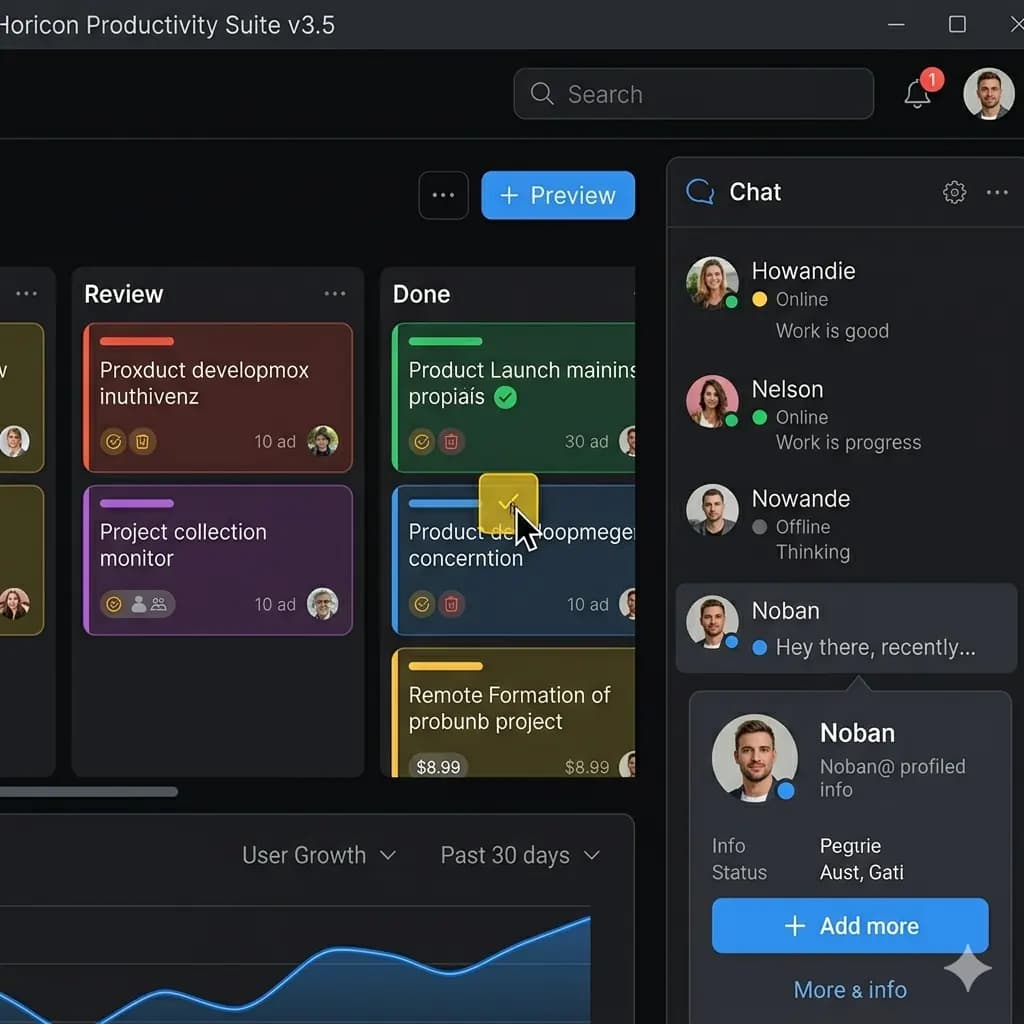
AI image translator with original layout preserved
Translate app screens, game captures, and web screenshots while keeping labels and screen structure readable.
Upload an image and translate it to English while keeping the original layout, text placement, and visual structure.
One-time welcome credits available. No sign-up needed to try.
支持 JPG、PNG、WebP,最大 10MB。可翻译截图、漫画页、菜单和商品图片,同时保留原始排版。
This page is structured around screen regions: buttons, bubbles, panels, warnings, and compact mobile text. The goal is to keep translated text attached to the original UI.
Translate app screens, game captures, and web screenshots while keeping labels and screen structure readable.
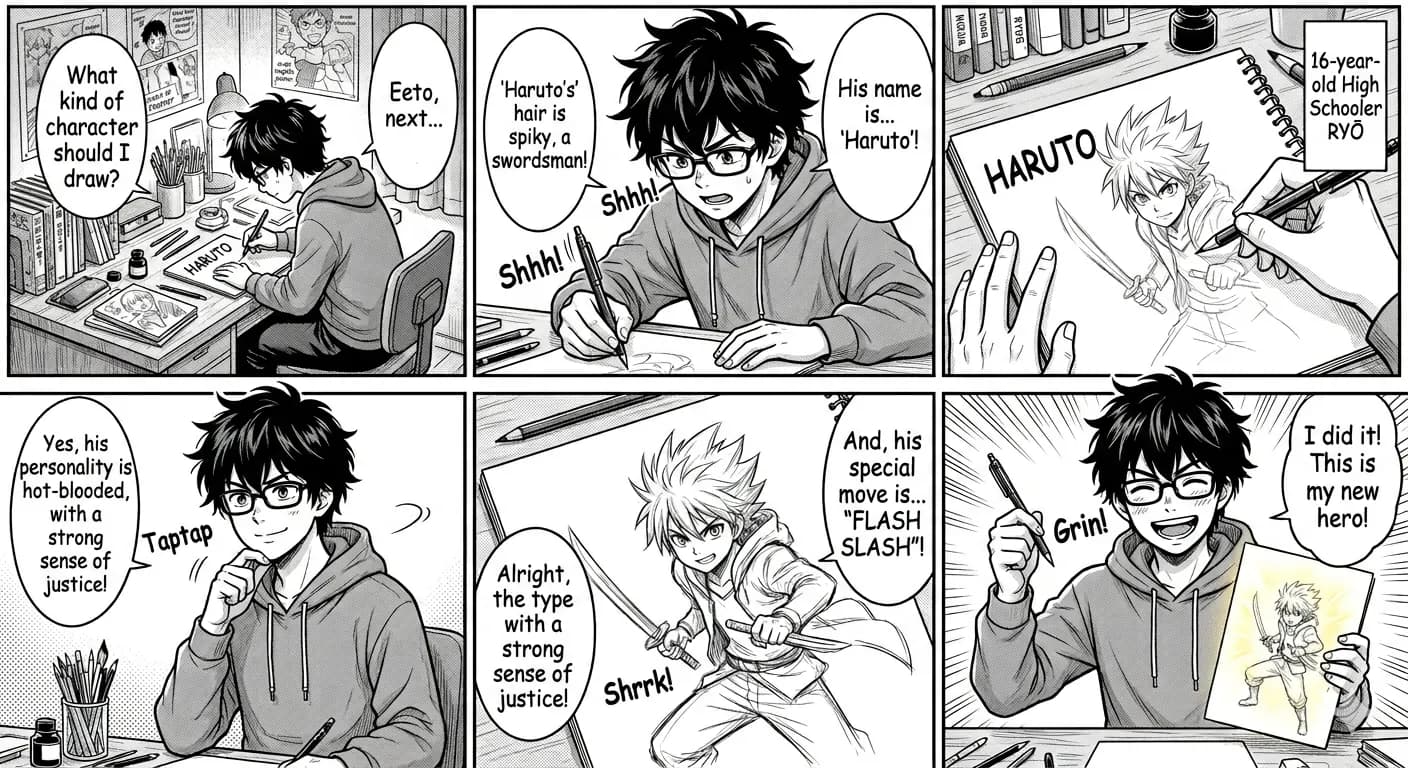
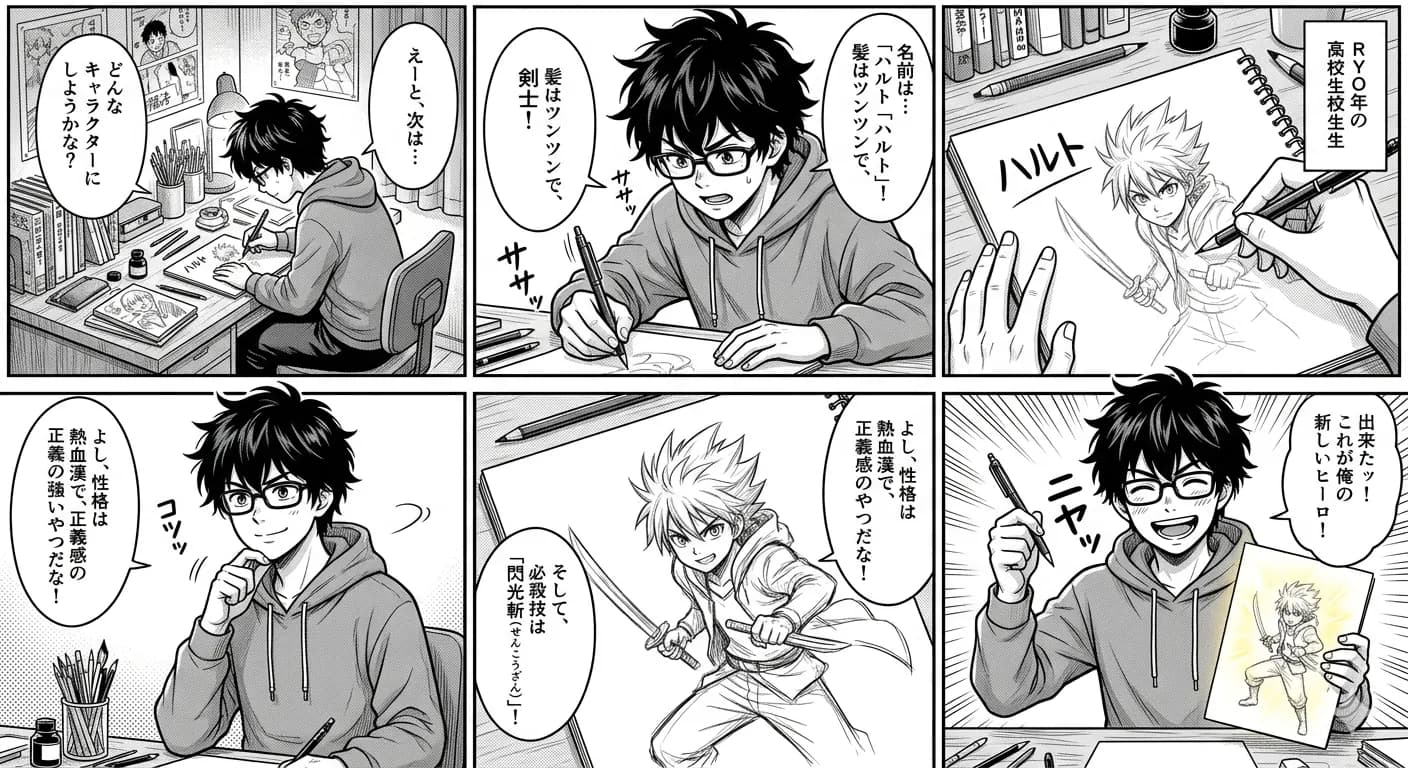
Speech bubbles, captions, and panel flow stay close to the original visual placement.
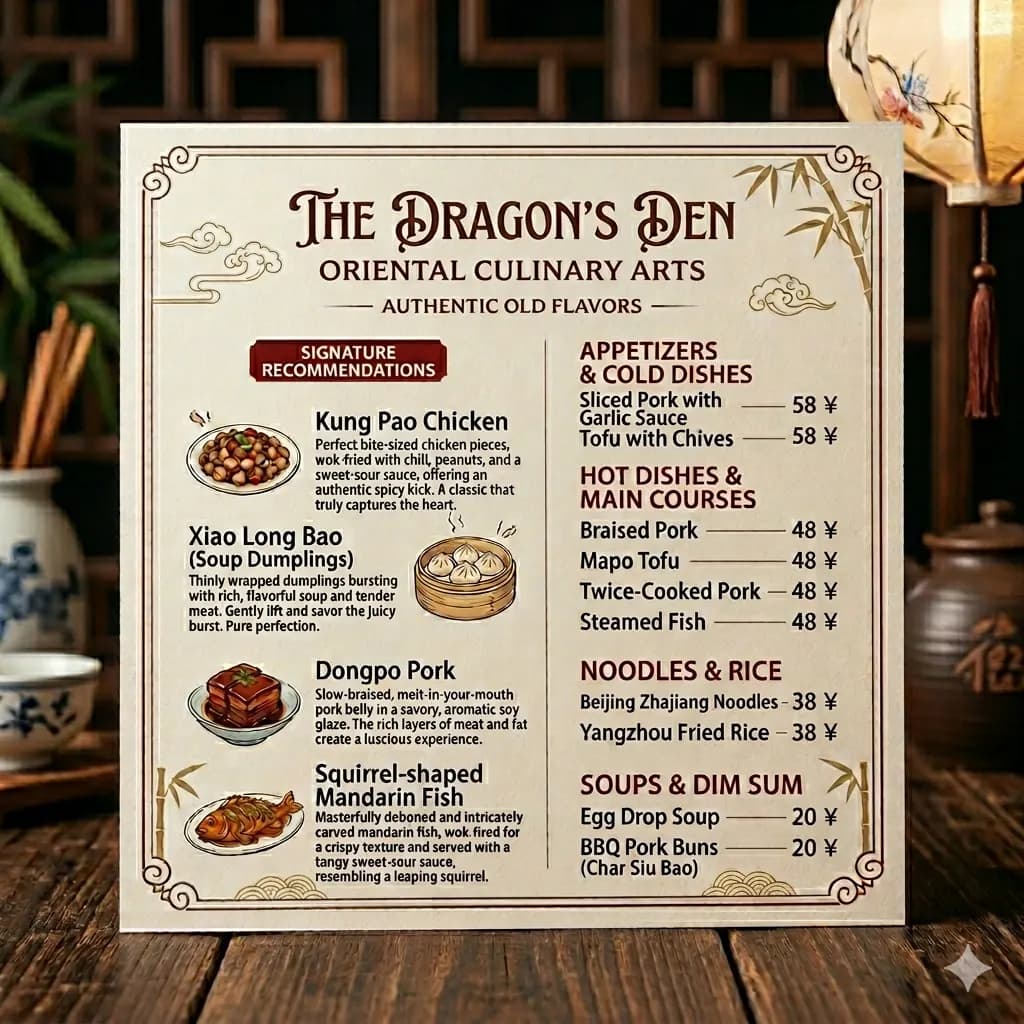
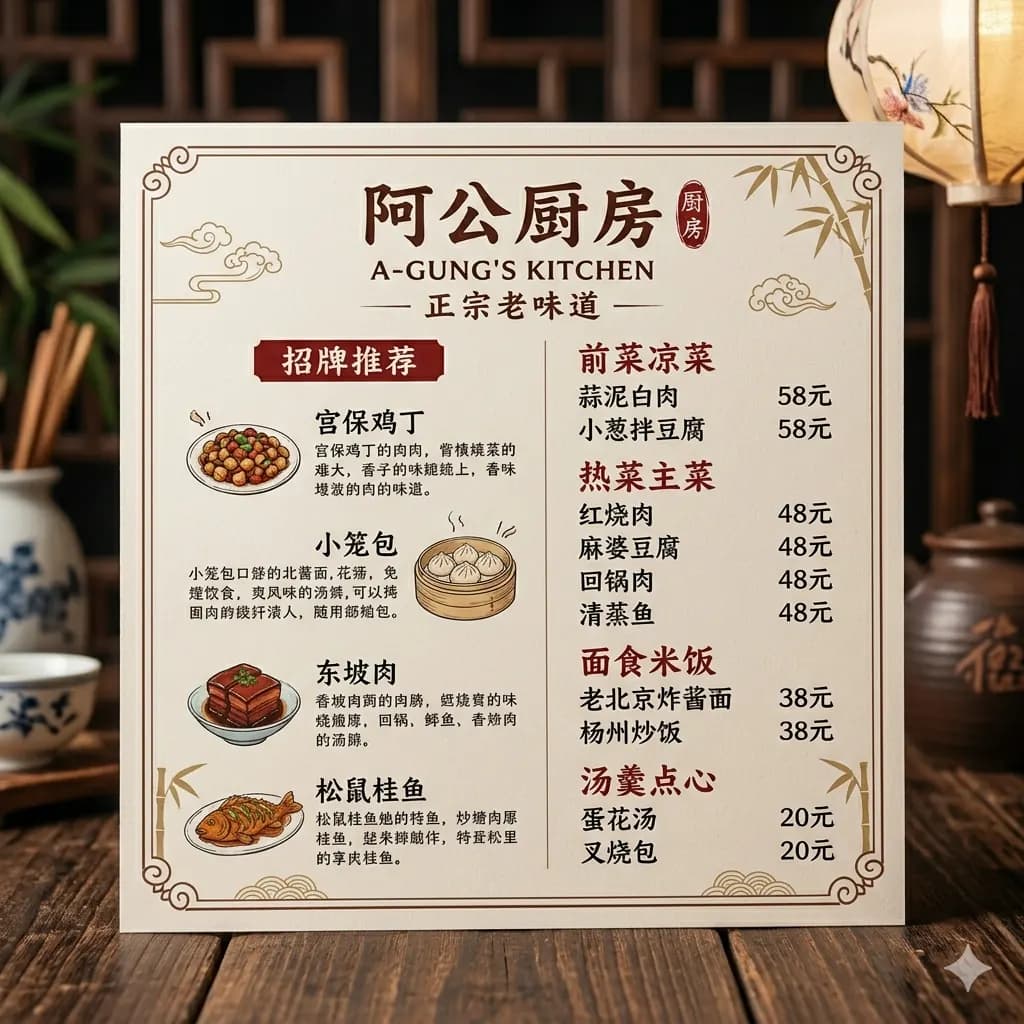
Menus, signs, notices, and travel photos remain easier to scan when sections and spacing are preserved.


Translate ecommerce graphics, package labels, and product callouts into an English visual reference.
A standard OCR tool extracts text from an image, which is helpful when you only need copyable text. An AI image translator goes further by translating the text and rendering it back into the image.
Translate app, game, chat, mobile, and web screenshots while keeping the screen layout readable.
Translate manga panels, speech bubbles, captions, webtoon images, and comic pages to English.
Understand restaurant menus, street signs, posters, notices, and photos with visible text.
Translate ecommerce graphics, labels, packages, and product screenshots without losing visual context.
Choose a screenshot, manga panel, menu, sign, product image, or photo from your device.
AI detects readable text regions and translates the image text to English.
The translated text is rendered back into the original visual structure where possible.
Review the translated image online and download the English result.
A standard OCR tool extracts text from an image, which is helpful when you only need copyable text. An AI image translator goes further by translating the text and rendering it back into the image.
Layout-preserved output matters for screenshots, manga, menus, signs, and product labels because the position of each text block is part of the meaning.
Images are processed temporarily and deleted after 24 hours.
An AI image translator detects text inside an image, translates it to English, and renders the translated text back into the image layout.
Yes. Upload an image in your browser, preview the translated result, and download the English image.
Yes. ImageFromTranslator is designed to keep text placement, reading order, and visual structure close to the original image whenever possible.
Yes. After translation, you can download the translated image result.
Screenshots, manga panels, menus, signs, product images, labels, documents, and clear photos with readable text are supported.
Yes. One-time welcome credits are available, and standard image translation starts from 10 credits.
Use the AI Image Translator page when you have a general image translation task or are not sure whether the source is a screenshot, manga panel, product image, menu, sign, or document image.
Yes. The workflow detects text like OCR, translates it to English, and focuses on producing a translated image that keeps visual context.
Translate photos, pictures, screenshots, and other images into English.
Open toolTranslate app screens, game captures, chats, and web screenshots.
Open toolTranslate manga panels while preserving speech bubbles and reading flow.
Open toolExtract image text or download a translated image with the original layout preserved.
Open toolTranslate restaurant menus and travel food photos.
Open toolTranslate ecommerce images, labels, and product callouts.
Open toolLearn why translated image output is different from text-only OCR.
Open toolTranslate JPG and JPEG images while keeping readable visual structure.
Open toolTranslate PNG screenshots, graphics, labels, and transparent image assets.
Open toolTranslate camera photos, menus, signs, packages, and travel images.
Open toolTranslate scanned PDF pages and image-based PDF content.
Open toolCompare quick lookup with downloadable translated image output.
Open toolChoose between OCR, quick lookup, and layout-preserved image translation.
Open toolPrepare photographed pages, forms, and notices for a clearer English result.
Open toolImprove camera angle, glare, detail crops, arrows, dates, and visual context.
Open tool