

Translate text in image to English
Detect words from an image, translate image text to English, and turn it into a readable visual result.
Upload an image, detect the text, translate it to English, and download a translated result with the original layout preserved.
Use OCR-style text detection plus layout-preserved image translation in one workflow.
JPG, PNG, WebP ate 10 MB. Traduza capturas, mangas, menus e imagens de produtos preservando o layout.
This page is structured around screen regions: buttons, bubbles, panels, warnings, and compact mobile text. The goal is to keep translated text attached to the original UI.
Detect words from an image, translate image text to English, and turn it into a readable visual result.


Translate labels, package text, claims, and product callouts while keeping context near the original area.
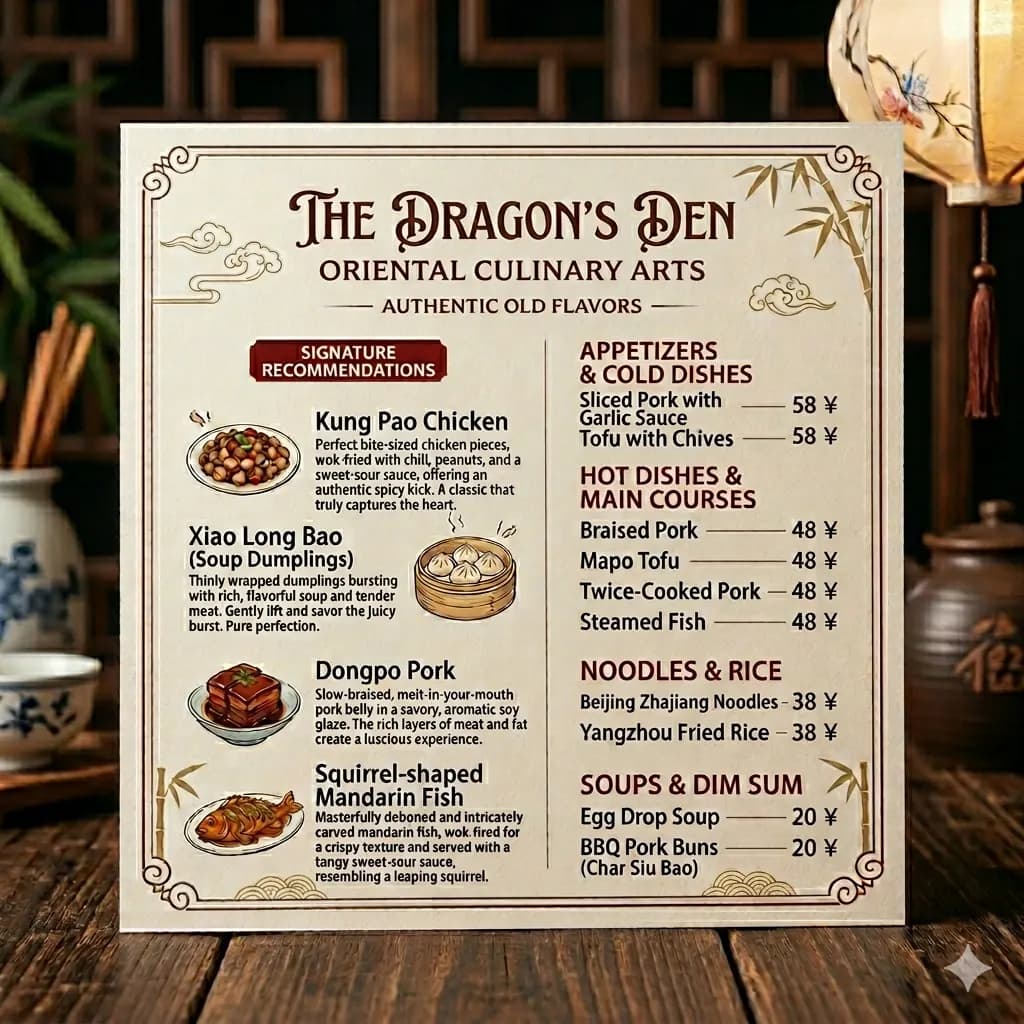
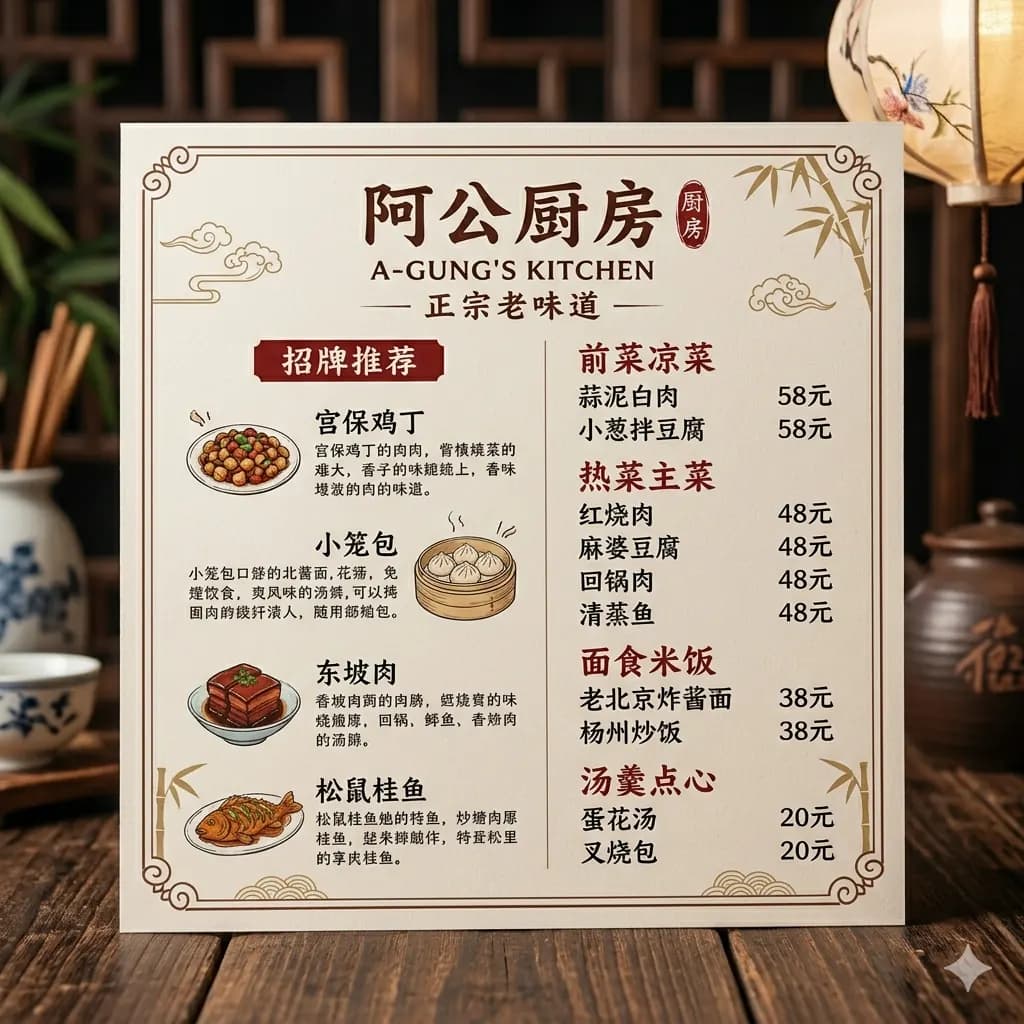
Menus, signs, and notices stay easier to review when extracted text is also placed back into the image.
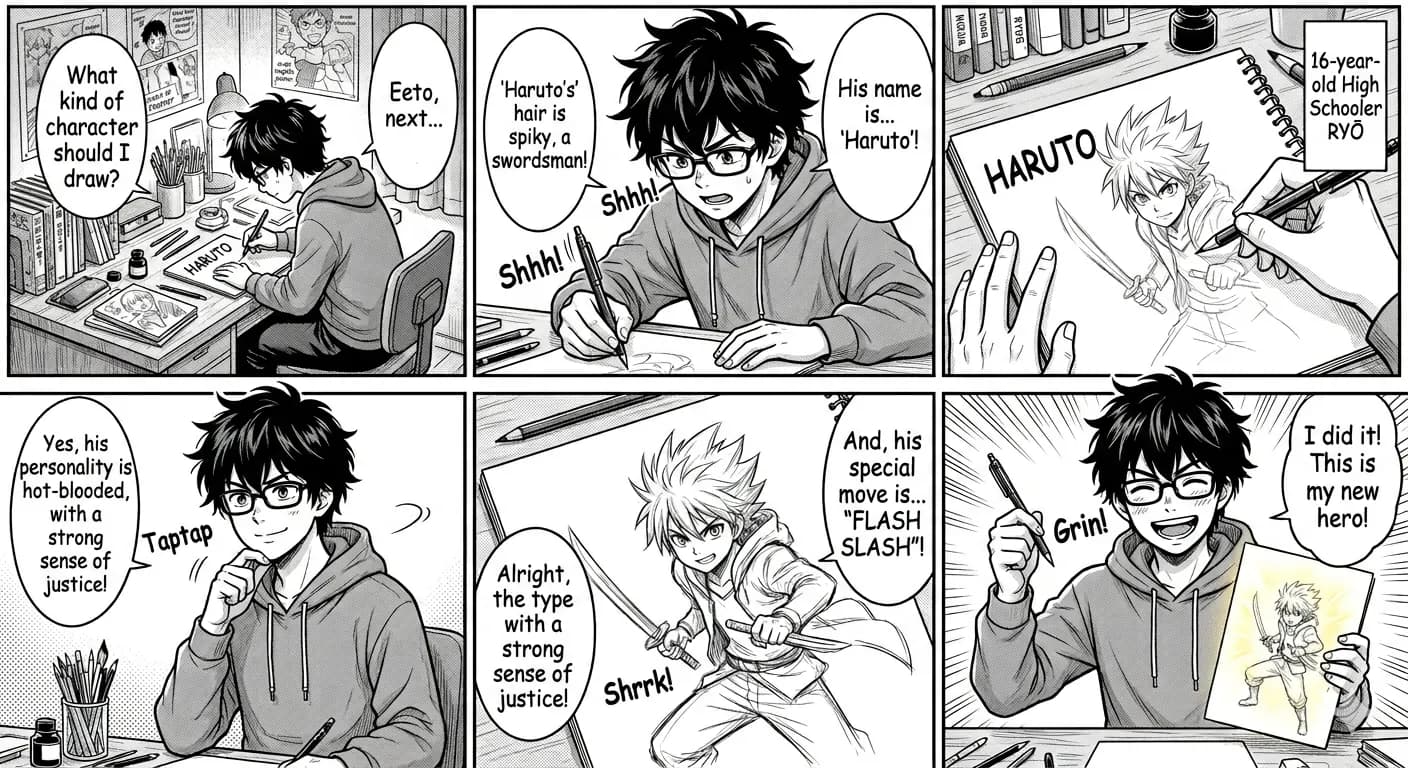
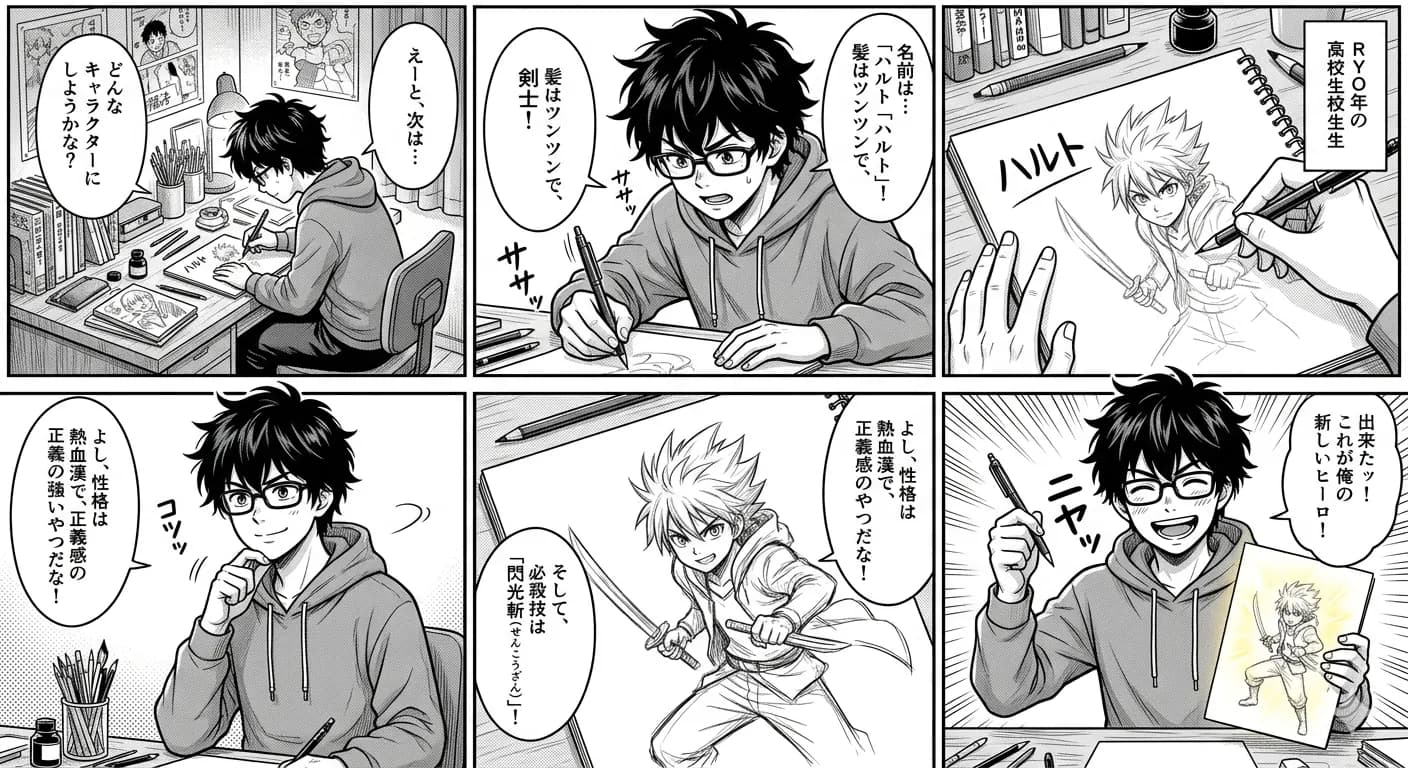
Use the image text translator for manga panels, posters, captions, and other designed images with readable text.
OCR is useful for extracting text from an image, but many images need more than a plain text result. Screenshots, menus, signs, posters, product labels, and manga panels rely on layout to explain what each text block refers to.
Detect text in an image and translate it to English without manually retyping words from the image.
Translate text inside app screens, game captures, chats, mobile screenshots, and web pages.
Use OCR and translation for restaurant menus, travel signs, posters, notices, and public text images.
Translate product labels, package text, manga panels, captions, scanned pages, and other visual documents.
Start with a screenshot, menu, sign, product label, manga panel, poster, scan, or photo.
The tool identifies readable words and text regions in the image.
Detected text is translated to English with the surrounding visual context.
Use the translated image output when layout and placement matter.
OCR is useful for extracting text from an image, but many images need more than a plain text result. Screenshots, menus, signs, posters, product labels, and manga panels rely on layout to explain what each text block refers to.
ImageFromTranslator works as an image text translator: it detects words from an image, translates the image text to English, and can render the English result back into the original layout when possible.
Images are processed temporarily and deleted after 24 hours.
Upload an image, and ImageFromTranslator detects the text, translates it to English, and can render the translated result back into the original image layout.
Yes. OCR usually extracts text from an image. ImageFromTranslator focuses on translating the image text and preserving the visual structure when generating the result.
Yes. You can use it to understand image text and translate it to English. It works best with clear, readable text.
Yes. After translation, you can preview and download the translated image result.
Printed text, screenshots, menus, signs, product labels, and manga panels usually work better than blurry images or highly stylized handwriting.
Use the text-only workflow when you mainly need copyable text. Use translated image output when layout, labels, bubbles, or visual context matter.
It works best for screenshots, labels, menus, signs, posters, manga captions, and product images where text is readable and visual context helps interpretation.
Translate images online with AI and keep the original layout.
Open toolTranslate photos, pictures, screenshots, and other images into English.
Open toolTranslate app, game, chat, and web screenshots.
Open toolTranslate manga panels, speech bubbles, and vertical Japanese text.
Open toolTranslate JPG and JPEG image files with visible text.
Open toolTranslate scanned PDF pages and image-based PDF content.
Open toolUnderstand when text extraction is enough and when layout matters.
Open toolPreserve codes, paths, versions, buttons, and technical context.
Open toolReview ingredients, warnings, instructions, dates, and package panels.
Open tool