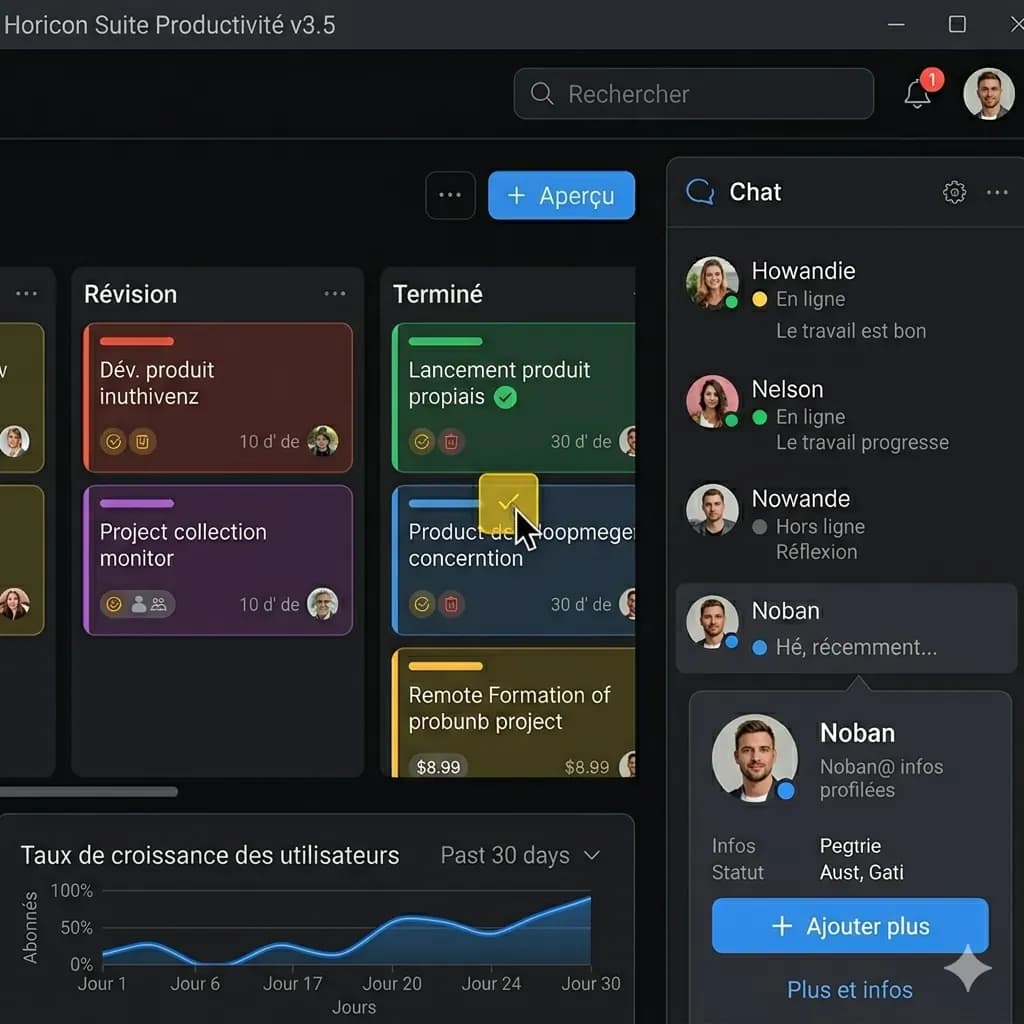
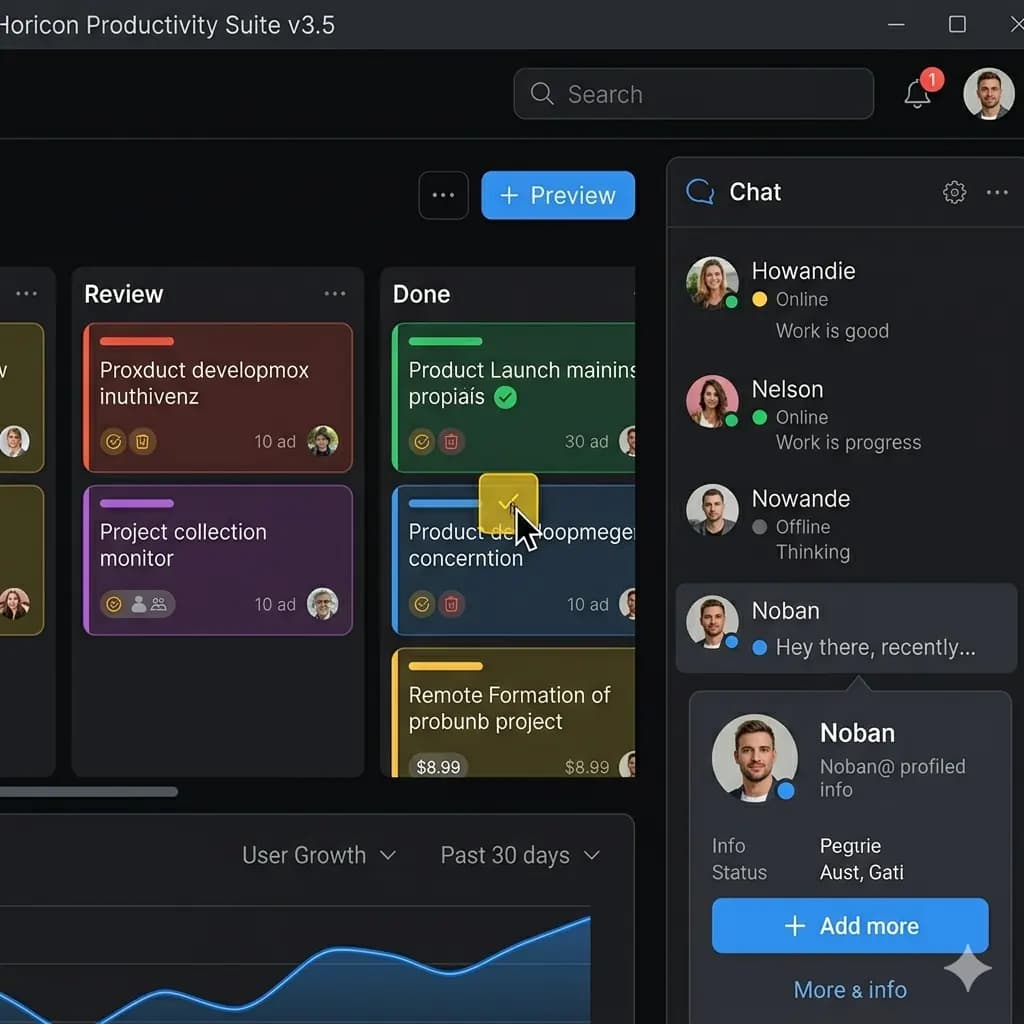
Mobile app screenshot
Translate labels and buttons while keeping the screen structure visible.
Upload an app screenshot and get an English image that keeps buttons, labels, dialogs, and screen structure in place.
Useful for app UI, settings screens, onboarding, dialogs, and error messages.
JPG, PNG, WebP bis 10 MB. Ubersetzt Screenshots, Manga, Menus und Produktbilder mit erhaltenem Layout.
This page is structured around screen regions: buttons, bubbles, panels, warnings, and compact mobile text. The goal is to keep translated text attached to the original UI.
Translate labels and buttons while keeping the screen structure visible.
A UI label often only makes sense inside the screen around it. A translated image preserves button order, labels, and nearby controls.
Understand account, privacy, device, or app settings.
Translate warnings and dialogs without losing context.
Read signup and tutorial screens in another language.
Review localized UI screenshots as English reference images.
Paste, drag, or select a mobile or desktop app screenshot.
Buttons, tabs, labels, and messages are translated into English.
The result stays close to the original screen layout.
A UI label often only makes sense inside the screen around it. A translated image preserves button order, labels, and nearby controls.
Images are processed temporarily and deleted after 24 hours. Avoid uploading private account details.
Yes. App screenshots are one of the main supported scenarios.
Yes. Error dialogs and warning screens work well when text is readable.
The translated image keeps screen structure, buttons, and labels as close as possible.
Yes. Desktop screenshots are supported as long as the text is clear.
Avoid uploading sensitive personal, financial, or account information.