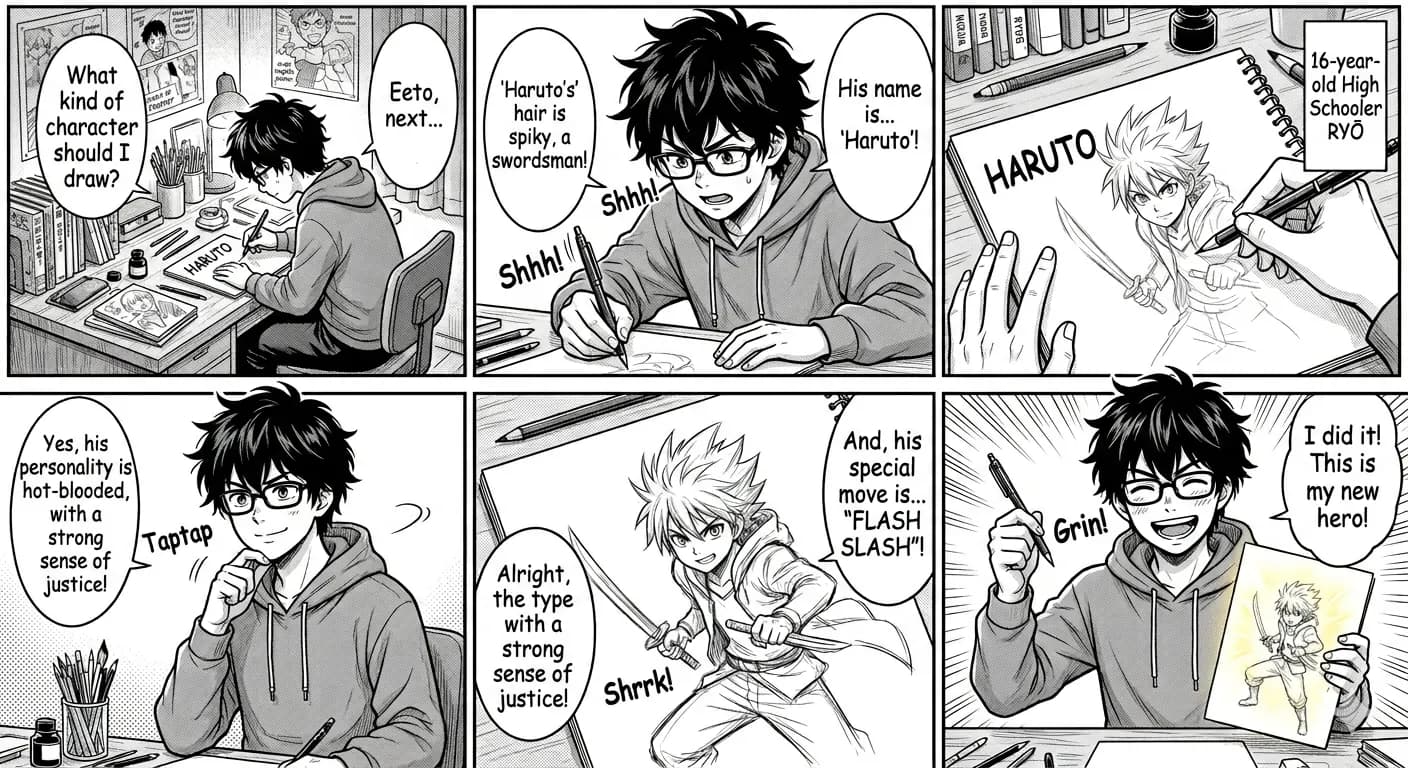
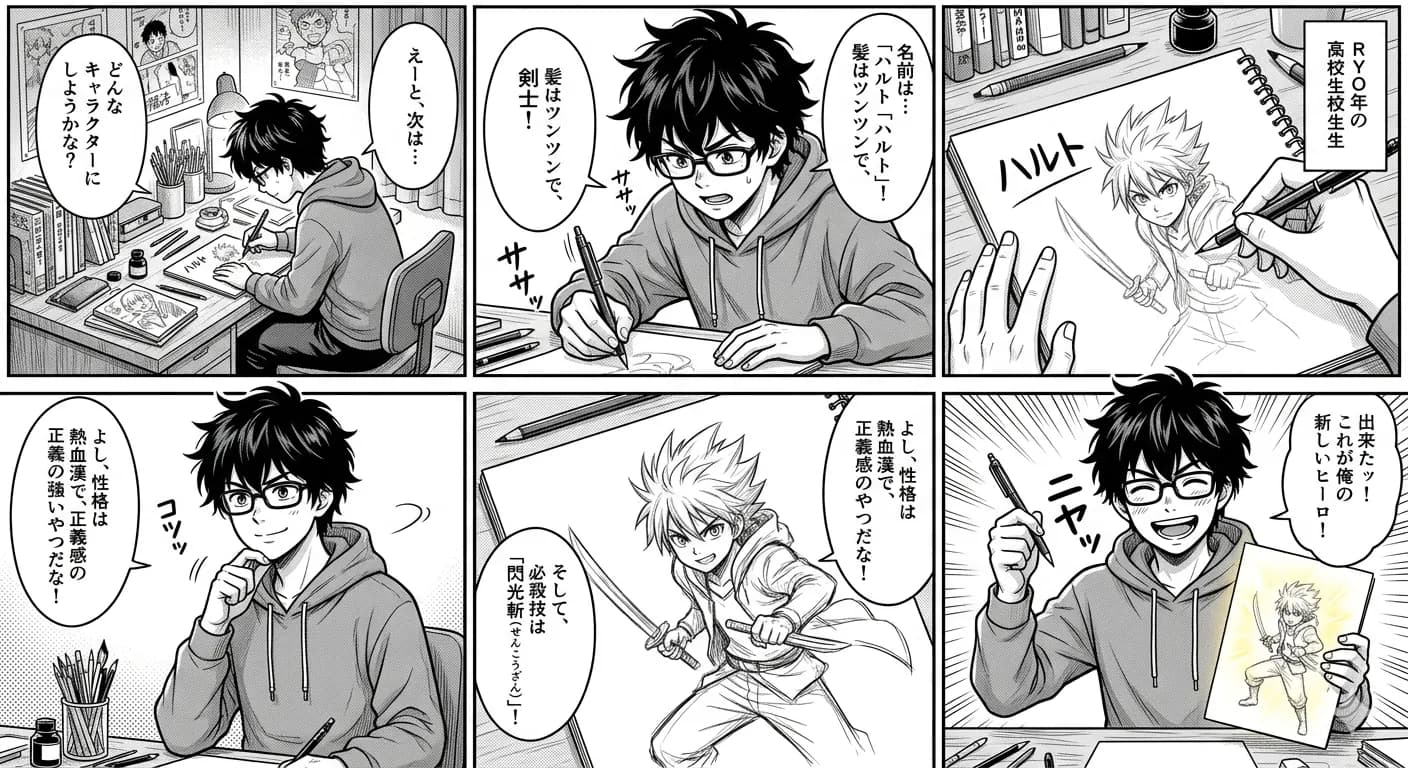
Quick answer
Korean webtoons are easier to translate in scene-sized crops than as one episode-length image.
Comic translation depends on reading order and speaker ownership. The text may be accurate but still confusing when a line moves to the wrong bubble, a caption is detached from its panel, or a long vertical image is processed as one dense page.
- Translate one scene crop
- Review bubble order
- Update the glossary
Ready to test this workflow on your own image?
Prepare the source before translation
Split the vertical page where backgrounds, scene transitions, or large spacing already create natural breaks.
Keep an untouched copy of the source beside every crop or page so the English result can always be checked against the original.
- Split at scene transitions
- Keep bubbles and speaker art together
- Track names and relationship terms
Step-by-step translation workflow
Translate consecutive crops in order and keep a glossary for names, titles, relationship terms, and repeated interface labels.
Open Manga Translator, upload the prepared source, translate it to English, and download each result only after the visual structure has been reviewed.
- Translate one scene crop
- Review bubble order
- Update the glossary
- Continue to the next crop
Quality review checklist
Review the English image beside the original. Accuracy includes text meaning, numbers, labels, and whether each translation still belongs to the correct visual region.
| Review area | What to check | Action if it is wrong |
|---|---|---|
| Names | Romanization stays consistent | Maintain a glossary |
| Register | Formal and informal speech fit the relationship | Compare speaker context |
| Flow | Vertical captions remain in order | Review crops sequentially |
Limits and safety notes
Informal speech, relationship hierarchy, omitted subjects, and stylized Korean effects often require manual review.
Use pages you are allowed to process, keep the source available for comparison, and review names, honorifics, sound effects, and recurring terminology manually. Uploaded and generated images are deleted after 24 hours.
- Very long episode images
- Korean slang without context
- Decorative sound effects
- Chat overlays mixed with dialogue
Related tools
Manga Translator
Translate manga, webtoon, manhwa, and comic panels while keeping bubbles and reading flow visible.
Japanese Manga Translator
Translate Japanese panels, vertical text, bubbles, and captions.
Webtoon Translator
Translate long vertical comic panels in smaller reviewable sections.
Comic Translator
Translate dialogue, narration boxes, signs, and panel labels.
Related guides
Japanese Manga Translation Quality Checklist
A repeatable checklist for comparing a Japanese panel with its English translated image before reading, sharing, or continuing a chapter.
How to Translate Manhwa Panels to English
Prepare individual manhwa panels and short vertical sections for clearer Korean-to-English dialogue and layout-preserved output.
How to Translate Manga Sound Effects Without Losing the Art
A practical review process for Japanese sound effects, decorative lettering, action text, and SFX that overlap characters or backgrounds.
FAQ
Can I upload a full webtoon episode?+
Shorter scene crops are more reliable and easier to review. Extremely long images may shrink text and mix separate conversations.
Can I try this image translation workflow for free?+
Yes. Sign in to receive 20 free welcome credits once; standard image translation starts at 10 credits.
Will the English result preserve the original layout?+
The workflow is designed to render translated text back into the image while keeping it near the original visual region. Clear, well-cropped sources produce the most reviewable results.
Try it with your own image
Upload a real image and get an English result with the layout preserved where possible.